Free T-Shirt Template (Front and Back)
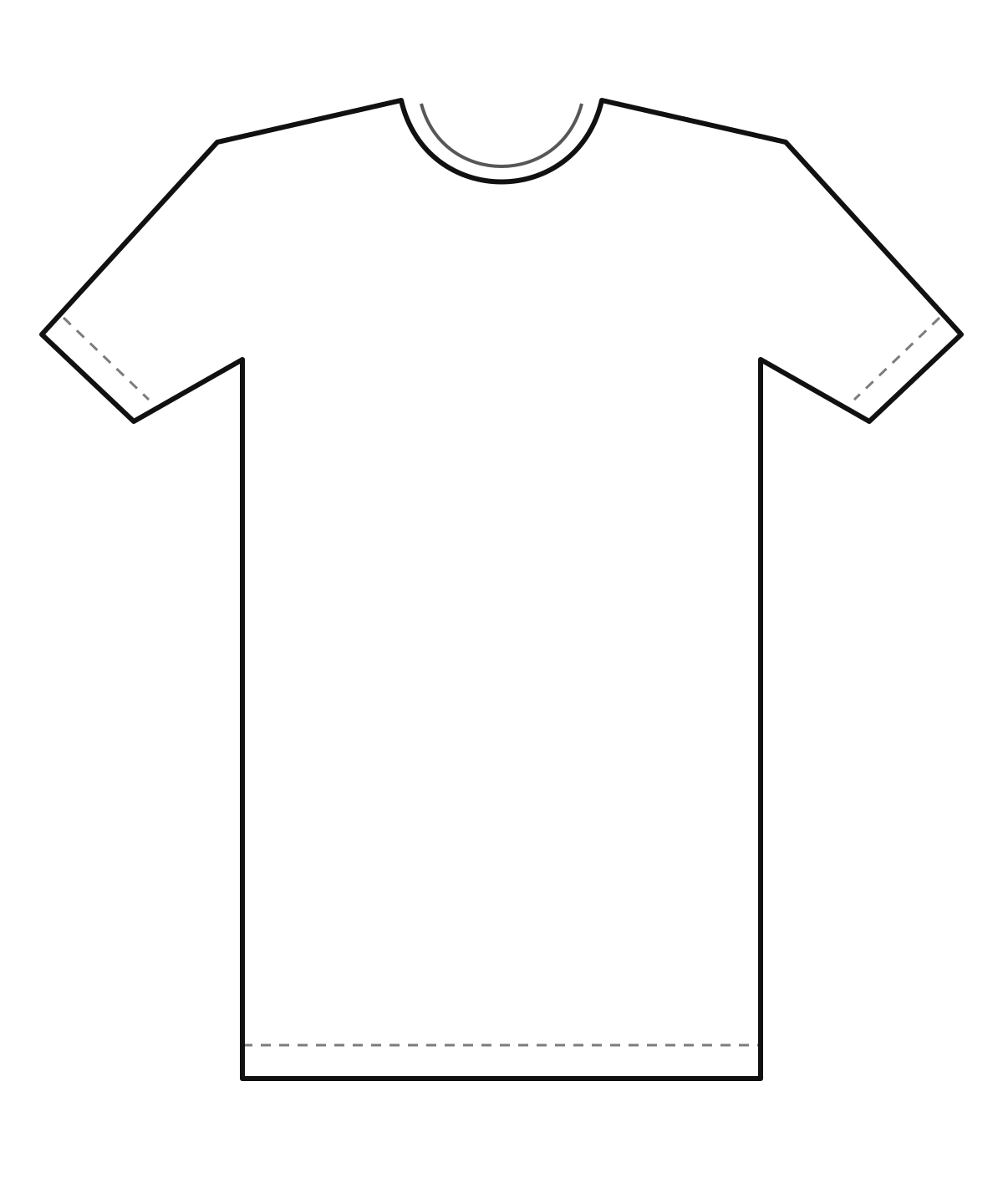
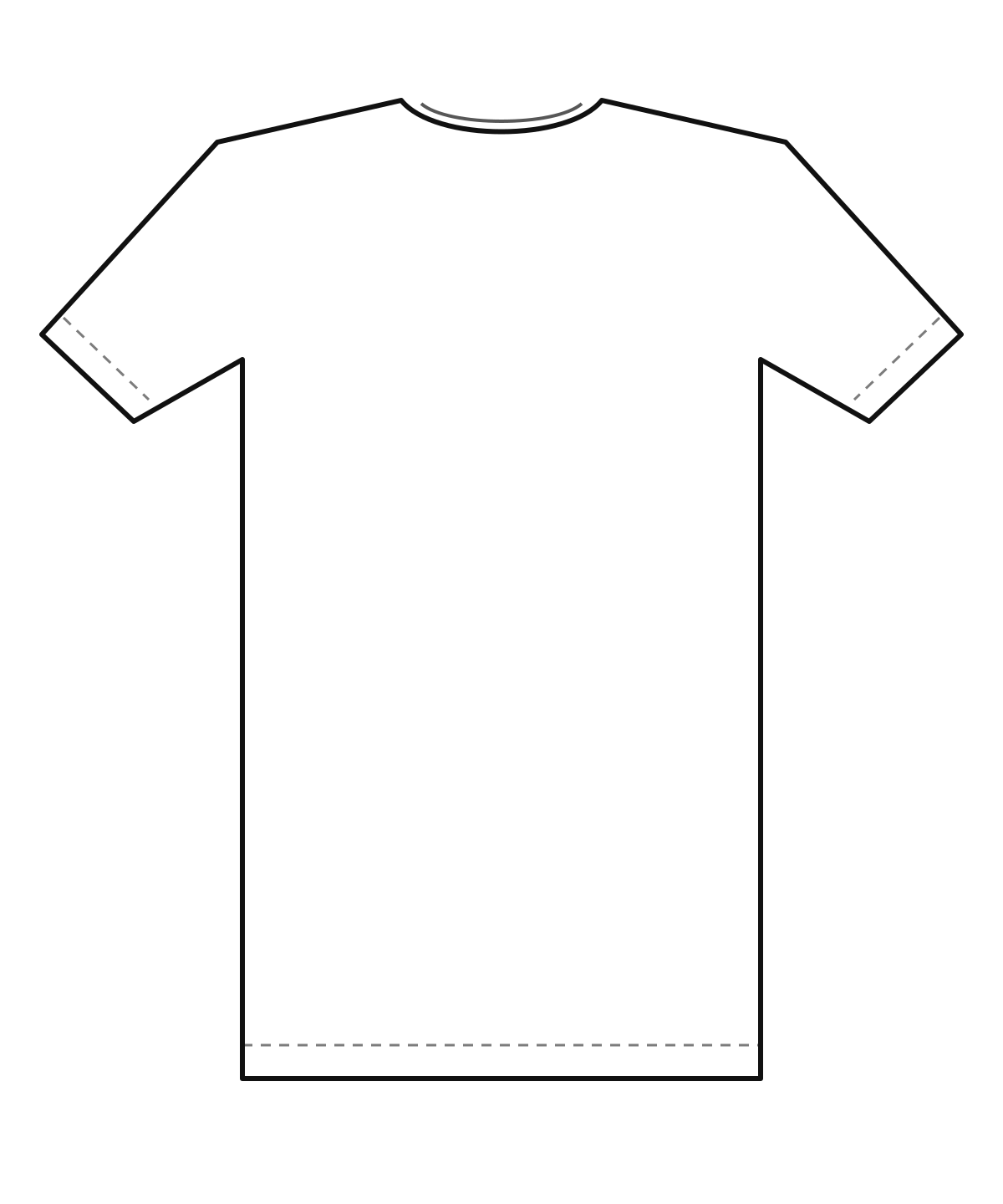
Download a clean blank T-shirt template for your design. Pick the front or back, add guides for the centre line and common print areas, drop in your artwork to check its size and resolution, then save a transparent PNG or an SVG. Free, no sign-up, and your image never leaves your device.
Updated November 2026
Make your T-shirt template
Choose a view and colour, switch the guides on or off, and download. Upload your artwork if you want to see how large it is on the shirt and what resolution it will print at.
View
Your image stays in your browser. It is not uploaded.
The checkerboard shows transparent areas. Guides are included in your download only when switched on.
Ready-made files with no guides or with guides: front, back, front with guides, back with guides.
What a T-shirt template is for
A T-shirt template is a flat outline of a shirt that you design on top of. It shows where the collar, shoulders, sleeves and hem are, so you can place a design in a sensible spot and at a sensible size. Designers use it in Photoshop, Illustrator, Canva, Figma or Procreate as a bottom layer, then hide it before exporting the artwork.
A template is not the same as a mockup. A template is an outline for layout. A mockup shows a realistic shirt with your design on it, to show customers or to put on a shop listing. Use the template to plan, and a mockup to present.
How to use the template
- Download the front or back outline as a PNG or SVG, with or without guides.
- Open it in your design app and put it on its own layer at the bottom.
- Draw your design on a separate layer above it. Keep the centre line in the middle of the artwork unless the design is meant to sit off-centre.
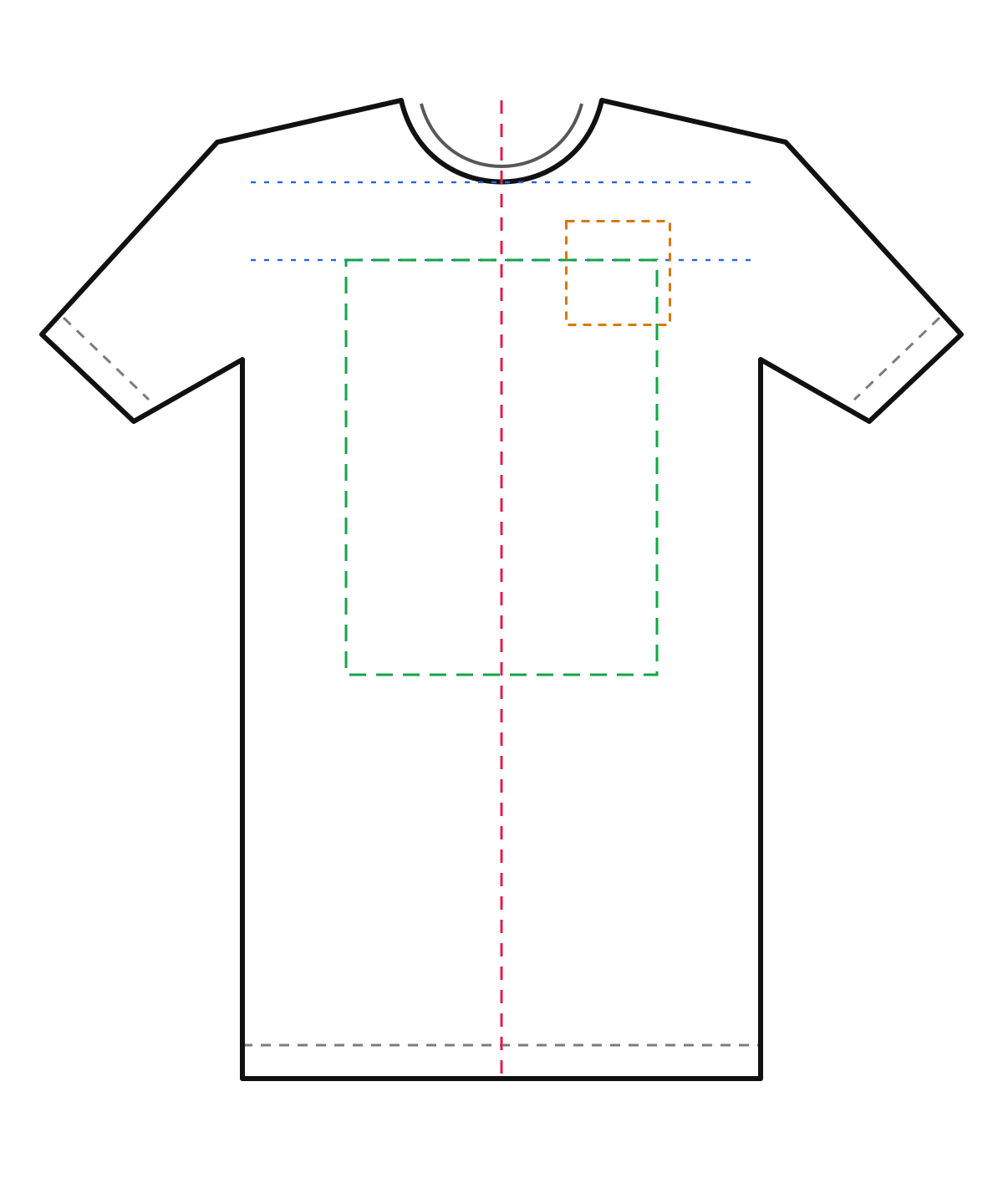
- Check the size against the guides. A full front design commonly sits inside a box of about 12 x 16 inches, a left-chest logo is about 4 inches across, and the top of a front design is often placed about 3 inches below the collar. Ask your printer for its own limits.
- Hide or delete the template layer before you export. Send your printer only the artwork, not the shirt outline.
Common print placements
| Placement | Typical size | Notes |
|---|---|---|
| Full front | Up to about 12 x 16 in | Centred, top about 3 in below the collar. Many printers set their own maximum. |
| Left chest | About 3.5 to 4 in wide | On the wearer’s left. Good for logos and small marks. |
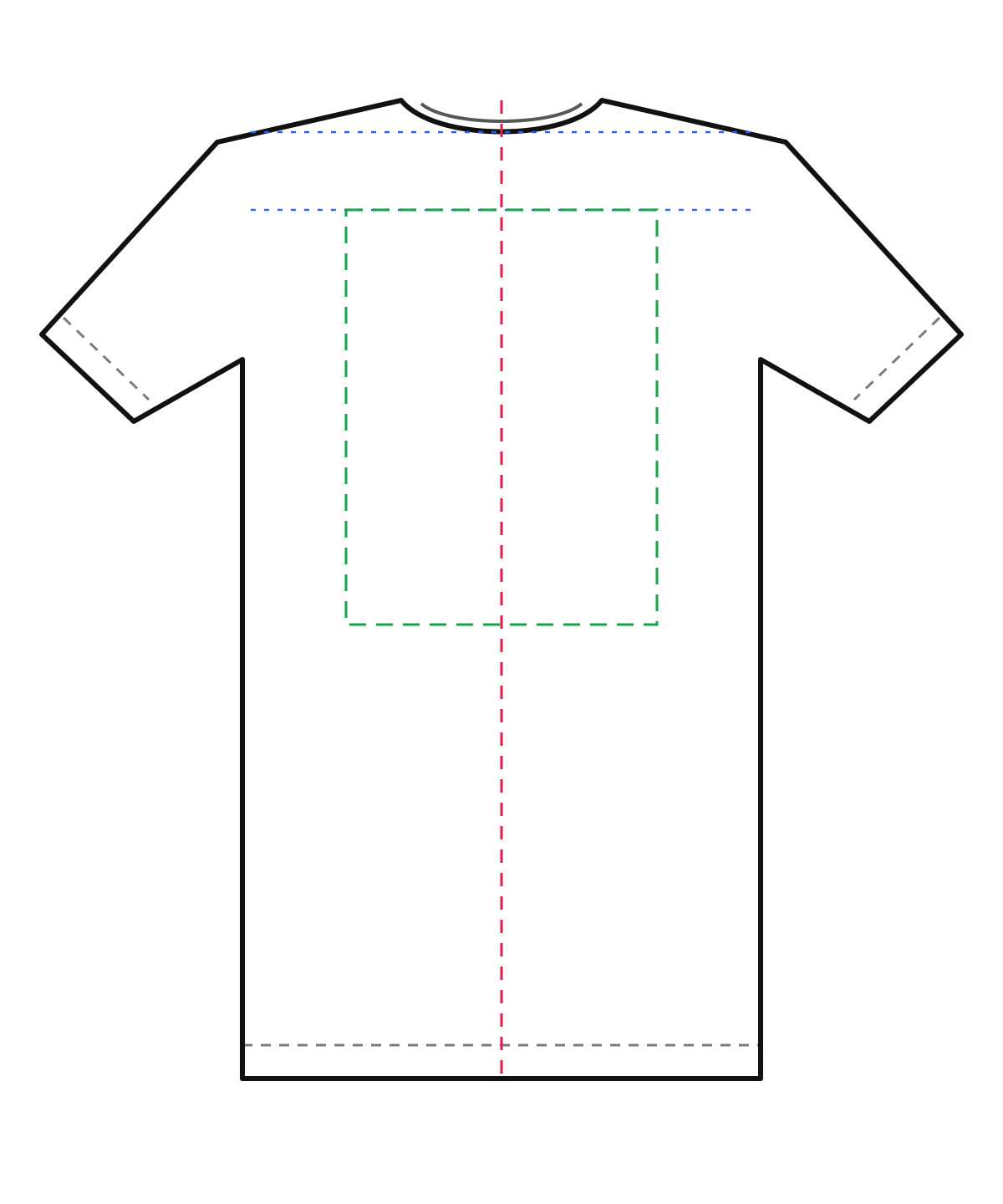
| Full back | Up to about 12 x 16 in | Often placed a few inches below the back neck. |
| Upper back / yoke | About 10 to 12 in wide, a few inches tall | Used for names, words or a small logo under the collar. |
| Sleeve | About 3 to 4 in | Small marks or short text. Check what your printer offers. |
These are starting points, not standards. The right size depends on the garment size, the style and the printer. Always read your printer’s artwork guide.
File format and resolution
Most print shops ask for a PNG with a transparent background at about 300 DPI at the final print size, or for a vector file such as SVG or PDF. DPI means dots per inch. A design that is 12 inches wide at 300 DPI needs an image about 3,600 pixels wide. If your image is smaller, the print will look soft or blurry.
The artwork checker above does this sum for you: it divides your image width in pixels by the print width in inches and shows the DPI. Aim for 300. Enlarging a small image in an editor does not add real detail, so start with a big canvas when you draw.
Make sure the background is transparent, not white. A white background can print as a white box on a coloured shirt.
Check before you send the file
- Is the artwork centred on the shirt, or placed on purpose?
- Is it inside your printer’s maximum print area?
- Is the resolution about 300 DPI at print size?
- Is the background transparent and the shirt outline removed?
- Will the colours show up on the shirt colour you chose? Dark ink on a black shirt disappears. Test your design on a dark and a light shirt.
- Are fonts converted to outlines, or is the text saved as part of the image?
- Do you own the rights to every image, font and logo in the design?
Adult, kids and different sizes
This template is drawn at a scale where the body is about 20 inches across, which suits a medium adult tee. A small, large or children’s shirt is a different size, and brands cut shirts differently. A design that fits a medium may look too big on a small shirt, so printers often scale the design for each size. If you sell many sizes, ask your printer whether it scales artwork or prints one size for all.
For other garments, use our polo, baby tee and black T-shirt mockups, or the hoodie and sweatshirt tools.
From template to product
Once your design is placed, order one real sample. Check the print size, the colours and how the print feels after a wash. Then work out your cost and price, make product photos and list the shirt. Our T-shirt business guide covers each step, and the mockup tools help you show the design before the shirts exist.
From blank template to finished T-shirt
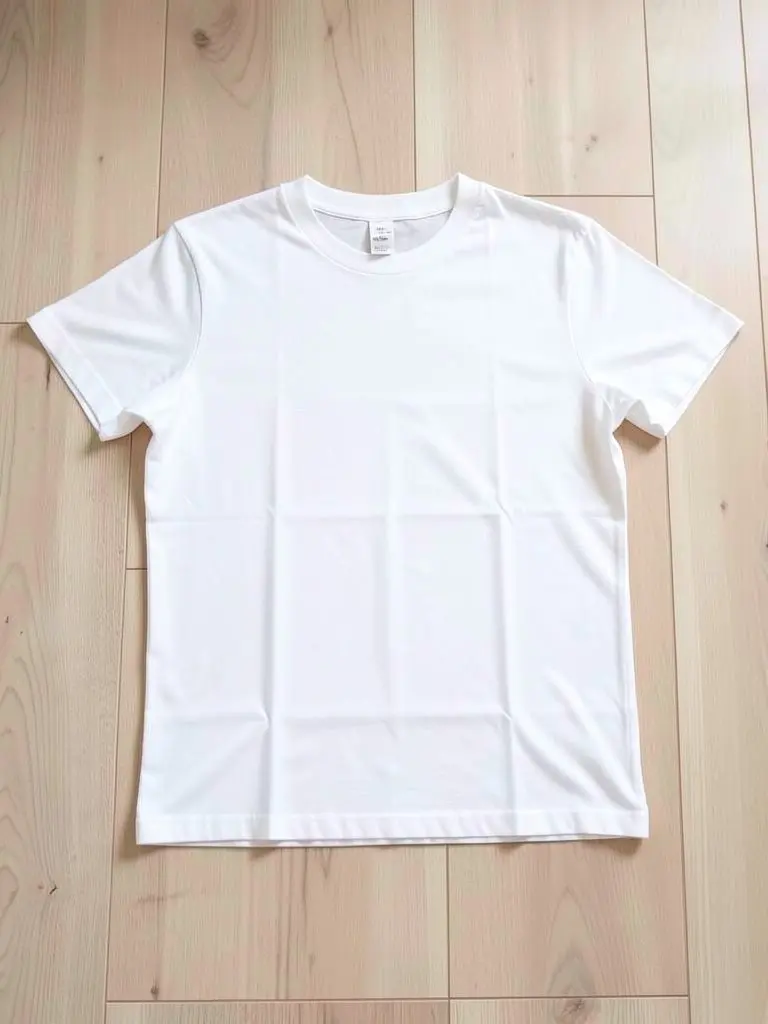
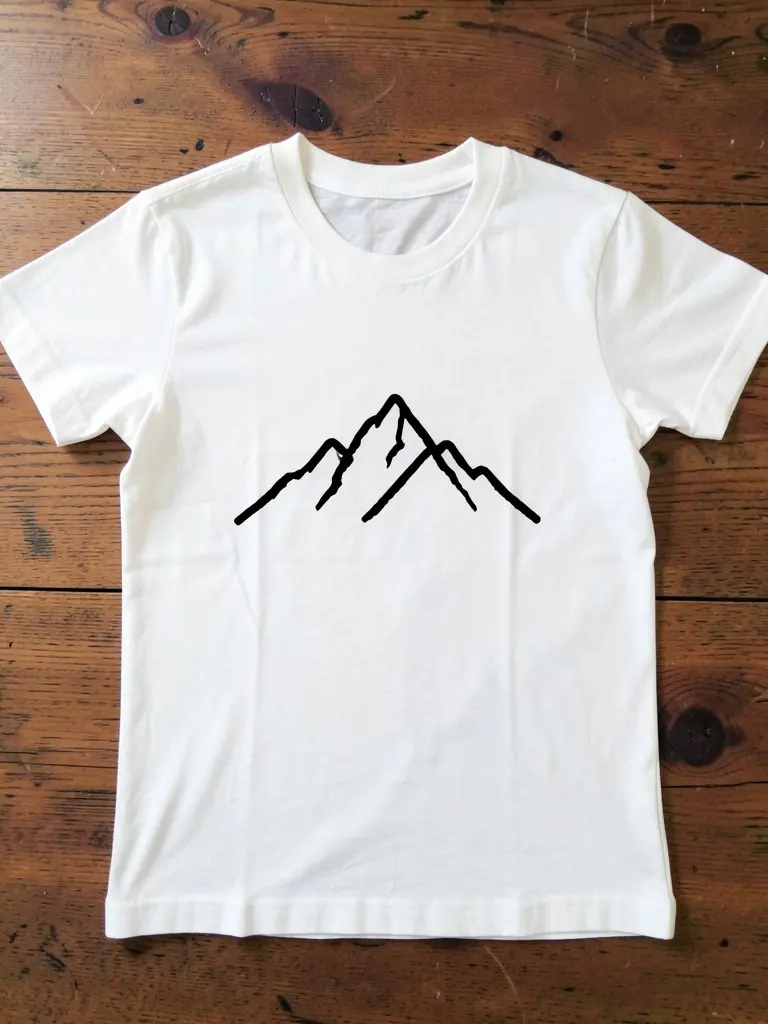
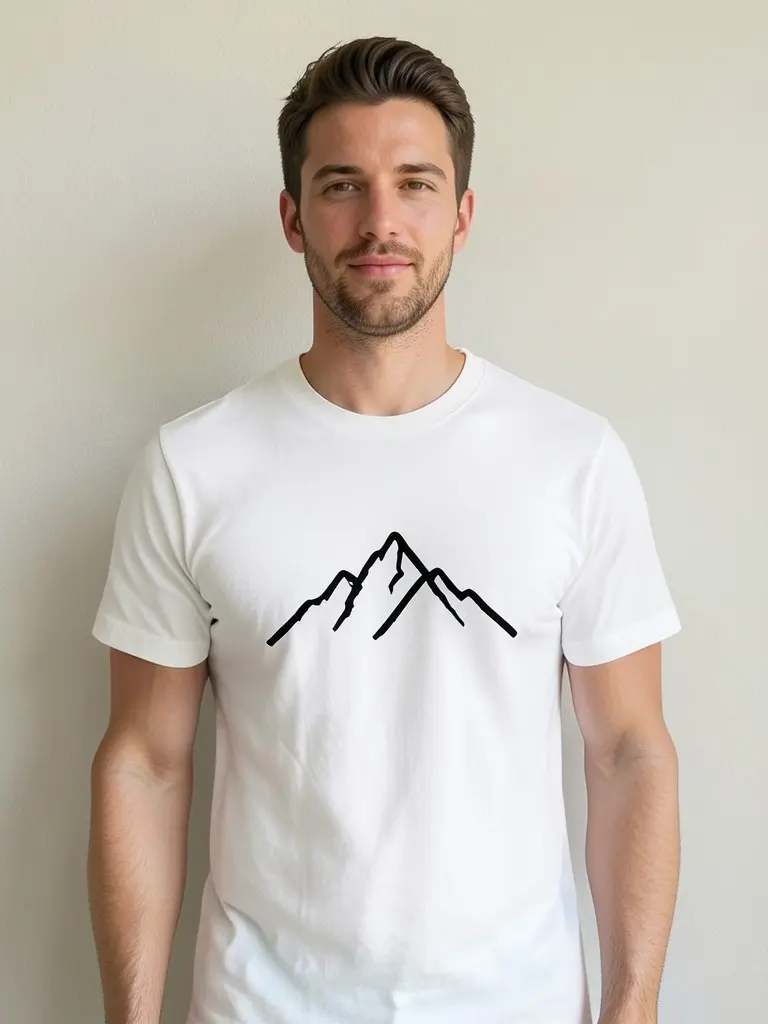
Your template shows where the artwork sits on a plain shirt. The printed shirt is the same idea on real cotton: a centred chest print on a blank tee, then the finished shirt worn so you can judge size and placement.
These example photos are AI-generated with our own model. They show a blank white tee, the same style with a chest print and the print worn on a model.
FAQ
Is this T-shirt template really free?
Yes. There is no sign-up, no watermark and no limit. You can download the PNG or SVG and use it in any design app.
What size is a T-shirt template?
There is no single size. This one shows an adult T-shirt at a scale of about 20 inches across the body, and the PNG downloads at 1200 or 3000 pixels wide. Use the guides for placement and your printer’s limits for final sizes.
What size should a T-shirt design be?
A full front design commonly fits in about 12 x 16 inches, and a left-chest logo is about 4 inches across. Printers set their own maximums, so check before you design.
What DPI should a T-shirt design be?
Most printers ask for about 300 DPI at the print size, with a transparent background. The artwork checker shows your effective DPI at the width you choose.
Can I use the template in Photoshop, Illustrator or Canva?
Yes. Open the PNG or SVG in any of them and keep it on a separate layer. Remove it before you export the artwork for printing.
Is my artwork uploaded?
No. The artwork stays in your browser. Nothing is uploaded or saved, and the download is created on your device.
How big should the chest print be on a T-shirt?
A common chest print is about 25 to 30 cm (10 to 12 in) wide, centred and a hand-width below the collar. Use the guides on the template to check yours before you send the file.
More free tools for clothing sellers
Apparel and merch mockups
Show your print or logo on blank apparel, hats, bags and tags before you make it.
- Apparel Mockup
- T-Shirt Mockup
- Front and Back T-Shirt Mockup
- Black T-Shirt Mockup
- White T-Shirt Mockup
- Tank Top Mockup
- Polo Shirt Mockup
- Sports Jersey Mockup
- Hoodie Mockup
- Black Hoodie Mockup
- Print on Demand Hoodie Mockup
- Sweatshirt Mockup
- Sweater Mockup
- Jacket Mockup
- Sweatpants Mockup
- Shorts Mockup
- Hat Mockup
- Cap Mockup
- Trucker Hat Mockup
- Bucket Hat Mockup
- Beanie Mockup
- Scarf Mockup
- Sock Mockup
- Apron Mockup
- Tote Bag Mockup
- Canvas Bag Mockup
- Shopping Bag Mockup
- Clothing Tag Mockup
- Embroidery Mockup
- Sticker Mockup
- Fonts for T-Shirts
- Puff Print Guide