AI Tools (5318)
Description Generator (19)
FREE- AI Description Generator
- Product Description Generator
- Outfit Description Generator
- Product Description Writer
- AI Business Description Generator
Name Generator (50)
FREE- Product Name Generator
- Restaurant Name Generator
- Project Name Generator
- Cafe Name Generator
- Coffee Shop Name Generator
Upload Your Design or Logo
The same color is used for both sides, as on a real shirt.
The back print is always large. Most brands pair a small front logo with a big back graphic.
Grey or white for store listings; lifestyle scenes work well for social posts and ads.
The options below are optional and already filled in.
Preview
Preview
Your image will appear here
Upload an image and click Generate to see your AI-enhanced preview
Front and Back T-Shirt Mockup Generator
Upload a design once and get one image of the same t-shirt from the front and from the back, with the print on both sides.
Overview
Streetwear and band merch often put a small logo on the chest and the big graphic on the back, and buyers want to see both. A single-view mockup hides half the product. This generator shows the front and the back of the same t-shirt together in one image. Your design goes large on the upper back, and on the front you choose a small left-chest logo, a small center print or a large print. Pick the layout: two flat lays side by side, two shirts on hangers, or one AI model shown from the front and from the back. It is one image for your listing's first photo, so shoppers see the whole shirt without clicking through.
- •Front and back in a single image
- •Small front logo + large back print
- •Flat lays, hangers or a model
- •8 tee colors
- •Same design on both sides from one upload
Example Results
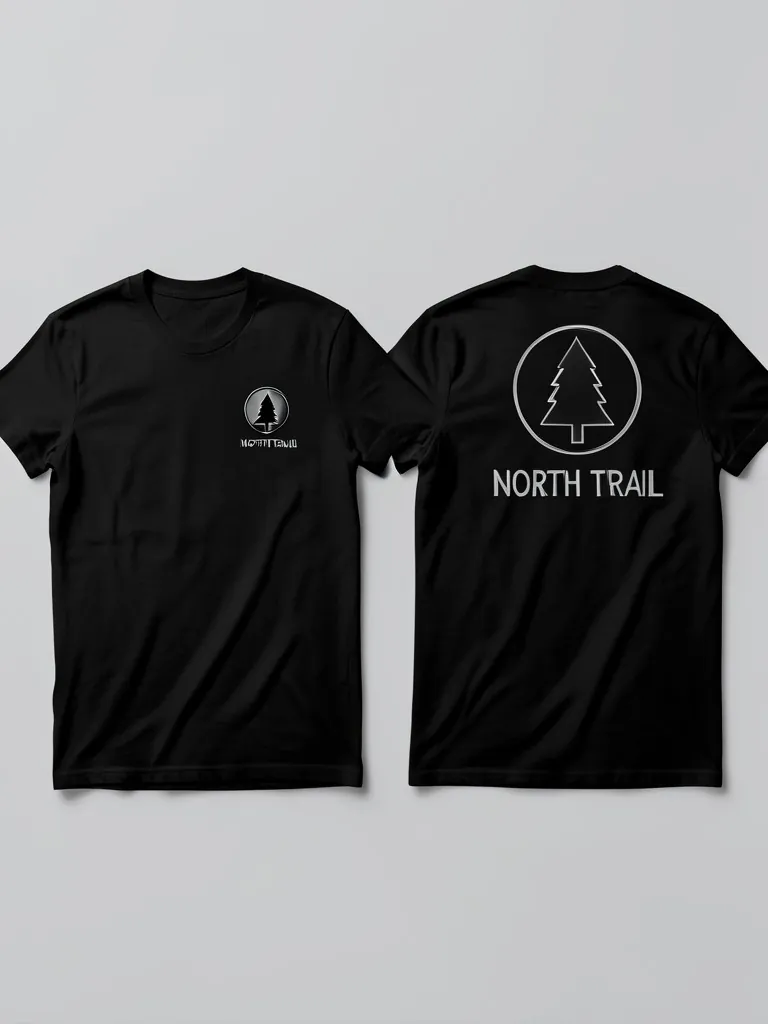
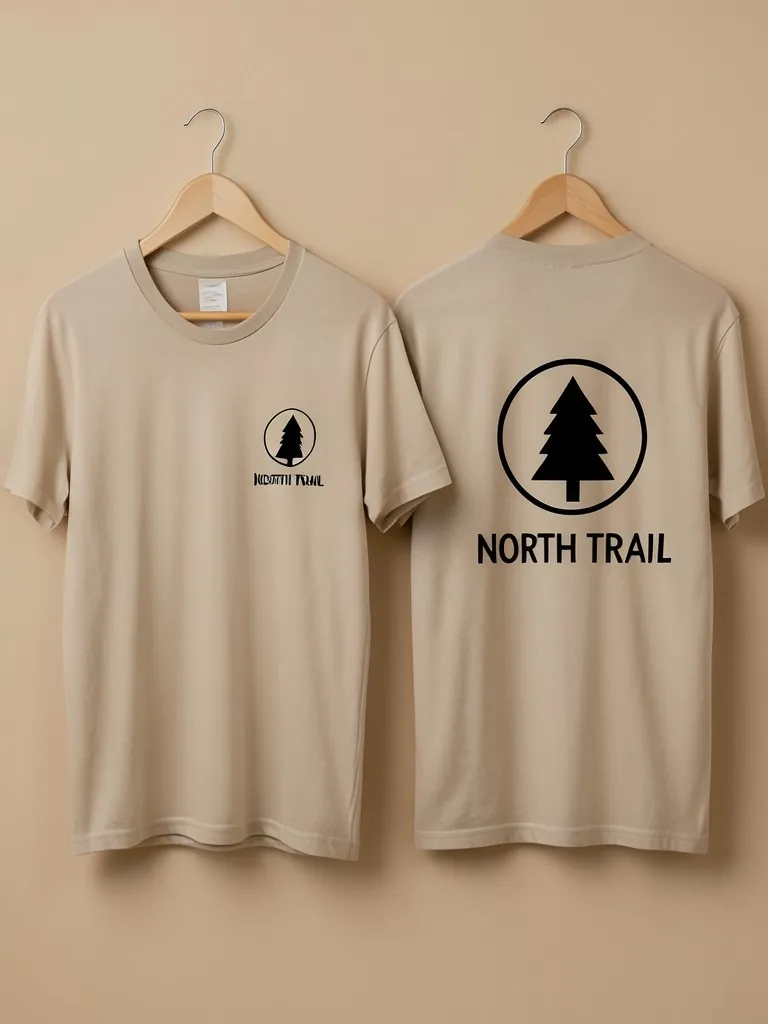
Features
Both sides at once
Front and back sit next to each other, so shoppers see the full shirt in one photo.
Made for back prints
The back always gets the large print, the way streetwear and tour shirts are made.
Model or flat lay
A model turned around shows how the back print sits on a body.
Free to try
Your first front and back mockup is free, no account needed.
How It Works
Upload your design
Upload the graphic once. It is used for both sides, so a bold logo or wordmark works best.
Pick the color and front print
Choose the tee color and how the front shows the design: small left chest, small center or large.
Choose the layout
Two flat lays, two hangers, or one AI model seen from the front and from the back.
Generate and download
Check both sides match your file, then download the image for your listing.
Use Cases
Streetwear brands
Show the chest logo and the back graphic of a drop in one listing image.
Key Benefits:
- •Sell the back print up front
- •One hero image per shirt
- •Matching style across a drop
Band and event merch
Preview tour or event shirts with a front logo and a back list or graphic.
Key Benefits:
- •Approve both sides at once
- •Easy to share with the team
- •No template files
Print-on-demand sellers
Make a first listing photo for double-sided tees on Etsy, Shopify or Amazon Merch.
Key Benefits:
- •Fewer listing photos needed
- •Clear for buyers
- •Works with any blank color
Frequently Asked Questions
It is one image that shows the same t-shirt from the front and from the back, so a buyer sees both printed sides together. It is used for shirts with a back print.
This tool uses one upload for both sides: small or large on the front and large on the back. For a different front design, make a second mockup with the T-Shirt Mockup tool and use both images in your listing.
The back print is placed large and centered on the upper back, the common size for streetwear and merch back graphics.
To show front and back in one image, the same AI model appears twice: once facing the camera and once turned around. Check that both prints match your file before you list it.
Yes. When the product exists, upload a photo of it to the Put Clothes on AI Model tool on this site, and an AI fashion model wears it in a studio or lifestyle shot. It is the next step after a mockup: the same design, now as a full on-model product photo.
No. Every model in these mockups is generated by AI and is an adult. No real person's face or body is used, so you do not need model releases.
Upload only artwork you made or have the rights to use. Do not upload other brands' logos, sports team marks or characters you do not own.
Yes, a free account. Press the button, then sign up free to see your first front and back t-shirt mockup. More mockups use credits from your free account or a plan; see the pricing page.
Apparel and merch mockups
Show your print or logo on blank apparel, hats, bags and tags before you make it.
- Apparel Mockup
- T-Shirt Mockup
- Black T-Shirt Mockup
- White T-Shirt Mockup
- Tank Top Mockup
- Polo Shirt Mockup
- Sports Jersey Mockup
- Hoodie Mockup
- Black Hoodie Mockup
- Print on Demand Hoodie Mockup
- Sweatshirt Mockup
- Sweater Mockup
- Jacket Mockup
- Sweatpants Mockup
- Shorts Mockup
- Hat Mockup
- Cap Mockup
- Trucker Hat Mockup
- Bucket Hat Mockup
- Beanie Mockup
- Scarf Mockup
- Sock Mockup
- Apron Mockup
- Tote Bag Mockup
- Canvas Bag Mockup
- Shopping Bag Mockup
- Clothing Tag Mockup
- Embroidery Mockup
- Sticker Mockup
- T-Shirt Template
- Fonts for T-Shirts
- Puff Print Guide