AI Tools (5318)
Description Generator (19)
FREE- AI Description Generator
- Product Description Generator
- Outfit Description Generator
- Product Description Writer
- AI Business Description Generator
Name Generator (50)
FREE- Product Name Generator
- Restaurant Name Generator
- Project Name Generator
- Cafe Name Generator
- Coffee Shop Name Generator
Upload Your Design or Logo
Grey or white for store listings; lifestyle scenes work well for social posts and ads.
The options below are optional and already filled in.
Preview
Preview
Your image will appear here
Upload an image and click Generate to see your AI-enhanced preview
Apparel Mockup Generator for Merch Sets
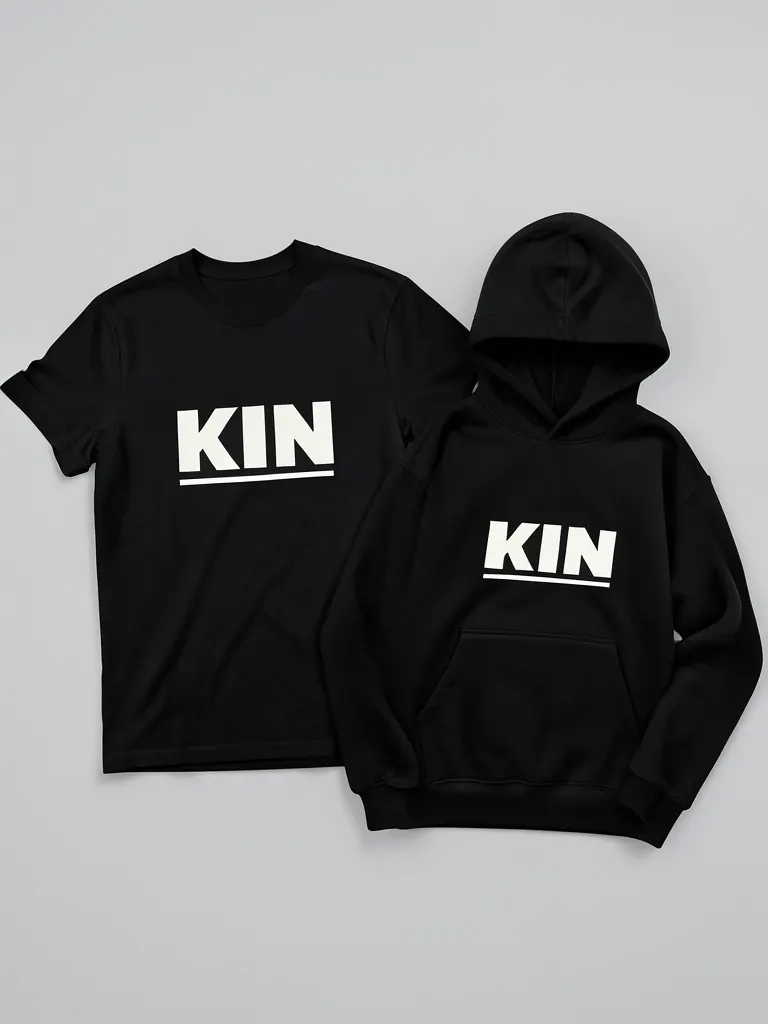
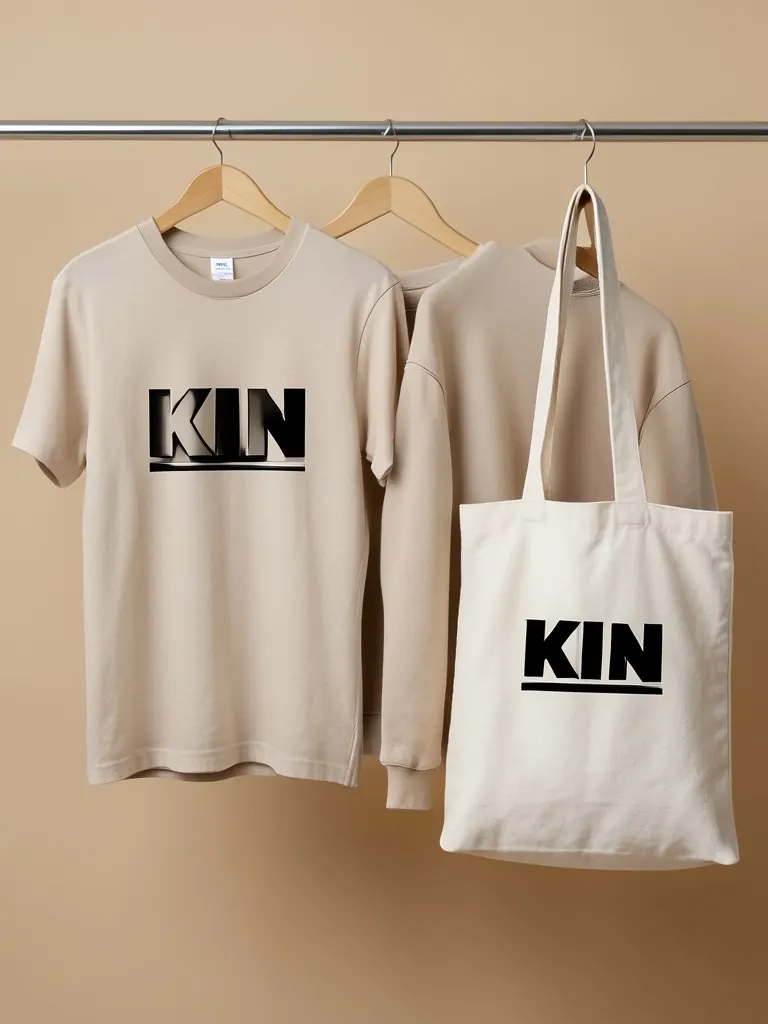
Upload your logo once and see a full merch set in one image: tee, hoodie, cap, tote or sweatpants, flat, on a rail or stacked.
Overview
A one-item mockup shows a product. A merch set shows a brand. When you launch a collection or pitch merch to a client, one image with the tee, hoodie and cap together sells the idea faster than three separate pictures. This generator puts your logo on four ready sets: tee, hoodie and cap; tee, sweatshirt and tote; hoodie, sweatpants and cap; or three tees, a long sleeve and a beanie. All items share one of seven colors. Show them as a flat lay, on a clothing rail or folded in a stack, with a large print or a small left-chest logo. Use it as a launch banner, a lookbook page or a merch proposal. As a merch maker preview, it shows how one logo looks across a whole merch line before you order samples or open a print-on-demand store. It is a picture to judge the look, not a print file.
- •A whole merch set in one image
- •Four ready sets with tees, hoodies, caps, totes and more
- •Seven matching colors
- •Flat lay, clothing rail or folded stack
- •Large print or small logo on every item
Example Results
Features
Whole collection
Several products in one picture, so the brand looks complete.
Rail and stack scenes
Looks like a store display or a studio flat lay.
One upload
Your logo goes on every item at once.
Exact logo
Letters and shapes are not redrawn on any item.
How It Works
Upload your logo
One file is printed on every item in the set.
Choose the set and color
Pick the items and one color for all of them.
Choose the layout and logo size
Flat lay, rail or stack, large or small.
Download
Use it as a launch banner, lookbook page or proposal.
Use Cases
New clothing brands
Show the first collection before it is produced.
Key Benefits:
- •Launch banner image
- •Pitch to stores or investors
- •Pre-sale posts
Merch agencies and printers
Send clients a merch proposal with their logo.
Key Benefits:
- •Win approvals faster
- •Show the whole package
- •No samples
Creators, bands and events
Plan a merch drop with matching pieces.
Key Benefits:
- •See the set together
- •Pick one color story
- •Share with your audience
Frequently Asked Questions
An apparel mockup is a realistic image of your design on clothing. This tool makes a set: several pieces with the same logo in one image, so you can show a whole collection.
Not yet. Every item in the set uses the same color, which is how most matching merch drops are shown.
Yes. This site has separate mockups for t-shirts, hoodies, sweatshirts, caps, tote bags and sweatpants.
Yes, if you have the client's permission to use their logo.
Yes. When the product exists, upload a photo of it to the Put Clothes on AI Model tool on this site, and an AI fashion model wears it in a studio or lifestyle shot. It is the next step after a mockup: the same design, now as a full on-model product photo.
No. Every model in these mockups is generated by AI and is an adult. No real person's face or body is used, so you do not need model releases.
Upload only artwork you made or have the rights to use. Do not upload other brands' logos, sports team marks or characters you do not own.
Yes, a free account. Click Generate, then sign up free to see your result. New accounts get 20 free credits every month, and each mockup uses 1 credit.
Yes. A free account gets 20 free credits every month, and each apparel mockup uses 1 credit, so you can test several colors, sets and layouts for your merch line without paying.
Yes, as a preview. Upload your logo, see it on a tee, hoodie and cap in one image, and choose a color and logo size before you set up products in a print-on-demand store. The picture is for judging the look and for banners or proposals; it is not a print file, so keep your original artwork for production.
Black and white are the safest starting colors because most logos read well on them. Heather grey and navy suit simple one-color logos, and sand or forest green fit a softer streetwear look. Try two or three colors and compare the results before you commit.
It is a merch preview maker. Upload your logo and it shows a full merch set (tee, hoodie, cap, tote or sweatpants) so you can judge the line before you order samples. It does not print or sell products. For a first product, see our merch ideas guide, or try the T-Shirt Design Generator to test a graphic on a worn tee.
Apparel and merch mockups
Show your print or logo on blank apparel, hats, bags and tags before you make it.
- T-Shirt Mockup
- Front and Back T-Shirt Mockup
- Black T-Shirt Mockup
- White T-Shirt Mockup
- Tank Top Mockup
- Polo Shirt Mockup
- Sports Jersey Mockup
- Hoodie Mockup
- Black Hoodie Mockup
- Print on Demand Hoodie Mockup
- Sweatshirt Mockup
- Sweater Mockup
- Jacket Mockup
- Sweatpants Mockup
- Shorts Mockup
- Hat Mockup
- Cap Mockup
- Trucker Hat Mockup
- Bucket Hat Mockup
- Beanie Mockup
- Scarf Mockup
- Sock Mockup
- Apron Mockup
- Tote Bag Mockup
- Canvas Bag Mockup
- Shopping Bag Mockup
- Clothing Tag Mockup
- Embroidery Mockup
- Sticker Mockup
- T-Shirt Template
- Fonts for T-Shirts
- Puff Print Guide