AI Tools (5318)
Description Generator (19)
FREE- AI Description Generator
- Product Description Generator
- Outfit Description Generator
- Product Description Writer
- AI Business Description Generator
Name Generator (50)
FREE- Product Name Generator
- Restaurant Name Generator
- Project Name Generator
- Cafe Name Generator
- Coffee Shop Name Generator
Upload Your Clothing Photo
Use the ghost mannequin or flat lay shot as the main image, then add an on-model and a detail shot.
White for marketplace main images; grey, beige or wood for your own store and social posts.
The options below are optional and already filled in.
Preview
Preview
Your image will appear here
Upload an image and click Generate to see your AI-enhanced preview
AI Clothing Product Photography
Turn a quick phone photo of a garment into a clean studio product photo: ghost mannequin, flat lay, folded, detail or on a model.
Overview
Good clothing product photography sells the garment before the shopper touches it: clean light, no clutter, true colors and a shape that shows how it fits. A studio shoot for every new style costs time and money, so most small sellers end up listing a creased item on a bed. Here you upload that phone photo, choose the type of shot your store needs and a background, and the AI removes the room, smooths the fabric and gives you a catalog-style product photo of the same garment. Choose the white studio background for a white background clothing photo: marketplaces such as Amazon ask for a pure white main image (RGB 255, 255, 255) with the garment filling most of the frame, no props, text or logos, and on a model for many clothing categories. The AI aims for a clean white studio look, but a generated white is not guaranteed to be exactly 255, so check the background with the eyedropper in a free editor and clean it if the marketplace is strict.
- •Five photo types: ghost mannequin, flat lay, folded, detail and on a model
- •Works from a phone photo on a bed, a floor, a hanger or a rack
- •Keeps the garment's color, print, logo and stitching
- •White, grey, beige, wood or home backgrounds
- •AI-generated adult models of different ethnicities, no model fees
Example Results
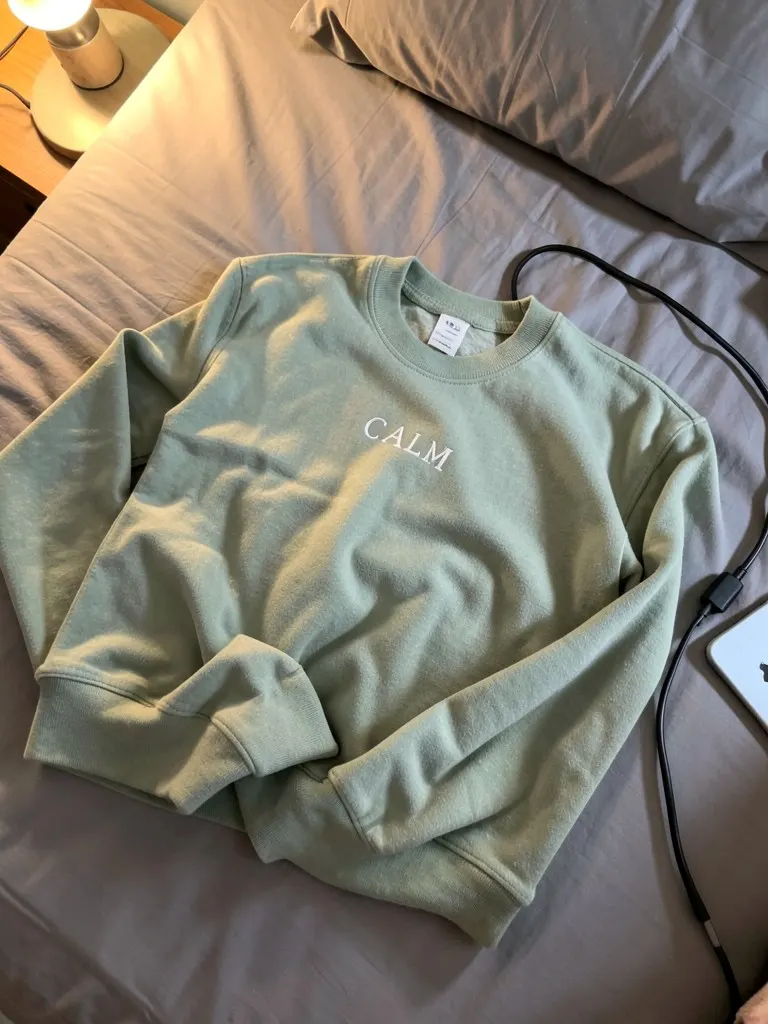
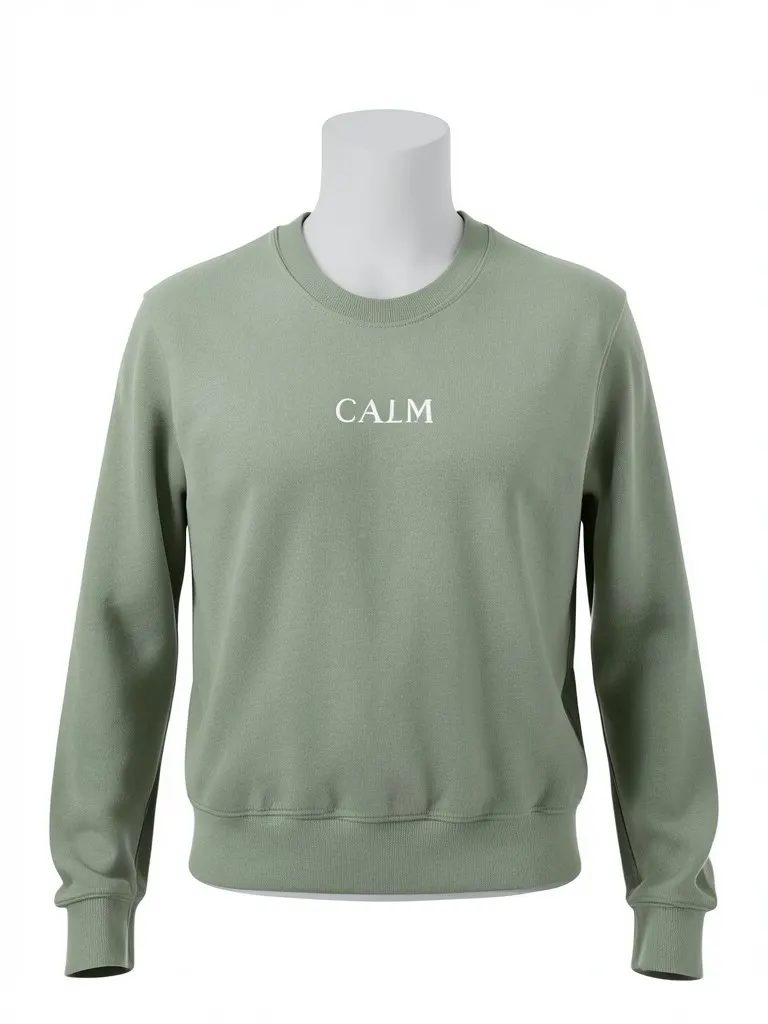
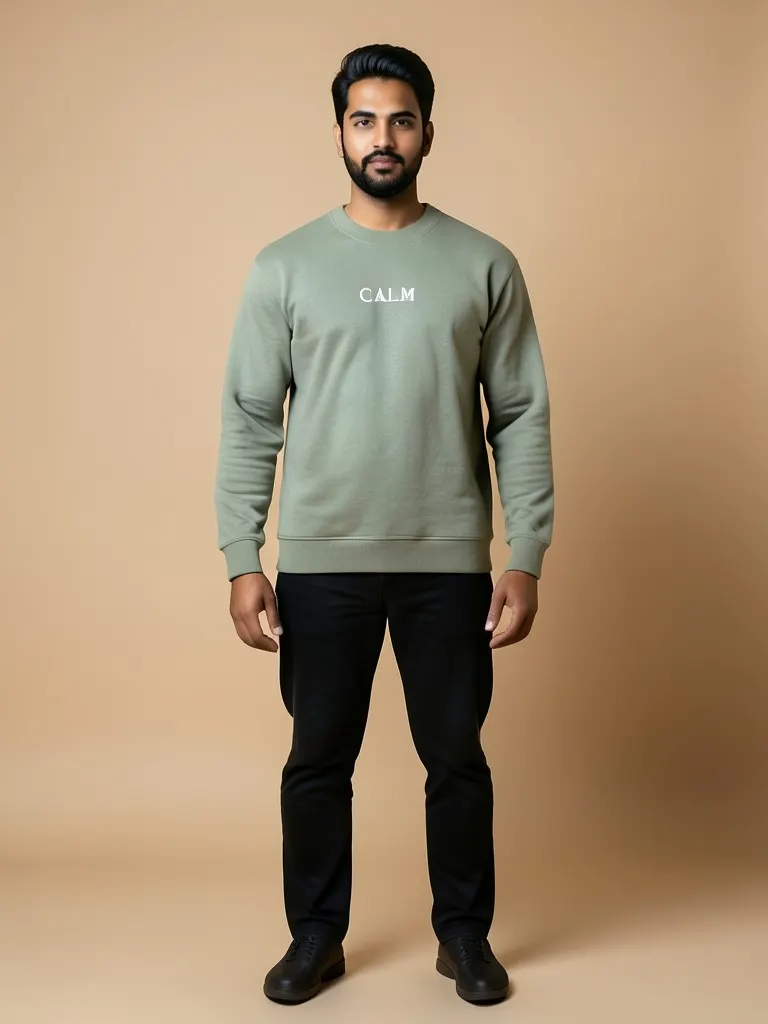
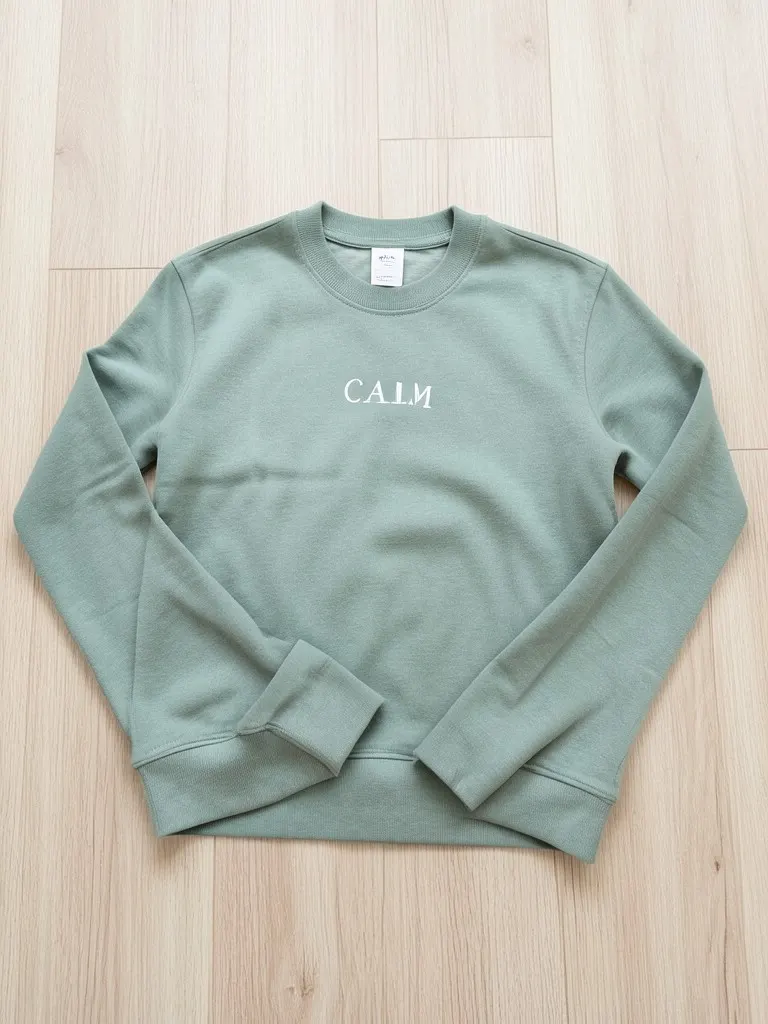
Features
A full product photo set from one picture
Make the main image, a flat lay, a detail shot and an on-model photo from the same upload.
Room and clutter removed
Beds, floors, hangers, hands, tags and anything else around the garment are taken out.
Same garment, cleaned up
The AI keeps the color, print and stitching and only smooths creases and fixes the light.
Consistent catalog look
Use one background and one photo type for every product so the whole store looks like one shoot.
How It Works
Photograph the garment
Lay it flat or hang it in daylight and take one sharp photo with the whole item in frame. Any background is fine.
Upload the photo
Drop the picture into the tool at the top of the page.
Pick the photo type
Ghost mannequin or flat lay for the main image, folded for bundles and stacks, a detail close-up for fabric, or a model to show fit.
Choose a background
Pure white for Amazon, Etsy and Shopify main images; grey, beige, wood or a home scene for extra photos.
Generate and compare
Check the result against the real garment, then download it and repeat with the next photo type to build a full set.
Use Cases
Small clothing brands
Shoot new styles and samples on a phone and publish studio-looking product photos the same day.
Key Benefits:
- •No studio or photographer per drop
- •Same look across every product
- •On-model shots without a model booking
Resellers and thrift sellers
List second-hand and vintage pieces on Depop, Vinted, Poshmark or eBay with tidy photos that stand out in search.
Key Benefits:
- •Messy rooms removed
- •Flat lay and folded shots
- •Faster listing for one-off items
Boutiques and home sellers
Turn photos of stock taken in the shop or at home into clean images for Instagram, WhatsApp catalogs and your website.
Key Benefits:
- •Works from any background
- •White or warm backgrounds
- •Detail shots of fabric and embroidery
Frequently Asked Questions
It is the set of photos an online store uses to sell a garment: usually a main image on a plain background, a ghost mannequin or flat lay shot, close-ups of the fabric and details, and photos on a model. Apparel product photography and apparel photography mean the same thing.
Most stores use a white or light grey main image (ghost mannequin or flat lay), a back view, one or two detail close-ups, and at least one on-model photo so shoppers see the fit. Make each one here by changing the photo type and generating again.
Use daylight from a window, keep the whole garment in frame, hold the phone straight above or in front of it, and make sure the print and the neckline are visible. Wrinkles and a messy background are fine; blur and very dark photos are not.
The AI is told to keep the color, print, logo and stitching unchanged, and plain tees, sweatshirts, shirts, jeans and dresses come out closest. Small text, fine logos and sheer fabric are the hardest. Compare every result with the real item before you publish it.
A ghost mannequin shot shows the garment's 3D shape and looks more premium; a flat lay is simple, consistent and popular on social media and resale apps. Many stores use one style for every main image and keep the other for extra photos.
Yes, the white studio background suits main images on most marketplaces and stores. Each marketplace has its own image rules (Amazon requires a model for the main image in some clothing categories), so check your category before you upload.
No. Every model in these mockups is generated by AI and is an adult. No real person's face or body is used, so you do not need model releases.
Upload photos of products you own, make or are allowed to sell. The tool is for your own listings, not for copying other stores' photos.
Yes, a free account. Click Generate, then sign up free to see your result. New accounts get 20 free credits every month, and each product photo uses 1 credit.
Choose White studio as the background for a white background clothing photo, and pick ghost mannequin or an on-model shot. Amazon's clothing guide asks for a pure white main image (RGB 255, 255, 255), the garment filling most of the frame and no props, text or logos. A generated white is not guaranteed to be exactly 255, so sample the corner with an eyedropper in a free editor and clean it up if needed. Check your category's rules before you upload.
Marketplaces usually want children's clothing shown flat or on a ghost mannequin, without a child model. This tool only makes adult AI models, so for kids' items choose Flat lay or Ghost mannequin.
All tools: AI product photos by product
Store photos for each kind of product: dresses, jeans, jackets, shoes, bags, watches, sunglasses and jewelry.
- AI Dress Photography
- AI Jeans Photography
- AI Jacket Photography
- AI Sportswear Photos
- AI Streetwear Photos
- AI Shoes Model
- AI Handbag Photography
- AI Watch Photography
- AI Sunglasses Model
- AI Jewelry Model
- AI Handkerchief Photography
- AI Headphones Photography
- AI Ecommerce Product Photography
- AI Ghost Mannequin Generator
- AI Flat Lay Generator
- How to Photograph Clothing on a Mannequin
- Clothes Color Changer
- Dress Color Changer