AI Tools (5318)
Description Generator (19)
FREE- AI Description Generator
- Product Description Generator
- Outfit Description Generator
- Product Description Writer
- AI Business Description Generator
Name Generator (50)
FREE- Product Name Generator
- Restaurant Name Generator
- Project Name Generator
- Cafe Name Generator
- Coffee Shop Name Generator
Upload Your Product Photo
Start with the white background main image, then add lifestyle, on-model and detail shots.
Tells the AI what it is looking at, so a bag is carried and shoes are worn.
The options below are optional and already filled in.
Preview
Preview
Your image will appear here
Upload an image and click Generate to see your AI-enhanced preview
AI Ecommerce Product Photography for Fashion Sellers
Upload a phone photo of clothing, shoes, a bag, jewelry or an accessory and get marketplace-ready product photos.
Overview
Ecommerce product photography has one job: show the product so clearly that the shopper does not need to see it in person. Marketplaces want a clean main image on white; your store and ads need lifestyle photos, on-model shots and close-ups. This tool makes all of them from one phone picture of a product you sell. Pick the product type and the photo style, and the AI removes the background and clutter, fixes the light and gives you an image ready for Amazon, Etsy, Shopify, Daraz, Flipkart or Instagram.
- •White background main images for marketplace listings
- •Grey studio, lifestyle, on-model and detail shots
- •For clothing, shoes, bags, jewelry and accessories
- •Keeps the product's shape, color, logo and hardware
- •No studio, lightbox or photographer needed
Example Results
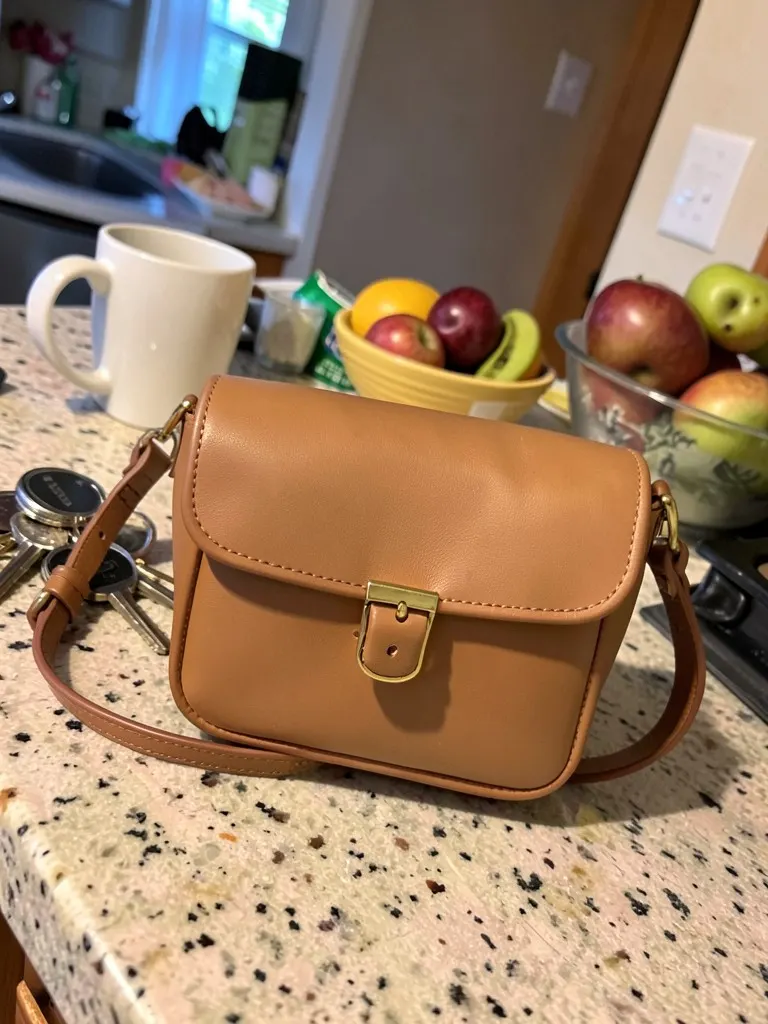
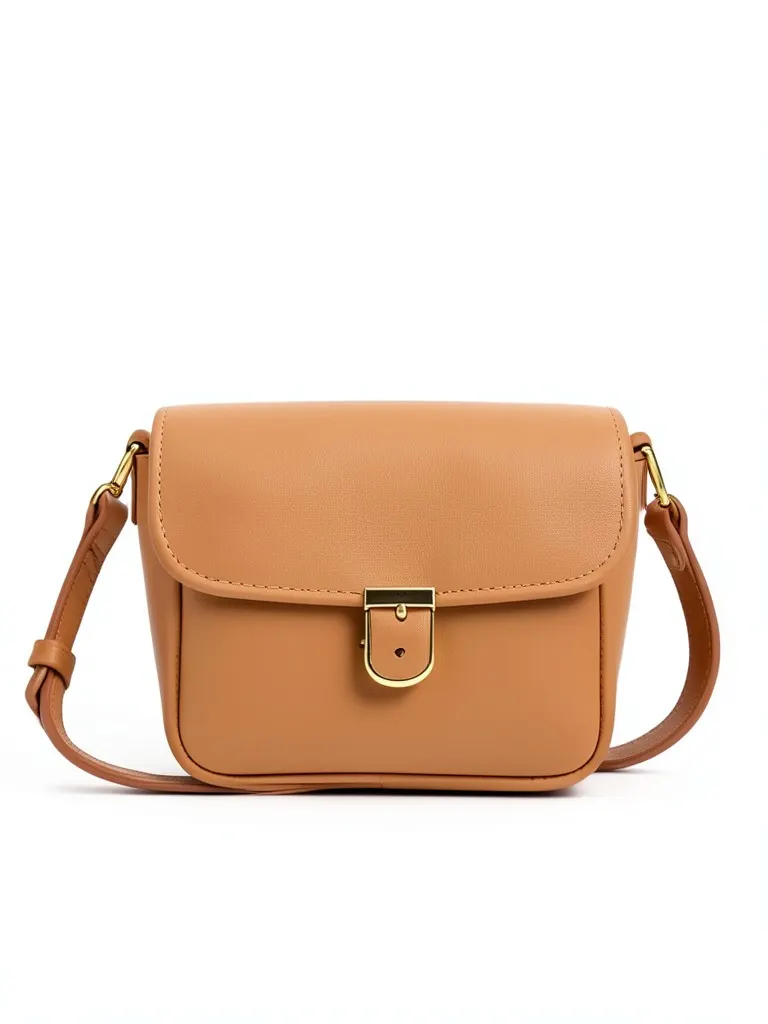
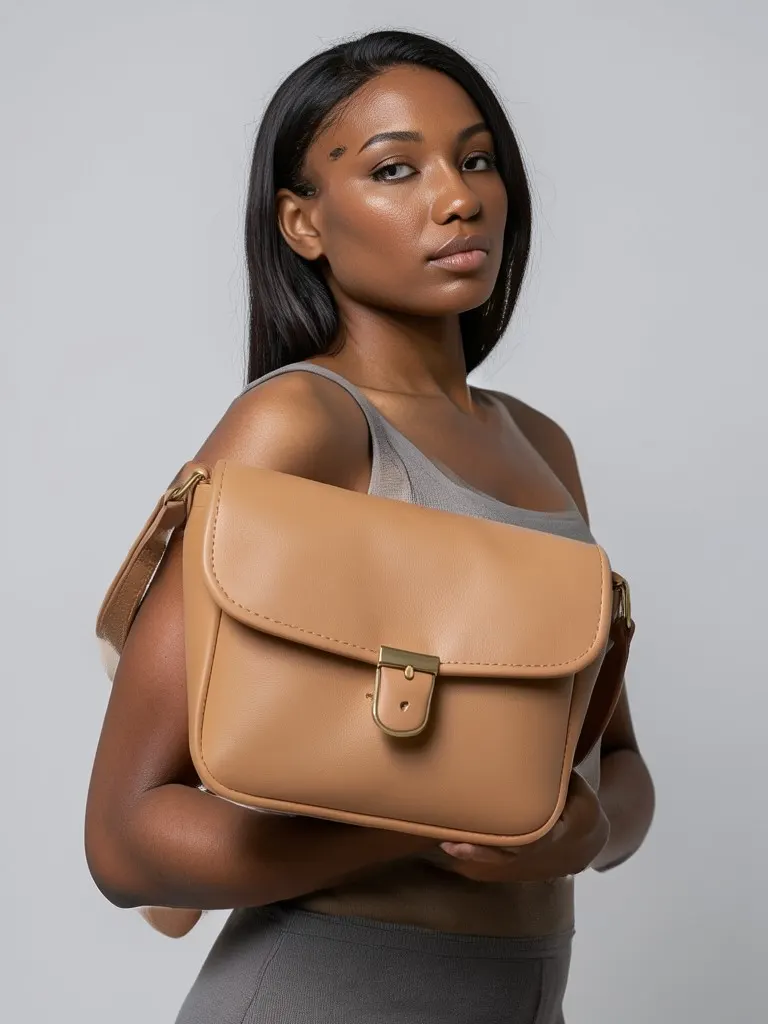
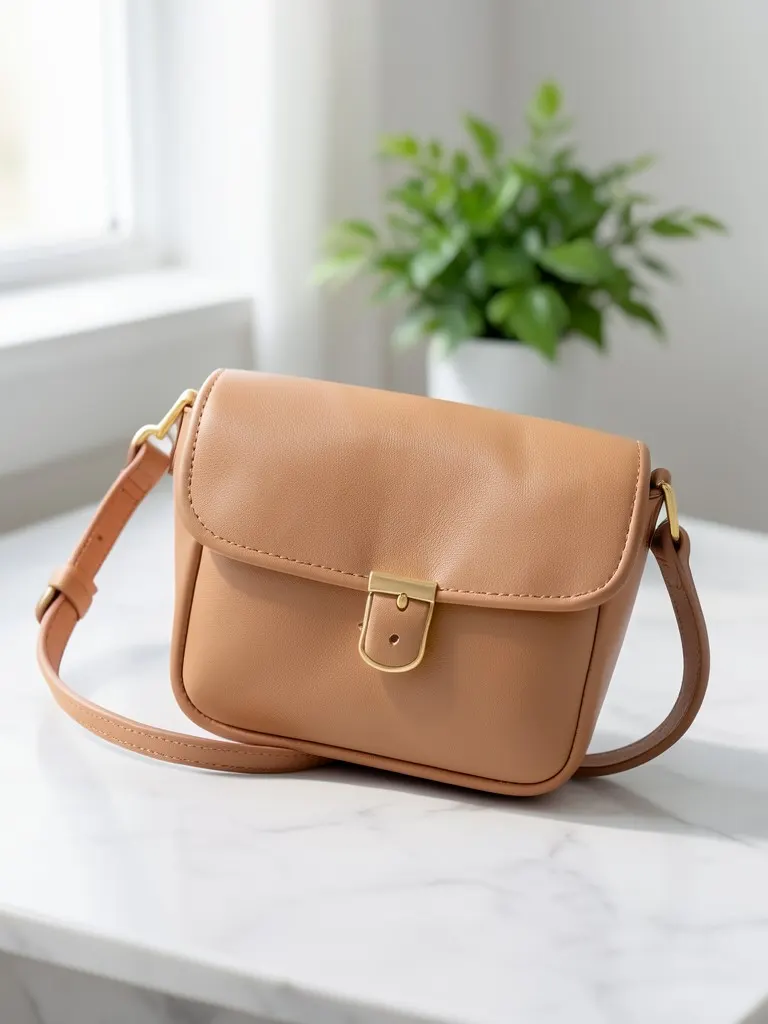
Features
Marketplace-ready white background
Main images with the product centered on pure white, no props and no text, the style most marketplaces ask for.
Lifestyle scenes without a set
Place the product on a wooden table or marble surface in soft daylight for your store and social posts.
Worn or carried by a model
Show bags carried, shoes worn and jewelry on an AI-generated adult model, so shoppers see size and scale.
A whole gallery from one upload
Make the main image, a packshot, a lifestyle photo, an on-model photo and a close-up from the same picture.
How It Works
Take one clear phone photo
Put the product near a window, keep it fully in frame and in focus. The background does not matter.
Upload it and pick the product type
Clothing, shoes, bag, jewelry or accessory, so the AI shows it the right way.
Choose a photo style
White background for the main listing image, then lifestyle, on-model or detail for the extra images.
Generate, compare, download
Check the result against the real product and download it. Change the style and generate again to complete the gallery.
Use Cases
Marketplace sellers
Make compliant main images and extra gallery photos for Amazon, Etsy, eBay, Daraz or Flipkart listings.
Key Benefits:
- •White background in one click
- •Same look across listings
- •Extra gallery images
Shopify and website stores
Give every product page a consistent set of studio, lifestyle and on-model photos.
Key Benefits:
- •Consistent product pages
- •Lifestyle images for banners
- •No photo studio cost
Instagram and WhatsApp shops
Post clean product photos and catalog images from pictures taken at home or in the shop.
Key Benefits:
- •Works from any background
- •Lifestyle shots for posts
- •Fast for new stock
Frequently Asked Questions
It is the product photos an online store or marketplace listing uses: a clean main image, usually on white, plus extra images that show the product from other angles, in use, on a model and up close. Good ecommerce photos reduce returns because shoppers know what they are buying.
A white background puts all attention on the product and makes search results look tidy. Amazon requires a pure white background for the main image, and Etsy, eBay, Google Shopping and most stores work best with a plain white or light main image.
A white background main image, one or two other angles, a lifestyle photo, a photo on a model for anything worn or carried, and a close-up of the material or hardware. Make each of these here by changing the photo style.
No. A phone photo near a window is enough. Keep the product sharp and fully in frame; the AI replaces the background and evens out the light.
The AI is told to keep the shape, color, material, logo and hardware unchanged. Simple products with clear shapes come out closest; tiny text, fine engravings and transparent materials are the hardest. Always compare the result with the real product before you publish it.
It is built for fashion sellers: clothing, shoes, bags, jewelry and accessories such as watches, sunglasses, belts, hats and scarves. For clothing on a body, the Put Clothes on AI Model tool gives you more model and pose choices.
No. Every model in these mockups is generated by AI and is an adult. No real person's face or body is used, so you do not need model releases.
Upload photos of products you own, make or are allowed to sell. The tool is for your own listings, not for copying other stores' photos.
Yes, a free account. Click Generate, then sign up free to see your result. New accounts get 20 free credits every month, and each product photo uses 1 credit.
AI product photos by product
Store photos for each kind of product: dresses, jeans, jackets, shoes, bags, watches, sunglasses and jewelry.
AI Clothing Product Photography
- AI Dress Photography
- AI Jeans Photography
- AI Jacket Photography
- AI Sportswear Photos
- AI Streetwear Photos
- AI Shoes Model
- AI Handbag Photography
- AI Watch Photography
- AI Sunglasses Model
- AI Jewelry Model
- AI Handkerchief Photography
- AI Headphones Photography
- AI Ghost Mannequin Generator
- AI Flat Lay Generator
- How to Photograph Clothing on a Mannequin
- Clothes Color Changer
- Dress Color Changer