AI Tools (5318)
Description Generator (19)
FREE- AI Description Generator
- Product Description Generator
- Outfit Description Generator
- Product Description Writer
- AI Business Description Generator
Name Generator (50)
FREE- Product Name Generator
- Restaurant Name Generator
- Project Name Generator
- Cafe Name Generator
- Coffee Shop Name Generator
Upload Your Design or Logo
Clothing brands often put stickers on mailer bags and boxes, or add one free to each order.
Plain surfaces suit store listings; wood and linen look warmer on social posts.
The options below are optional and already filled in.
Preview
Preview
Your image will appear here
Upload an image and click Generate to see your AI-enhanced preview
Sticker Mockup Generator
Upload your logo or design and see it as a real sticker: die-cut, kiss-cut, holographic, clear or a sheet, on a laptop, bottle or package.
Overview
Many clothing brands sell stickers next to their tees, or drop one into every order so the brand ends up on laptops and bottles. This generator shows your logo or design as a printed sticker before you order a roll. Choose a die-cut sticker with a white border, a kiss-cut on a backing sheet, a holographic sticker, a clear sticker or a sheet of four. Then put it where buyers will see it: on a laptop, a water bottle, a shipping box, a mailer bag, in a hand, or on its own. Use the image for your store listing, your packaging plan or a 'free sticker with every order' post.
- •Die-cut, kiss-cut, holographic, clear and sheet stickers
- •On a laptop, bottle, box, mailer or in a hand
- •Packaging previews for clothing orders
- •Plain or warm surfaces for listings and posts
- •Your artwork stays exact
Example Results
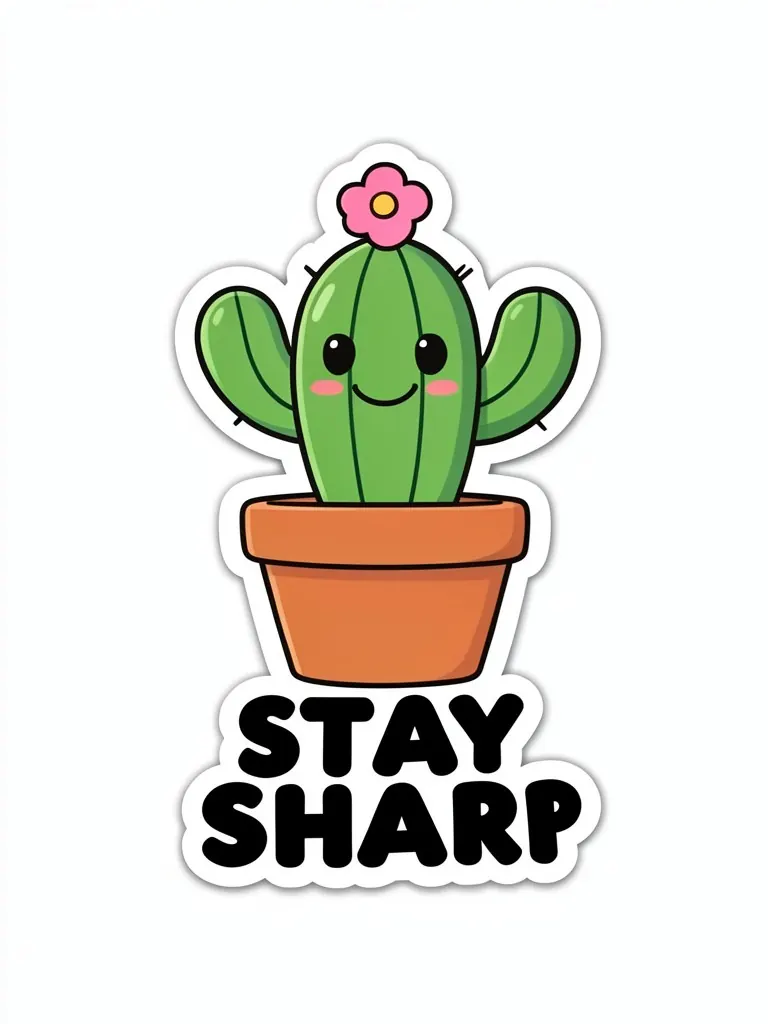
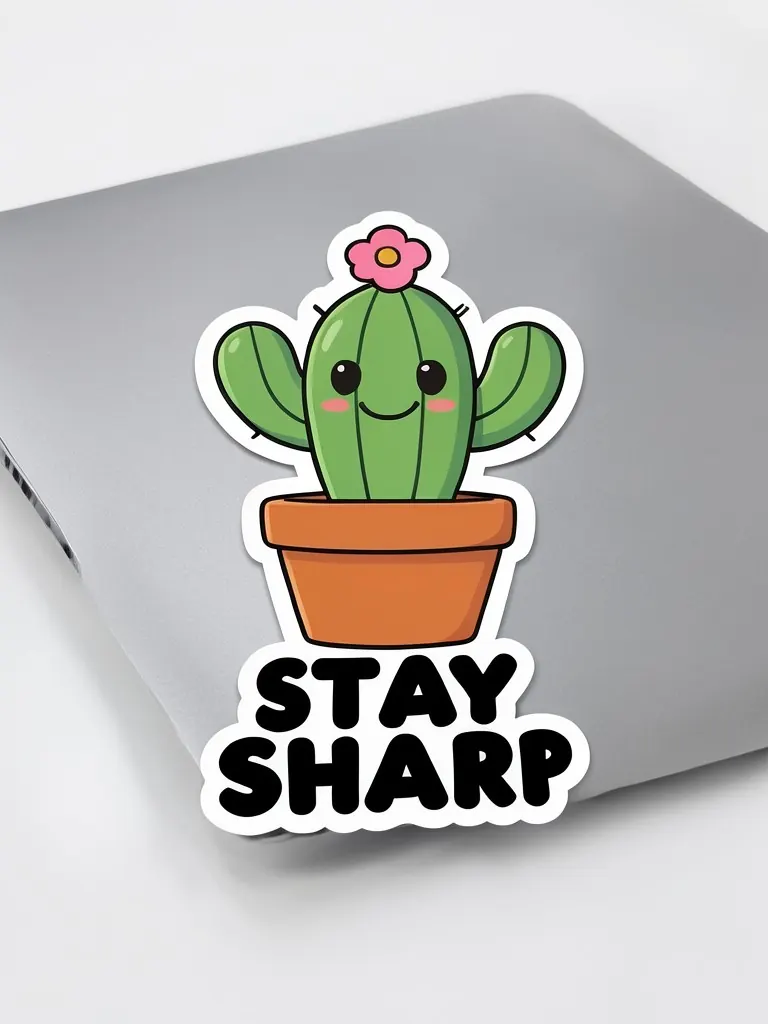
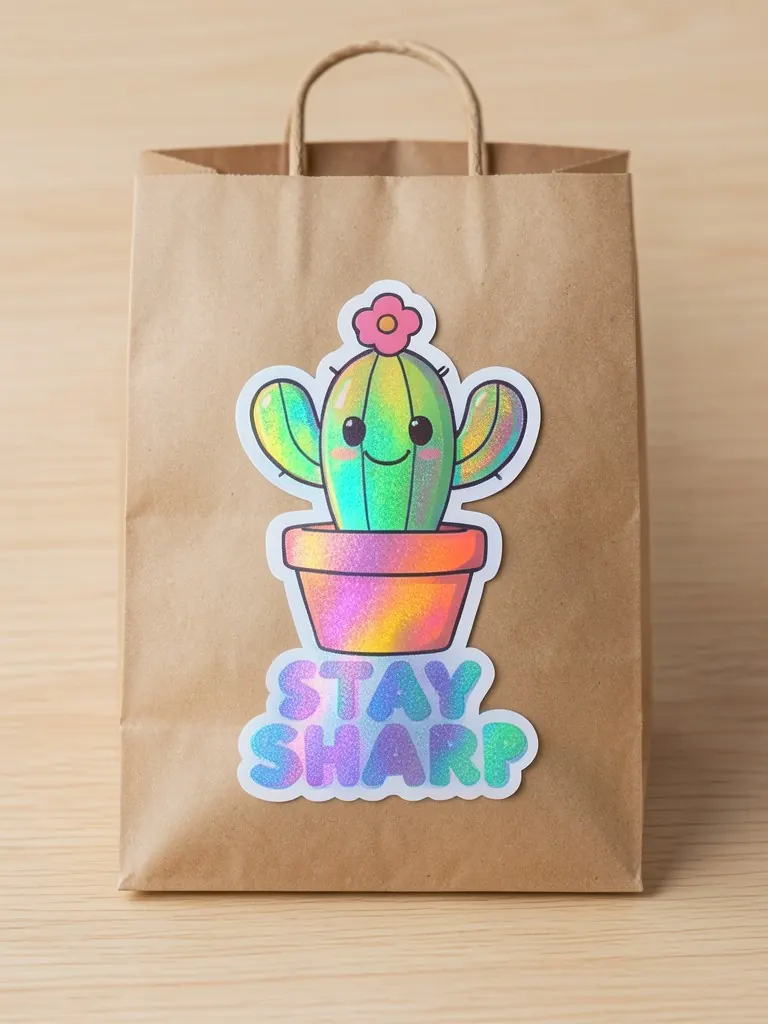
Features
Five sticker types
Holographic shimmer, clear film and white die-cut borders all look different.
Packaging scenes
See your sticker on a mailer or shipping box, the way customers receive it.
Quick previews
Try several sticker types before ordering a roll.
Exact artwork
Your logo keeps its shapes and colors.
How It Works
Upload your design
A transparent PNG gives the cleanest die-cut edge.
Choose the sticker type
Die-cut, kiss-cut, holographic, clear or a sheet.
Choose where it goes
Laptop, bottle, box, mailer bag, hand or on its own.
Download
Save it for a listing, a packaging plan or a social post.
Use Cases
Clothing brands
Plan a free sticker for every order, or seal mailers with your logo.
Key Benefits:
- •Preview the unboxing
- •Pick the sticker type
- •Use in launch posts
Print-on-demand and merch shops
Sell stickers next to tees and hoodies.
Key Benefits:
- •Listing images in minutes
- •Match your merch
- •No samples
Small makers and artists
Turn designs into a sticker range.
Key Benefits:
- •See sheets and singles
- •Choose holographic or clear
- •Easy to share
Frequently Asked Questions
A die-cut sticker is cut through the backing, so the whole sticker has the design's shape. A kiss-cut sticker is cut only through the top layer and stays on a square backing sheet.
Yes. Choose 'Clear' and only the design shows, with the surface visible around it. Upload a PNG with a transparent background.
A free sticker in each order is cheap marketing: customers put it on laptops and bottles. Stickers also seal mailer bags and boxes with your logo.
Yes. Use the clothing tag mockup for neck labels and hang tags.
No. Every model in these mockups is generated by AI and is an adult. No real person's face or body is used, so you do not need model releases.
Upload only artwork you made or have the rights to use. Do not upload other brands' logos, sports team marks or characters you do not own.
Yes, a free account. Click Generate, then sign up free to see your result. New accounts get 20 free credits every month, and each mockup uses 1 credit.
Apparel and merch mockups
Show your print or logo on blank apparel, hats, bags and tags before you make it.
- Apparel Mockup
- T-Shirt Mockup
- Front and Back T-Shirt Mockup
- Black T-Shirt Mockup
- White T-Shirt Mockup
- Tank Top Mockup
- Polo Shirt Mockup
- Sports Jersey Mockup
- Hoodie Mockup
- Black Hoodie Mockup
- Print on Demand Hoodie Mockup
- Sweatshirt Mockup
- Sweater Mockup
- Jacket Mockup
- Sweatpants Mockup
- Shorts Mockup
- Hat Mockup
- Cap Mockup
- Trucker Hat Mockup
- Bucket Hat Mockup
- Beanie Mockup
- Scarf Mockup
- Sock Mockup
- Apron Mockup
- Tote Bag Mockup
- Canvas Bag Mockup
- Shopping Bag Mockup
- Clothing Tag Mockup
- Embroidery Mockup
- T-Shirt Template
- Fonts for T-Shirts
- Puff Print Guide