AI Tools (5318)
Description Generator (19)
FREE- AI Description Generator
- Product Description Generator
- Outfit Description Generator
- Product Description Writer
- AI Business Description Generator
Name Generator (50)
FREE- Product Name Generator
- Restaurant Name Generator
- Project Name Generator
- Cafe Name Generator
- Coffee Shop Name Generator
Upload Your Clothing Photo
Tell the AI where the garment goes, so it styles the rest of the outfit plainly.
Run the same garment through several shots to build a full listing set.
Keep the same model for the whole set, so the shots look like one shoot.
The options below are optional and already filled in.
Preview
Preview
Your image will appear here
Upload an image and click Generate to see your AI-enhanced preview
AI Garment Photoshoot: Turn One Garment Photo into a Full On-Model Shoot
One garment photo in, a complete on-model shoot out: front, back, detail and lifestyle shots with the same model.
Overview
A product listing that sells clothes needs more than one picture. Shoppers want the front, the back, a close look at the fabric and a picture of the piece being worn somewhere real. A studio day for that set costs a photographer, a model, a stylist and a retoucher for every new drop. Here you upload one photo of the garment, even a phone picture of it laid flat or on a hanger, keep the same model selected, and shoot it through the set: a white-studio front image for the main listing photo, a back view, a three-quarter angle, a fabric close-up and two lifestyle scenes. Each shot keeps the garment's color, print and details, so the whole set looks like one shoot. The two lifestyle shots, a city street and a bright home interior, double as lifestyle product photography for clothing: the garment worn in a real setting for your collection page, ads and social posts, without booking a location or a model.
- •First photo free with a free account
- •Seven shots that make a full listing set: front, back, three-quarter, detail, street, home and lookbook
- •Same model across the set, so it reads as one shoot
- •Works from flat lay, hanger, mannequin or packshot photos
- •Keeps color, print, logo and stitching
- •Women and men, several ethnicities and body types, all adults
Example Results
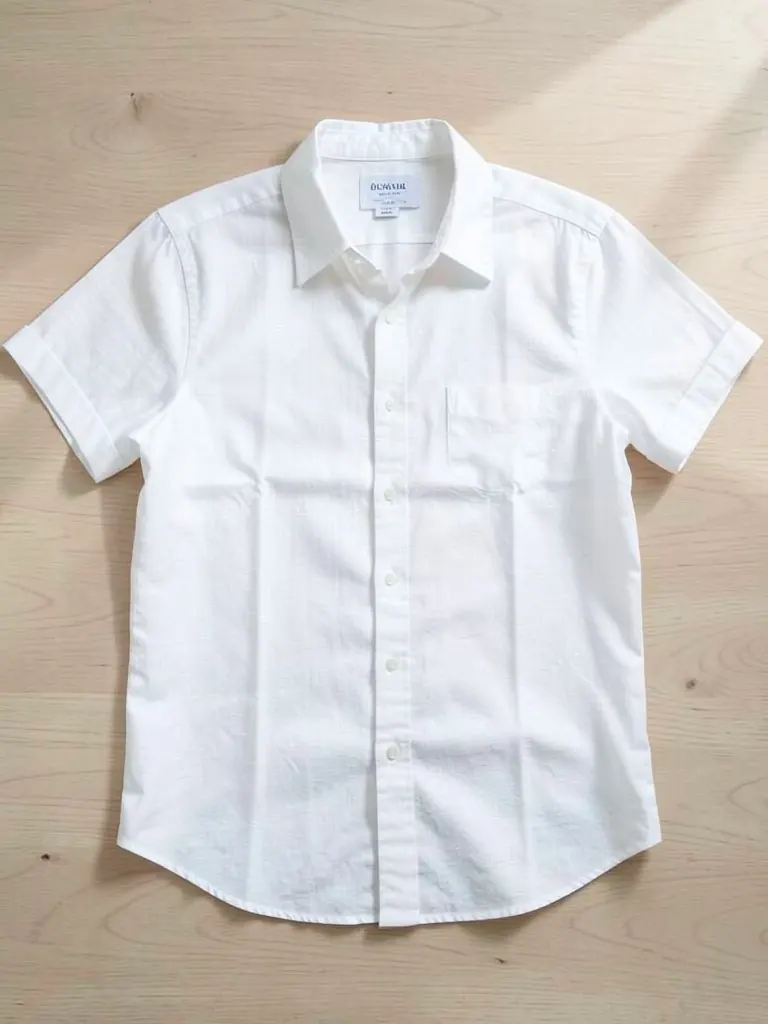
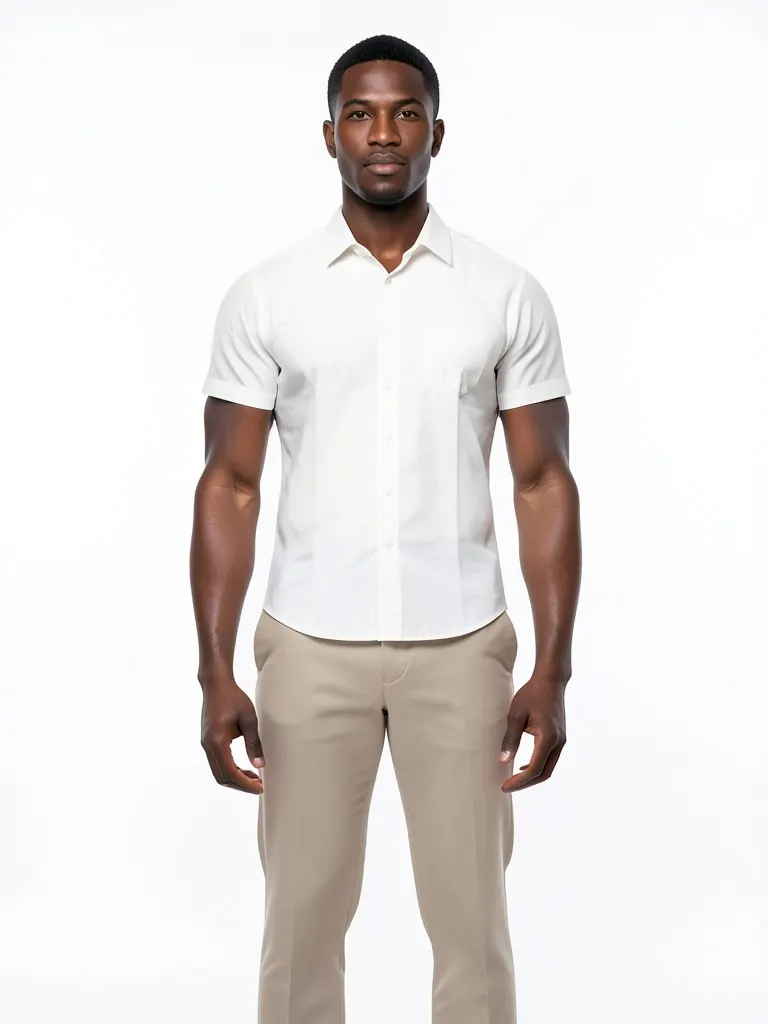
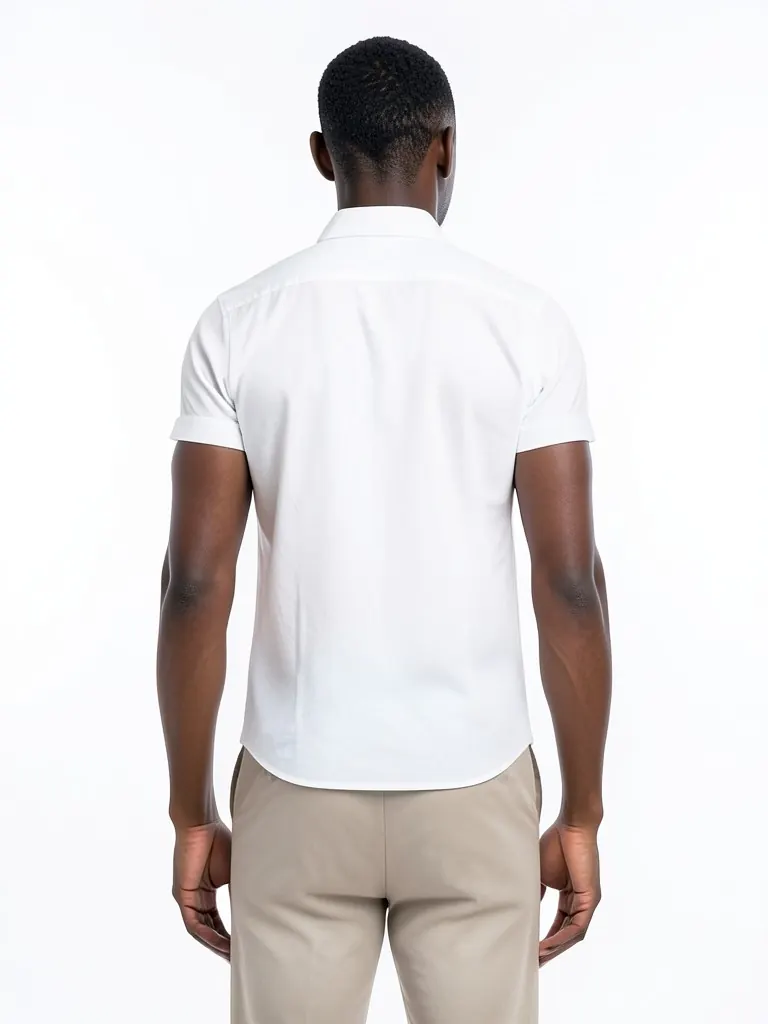
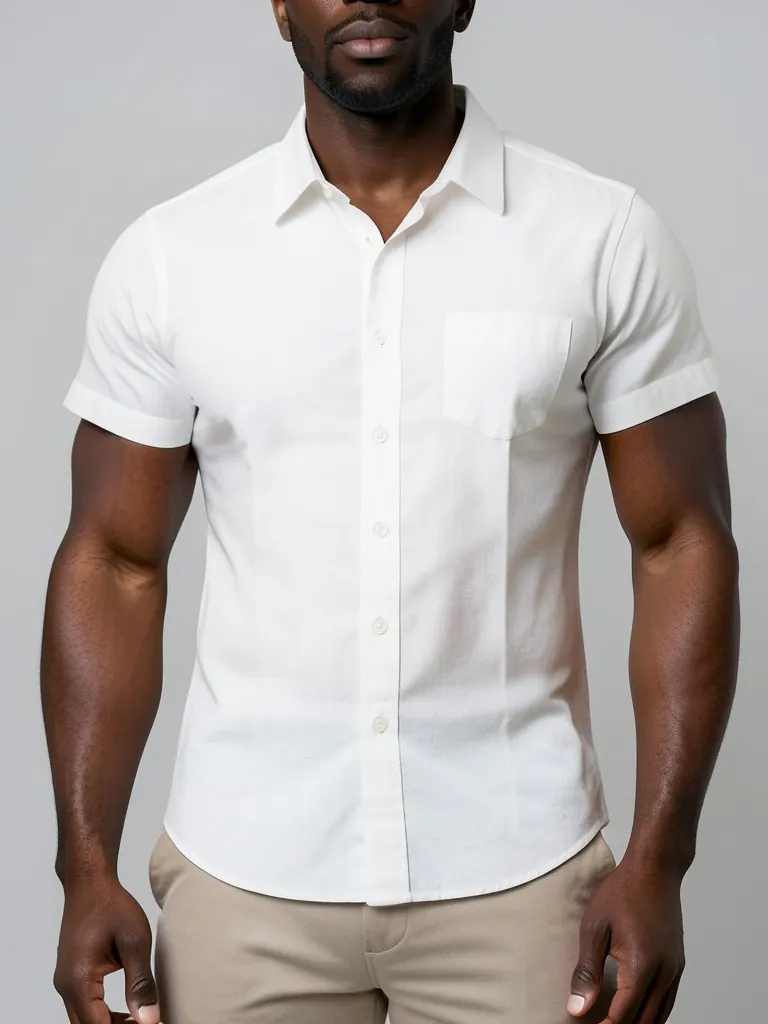
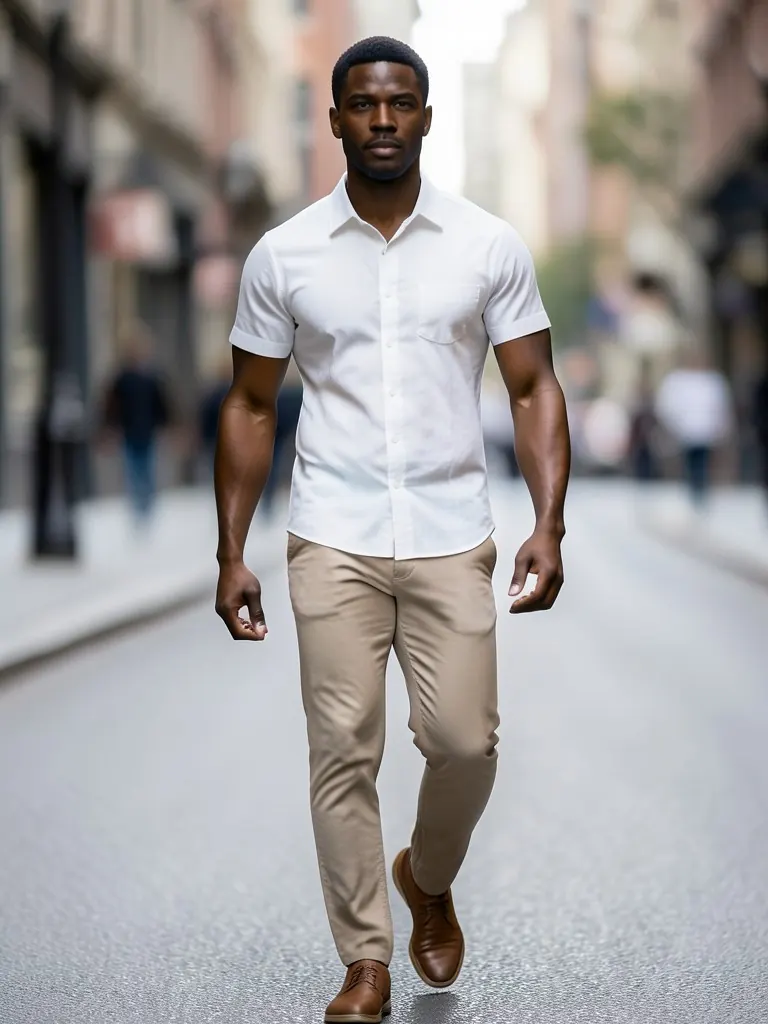
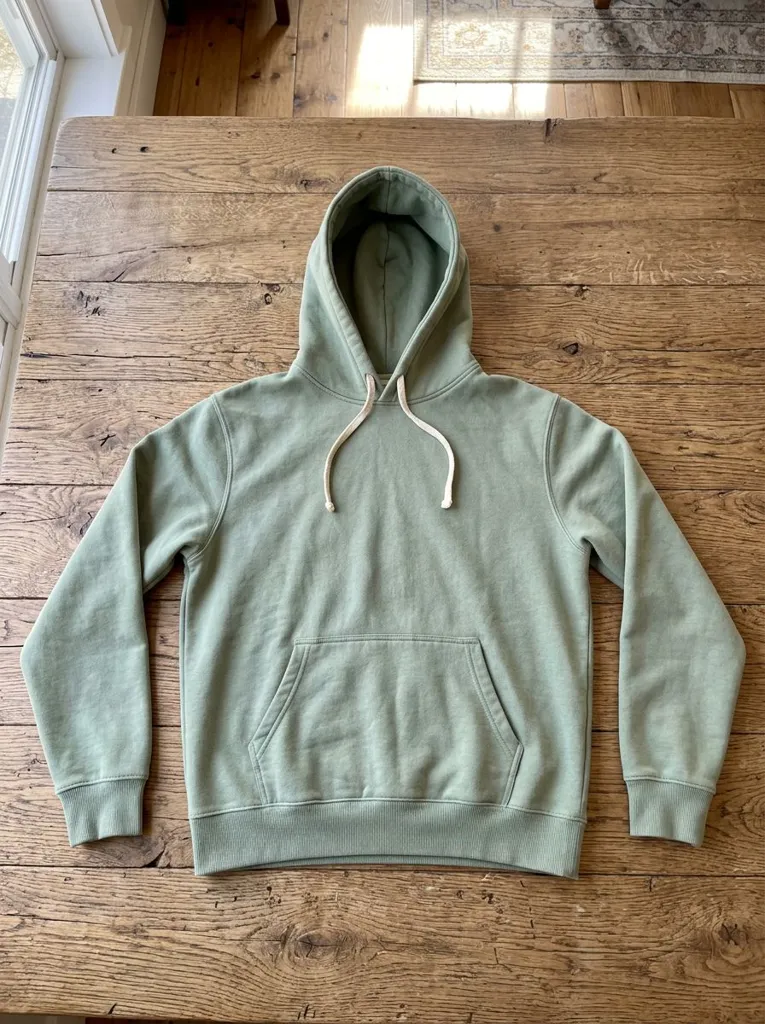
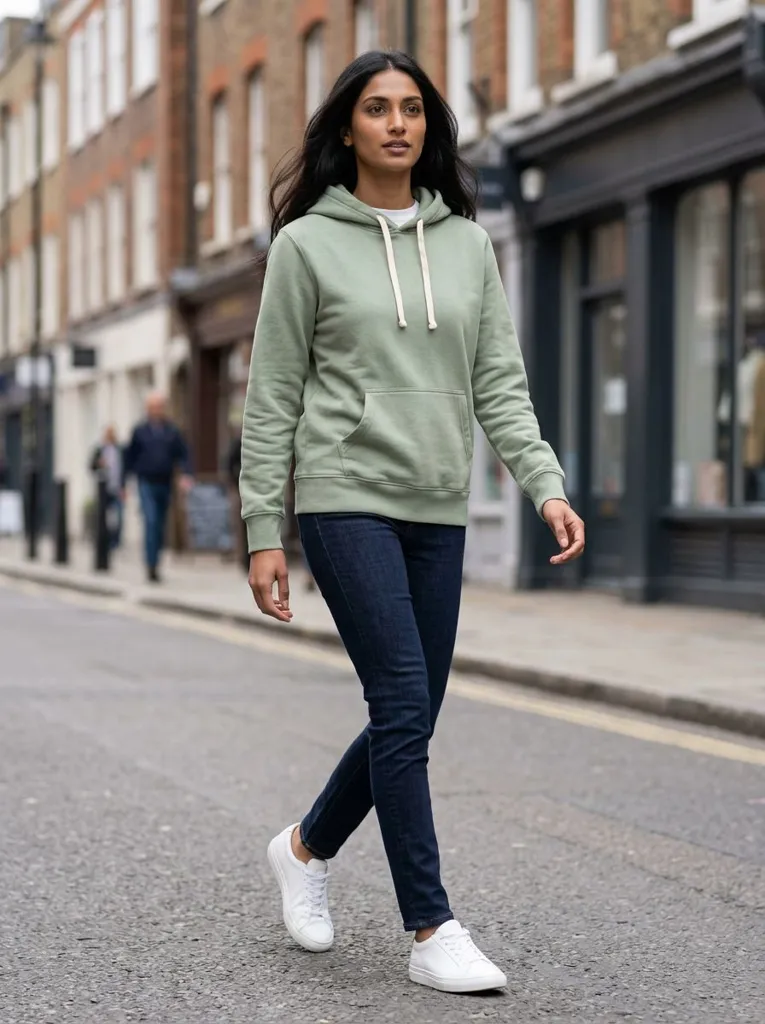
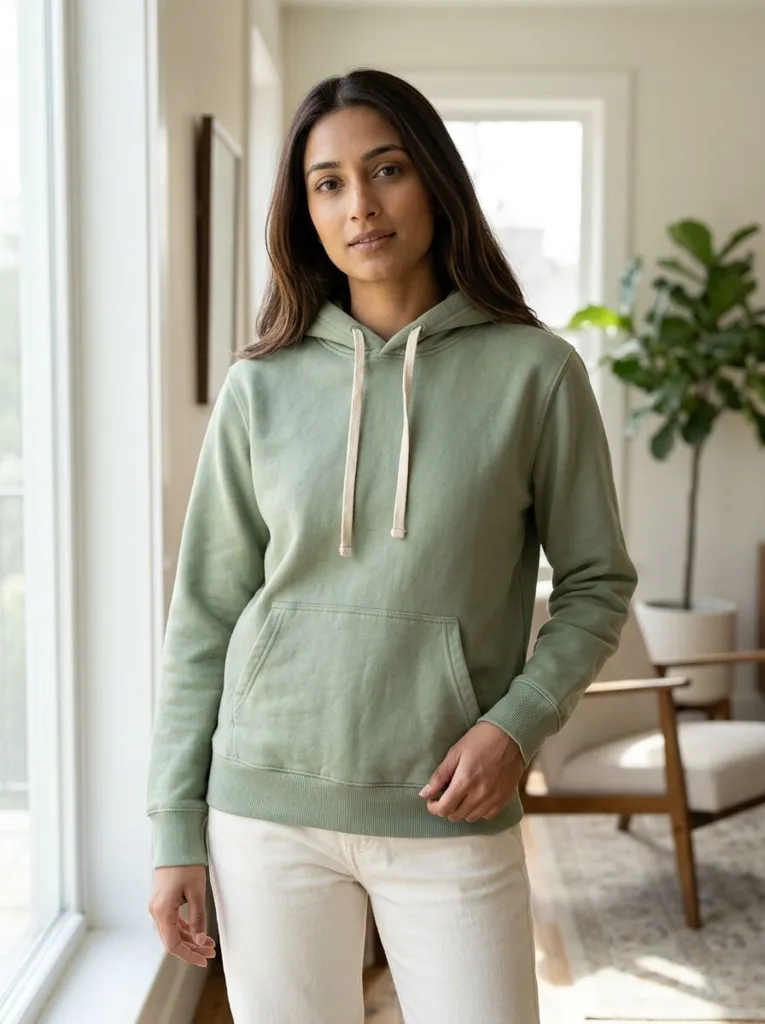
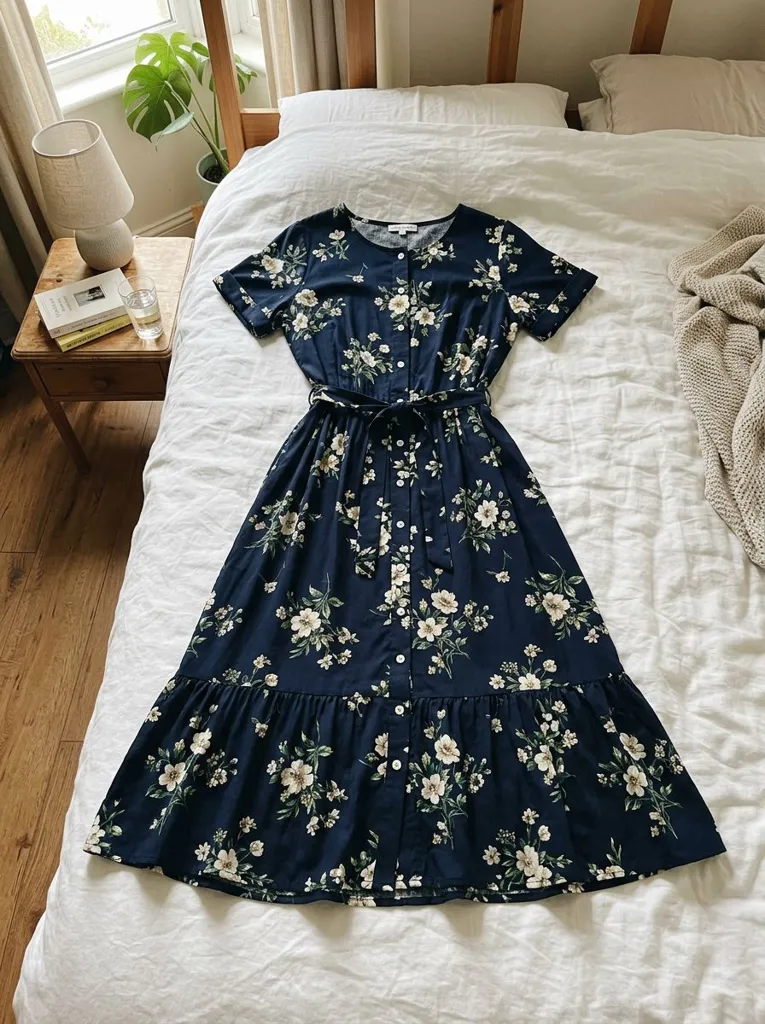
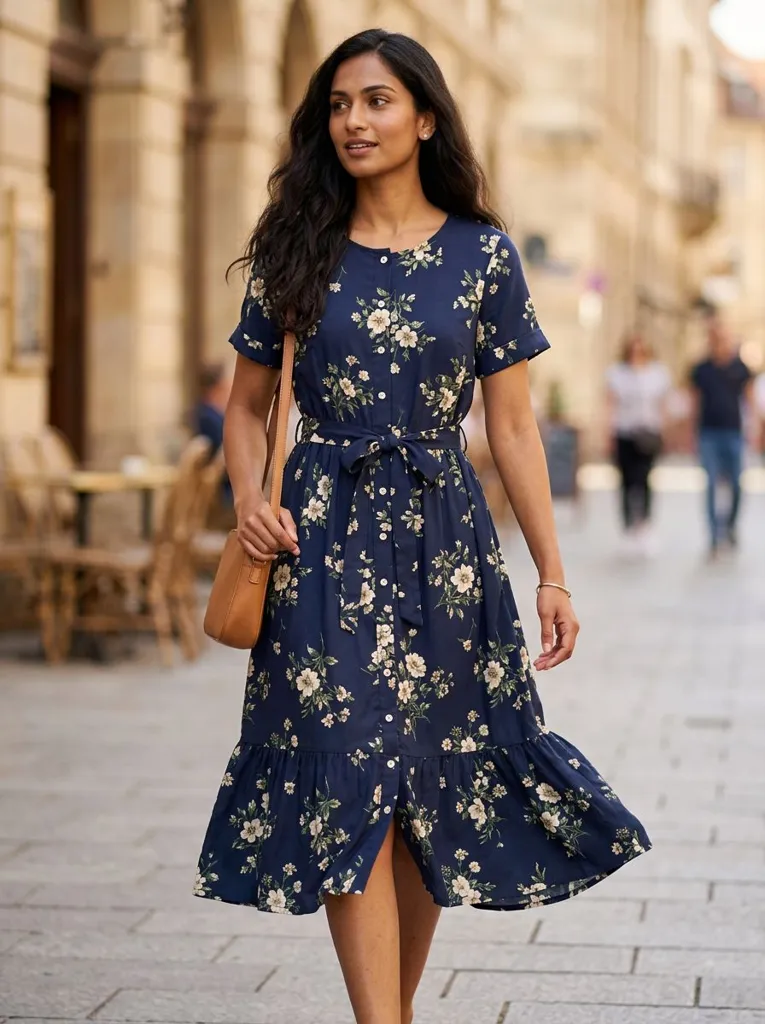
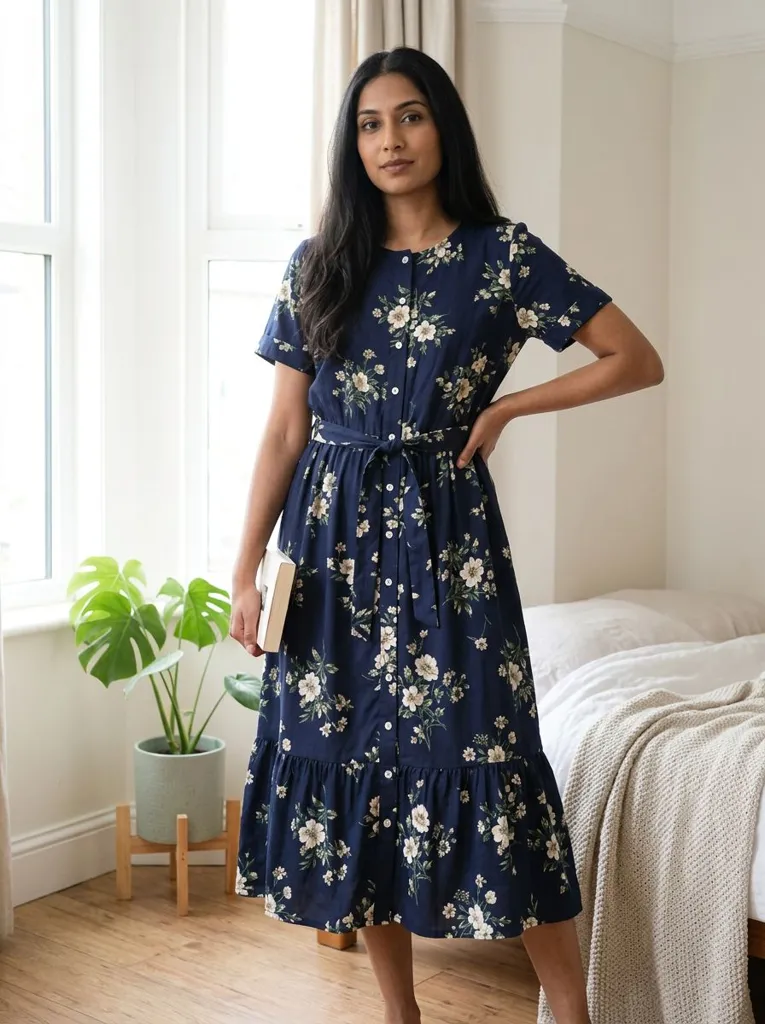
Features
A whole set, not one picture
Seven shot types cover what a clothing listing needs: main image, back, angle, fabric detail and lifestyle.
Garment details kept
The AI is told to keep the exact color, print, pattern, logo, buttons and hem length of your piece.
No studio, no model booking
Shoot new drops the day the stock arrives, from photos taken on a phone.
Diverse adult models
Women and men across ethnicities and body types, so shoppers can picture the fit on someone like them.
How It Works
Upload one garment photo
A sharp, well-lit photo with the whole garment visible. Flat lay, hanger, mannequin or a plain packshot all work.
Pick the garment type and a model
Tell the AI where the garment goes, then choose the model. Keep that model for every shot in the set.
Shoot shot 1, then the rest
Start with the white-studio front image, then switch the shot to back, three-quarter, detail and lifestyle with the same photo uploaded.
Check against the real garment
Compare every image with the real item before you publish, and download the ones that match.
Use Cases
Shopify and own-brand stores
Build a consistent product gallery for every item: the same model, the same white main image, plus lifestyle shots for the collection page.
Key Benefits:
- •Full gallery per product
- •Consistent catalog look
- •New drops shot the same day
Marketplace sellers
Etsy, Amazon, eBay, Poshmark and Depop listings with several photos rank and convert better than a single flat lay.
Key Benefits:
- •White main image
- •Back and detail shots answer buyer questions
- •Lifestyle shots for ads
Small labels and boutiques
Test a lookbook direction or a campaign idea before booking a real shoot.
Key Benefits:
- •Lookbook and street looks
- •Try several models on one piece
- •Cheap to test ideas
Frequently Asked Questions
It is a product photoshoot made from one photo of a garment instead of a studio day. The AI dresses a realistic model in your piece and renders the shots a clothing listing needs: a front image on white, the back, a three-quarter angle, a fabric close-up and lifestyle scenes.
The clothing model generator makes one on-model picture with the pose and background you choose. The garment photoshoot is built around a set: preset shots in a fixed order, with the same model, so you leave with a full product gallery.
Most stores and marketplaces show 4 to 7 images per clothing item: a main image on white, the back, a closer angle, a fabric detail and one or two pictures of the piece being worn in a real setting. Marketplace rules for the main image differ by category, so check yours.
Keeping the same model option gives you a matching age, build, skin tone and hair across the set. Faces can still vary a little between shots, so pick the closest matches for one listing.
A sharp, evenly lit photo of the whole garment, front-facing, with nothing covering it. A flat lay on a plain surface or a photo on a hanger against a plain wall both work well.
The AI is told to keep colors, prints, logos and stitching. Simple garments come out closest; fine text, small logos and sheer fabrics are the hardest. Always compare the result with the real item before you publish.
Yes. Pick the city street or home shot and the AI places a model wearing your garment in a real-looking scene, which is what lifestyle product photography means for clothing: the item in use, not on a plain backdrop. The street and home shots are the built-in lifestyle scenes.
A white-background photo is the clean main image marketplaces ask for. A lifestyle photo shows the piece worn in a real scene and is better for collection pages, ads and social posts. A good listing uses both.
Yes, a free account. Upload a garment and press the button, then sign up free to see your first photo. After that, more photos use credits from your free account or a plan; see the pricing page.
Put your clothes on an AI model
Turn a hanger, flat lay or mannequin photo into an on-model photo, a lookbook shot or a new pose.
- Put Clothes on an AI Model
- Mannequin to Model
- Flat Lay to Model
- AI Lookbook Generator
- AI Outfit Generator
- AI Pose Generator
- AI Pose Changer