AI Tools (5318)
Description Generator (19)
FREE- AI Description Generator
- Product Description Generator
- Outfit Description Generator
- Product Description Writer
- AI Business Description Generator
Name Generator (50)
FREE- Product Name Generator
- Restaurant Name Generator
- Project Name Generator
- Cafe Name Generator
- Coffee Shop Name Generator
Describe the model's appearance characteristics
Describe the scene or location
Describe the model's pose
Describe the lighting style
Describe facial expression
Overall photography style
Camera angle for the shot
Overall mood and atmosphere
Upload Product/Clothing Image
The options below are optional and already filled in.
Preview
Preview
Your image will appear here
Upload an image and click Generate to see your AI-enhanced preview
AI Lookbook Generator: Fashion & Digital Lookbook Photos
Upload your clothes and get on-model lookbook photos in studio, street or outdoor scenes. Build a digital fashion lookbook for your brand, buyers or store.
Overview
A fashion lookbook is a set of styled photos that shows a collection the way it is meant to be worn: on a model, in a setting that fits the brand. Brands send lookbooks to buyers and stockists, post them on Instagram and Pinterest, and use them on their website for each new drop. A real lookbook shoot needs a model, a photographer and a location for every look. Here you upload one photo of a garment, describe the scene, pose, lighting and mood, and the AI makes an on-model lookbook photo of that piece. Repeat it for each piece with the same scene and style, and you have the photos for a full digital lookbook. The tool makes the photos; you put them together in your PDF, website page or social post.
- •On-model lookbook photos from one clothing photo
- •You set the scene, pose, lighting, mood and camera angle
- •Keep the same settings for every piece so the lookbook looks like one shoot
- •For digital lookbooks, line sheets, Instagram and your website
- •1 credit per photo, no photoshoot
Example Results
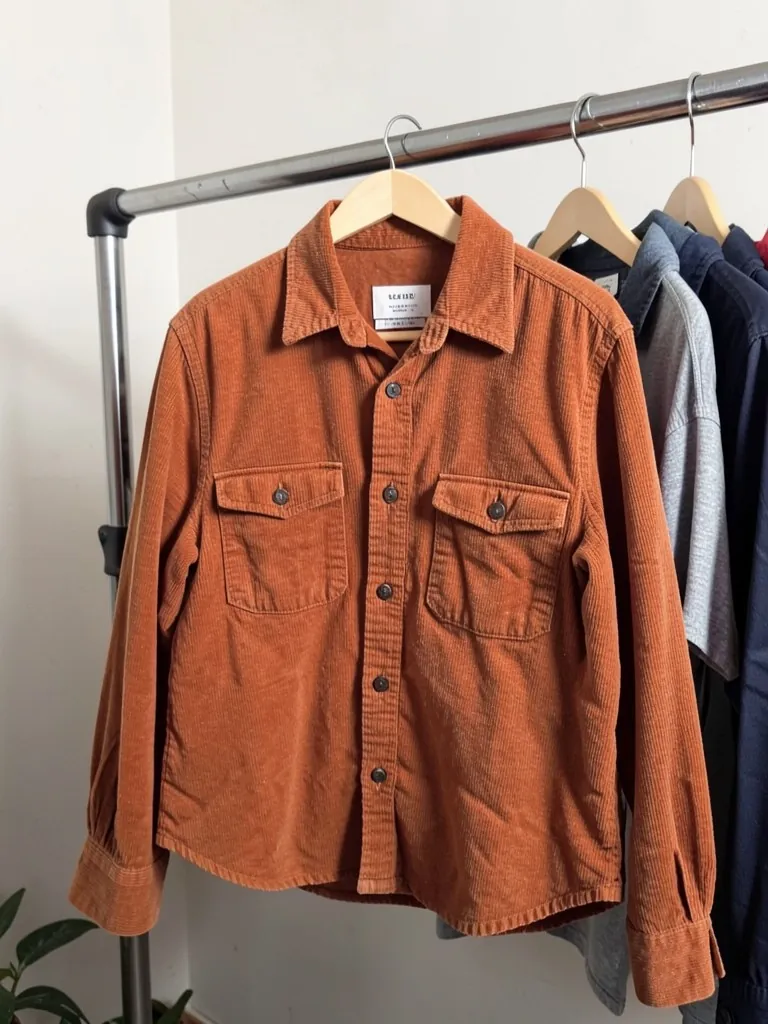
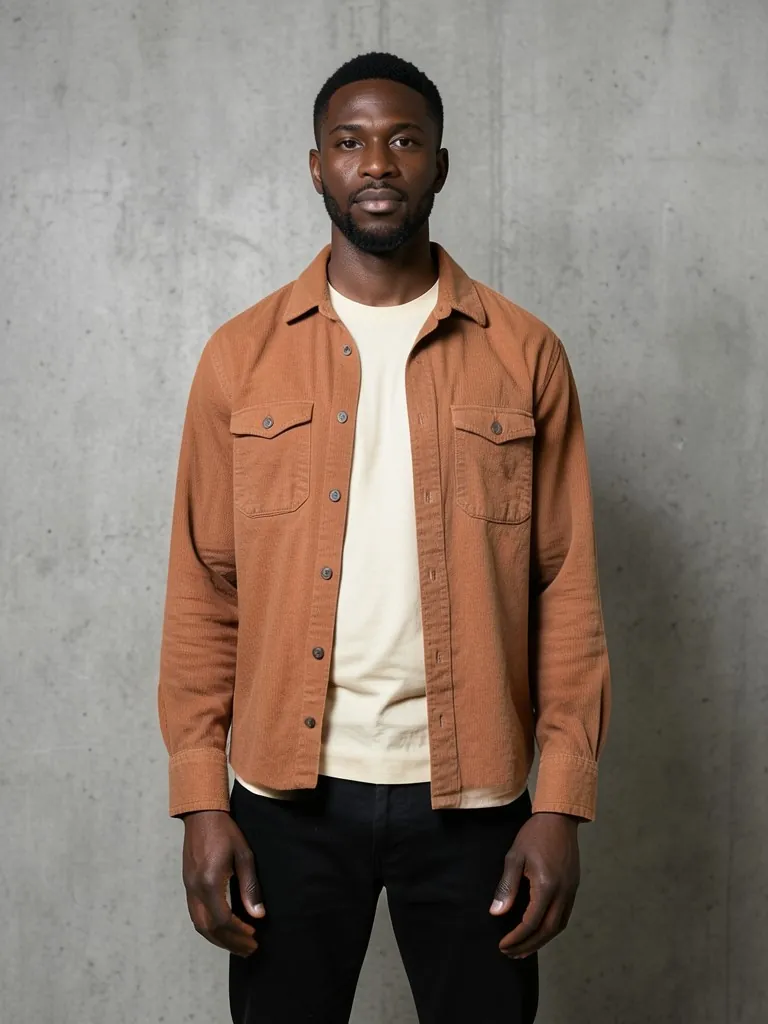
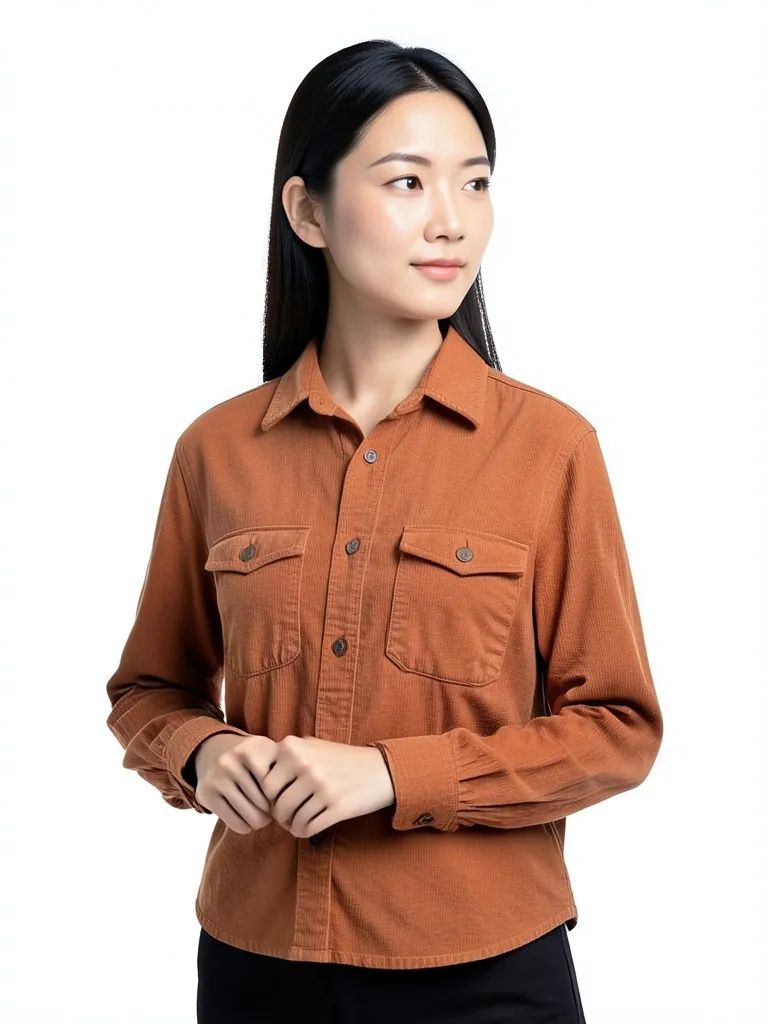
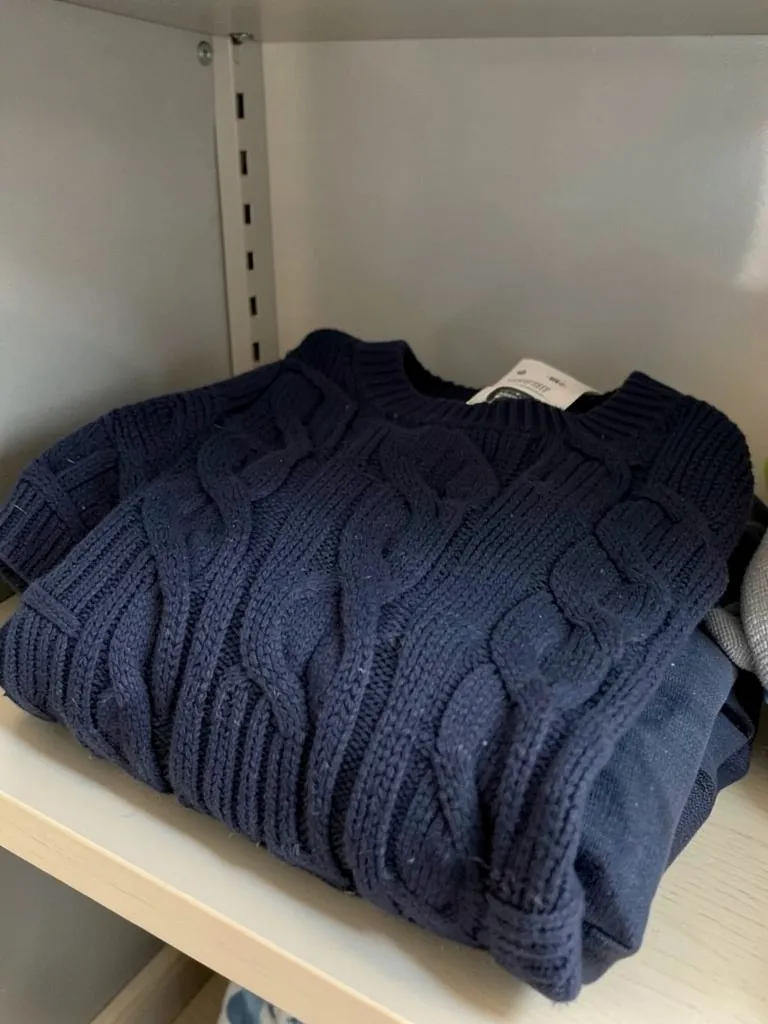
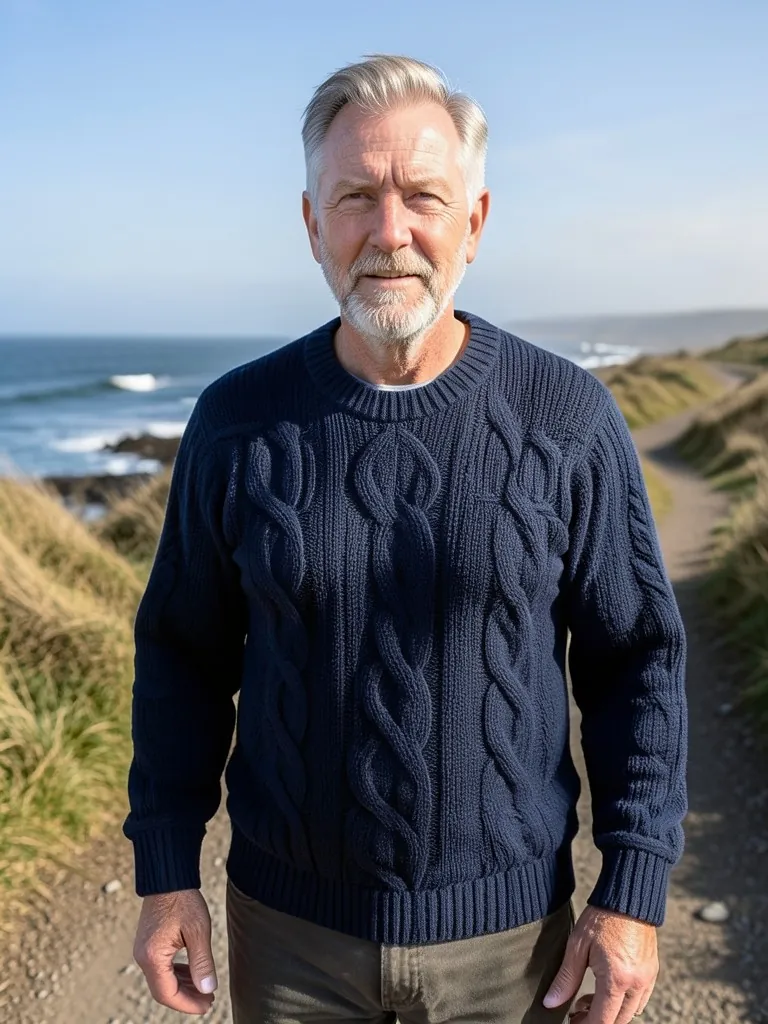
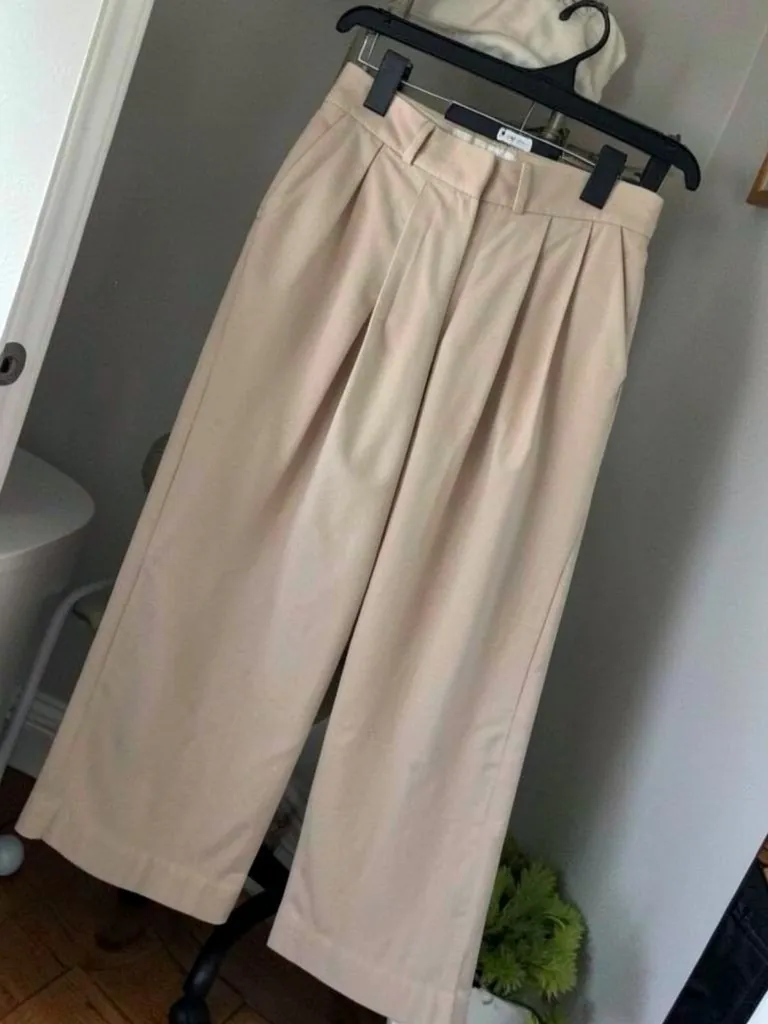
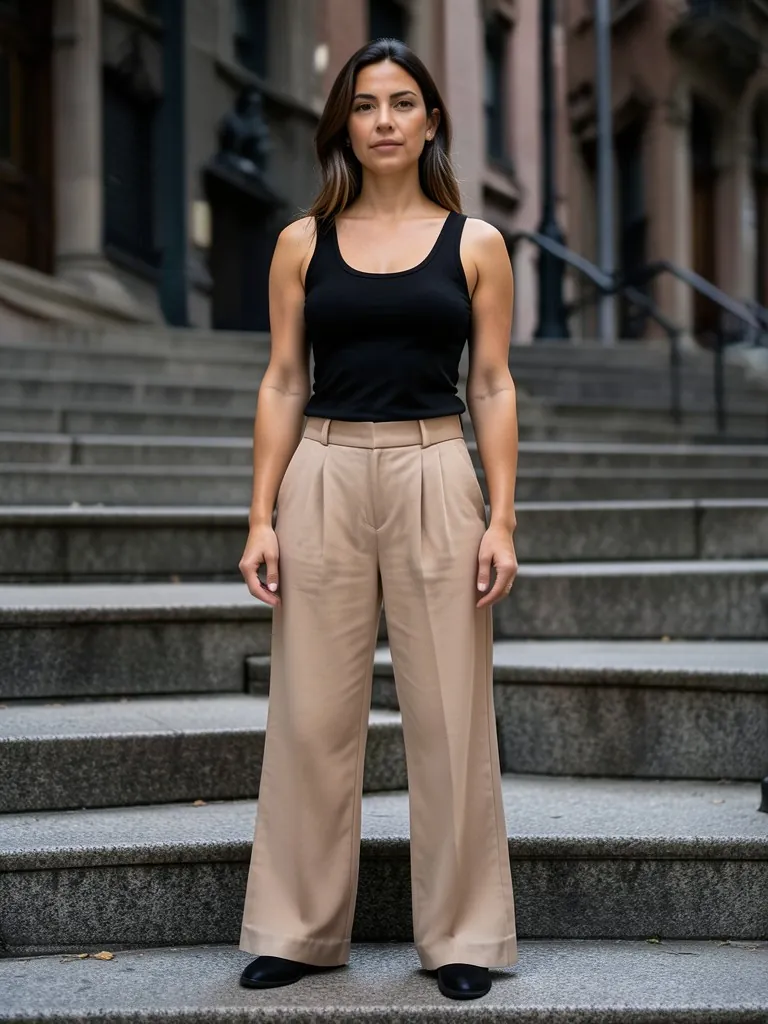
Features
Lookbook-style scenes
Studio, street, outdoor or lifestyle settings, written in your own words, not picked from a short list.
One consistent style
Reuse the same scene, lighting and mood for every garment so the whole lookbook feels like one shoot.
Pose and camera control
Full-body, walking, seated or close-up poses, and eye-level, low or three-quarter camera angles.
No shoot to book
No model fees, studio hire or location permits. Make lookbook photos for a new drop the same day.
How It Works
Upload a garment photo
A clear photo of one piece: on a hanger, a mannequin, a flat lay or a simple product shot. The whole garment should be visible.
Describe the look
Write the scene (white studio, city street, beach, rooftop), the pose, the lighting and the mood. Add model details if you want a certain look.
Generate the lookbook photo
The AI puts your garment on a model in that scene. Check that the color, print and fit match the real piece.
Repeat for the collection
Keep the same scene, lighting and style for every piece, then place the photos in your lookbook PDF, website or social posts.
Use Cases
Seasonal and drop lookbooks
Show a new collection or capsule drop on models in one style before the samples are even photographed.
Key Benefits:
- •Photos for every piece
- •Same look across the collection
- •Ready the day of the drop
Wholesale and buyer lookbooks
Make the images for a digital lookbook or line sheet you send to boutiques, stockists and buyers.
Key Benefits:
- •Clean on-model shots
- •Easy to update when styles change
- •No reshoot for new colors
Website and social lookbooks
Fill a lookbook page on your store or a carousel on Instagram and Pinterest with styled outfit photos.
Key Benefits:
- •Styled scenes, not plain packshots
- •Shows how pieces are worn
- •More content from the same garments
Frequently Asked Questions
A fashion lookbook is a set of styled photos of a collection, usually on models, that shows how the pieces look when worn. Brands use lookbooks to present a season or drop to buyers, press and customers. A digital lookbook is the same thing shared as a PDF, a web page or a social post instead of print.
It makes the lookbook photos: one on-model image per generation from your garment photo. You then place the photos in your lookbook layout, such as a PDF, a Canva or InDesign template, a page on your website, or an Instagram carousel.
Use the same scene, lighting, mood and photography style text for every garment, and only change the uploaded photo. That gives the collection one look, like a single shoot.
A sharp, evenly lit photo of the whole garment with nothing covering it. A product photo, flat lay, hanger or mannequin photo all work. Always compare the result with the real piece before you publish it.
Yes. You can use the photos you generate in your lookbook, store, ads and social posts.
Each lookbook photo uses 1 credit.
Photograph or upload each piece, generate one on-model photo per piece in the same scene and lighting, then place the photos in a PDF, a website page or a slide deck, with a short caption and price or style name under each look. A digital lookbook is just that set of styled photos, shared as a file or link instead of a printed book.
KI stands for künstliche Intelligenz, the German for artificial intelligence, so a KI Lookbook Generator is an AI lookbook generator. This is the same tool: upload a garment photo and get a styled lookbook photo of it on a model.
Most small brands show between 8 and 20 looks, enough to cover the whole collection without repeating the same scene. Start with your best sellers and new pieces, keep one scene and one lighting style, and add more photos later as the collection grows.
Yes. The overshirt, sweater and trousers on this page started as phone photos on a rail, a shelf and a hanger. Every photo next to it was made from that one phone photo.
Put your clothes on an AI model
Turn a hanger, flat lay or mannequin photo into an on-model photo, a lookbook shot or a new pose.
- Put Clothes on an AI Model
- Mannequin to Model
- Flat Lay to Model
- AI Garment Photoshoot
- AI Outfit Generator
- AI Pose Generator
- AI Pose Changer