AI Tools (5318)
Description Generator (19)
FREE- AI Description Generator
- Product Description Generator
- Outfit Description Generator
- Product Description Writer
- AI Business Description Generator
Name Generator (50)
FREE- Product Name Generator
- Restaurant Name Generator
- Project Name Generator
- Cafe Name Generator
- Coffee Shop Name Generator
Upload Your Outfit Photo (all items in one photo)
Lay all pieces out together in one photo, like a flat lay.
Full body shows the whole outfit and the shoes.
The options below are optional and already filled in.
Preview
Preview
Your image will appear here
Upload an image and click Generate to see your AI-enhanced preview
AI Outfit Generator: Put a Full Outfit from Your Clothes on a Model
Lay out a full outfit in one photo and get it worn together by an AI model.
Overview
Shoppers buy looks, not single items. A top on its own rarely sells the trousers, shoes and bag that go with it, and styling a full outfit on a model usually means a shoot. This AI outfit generator works from one flat lay: lay out the pieces you sell together (top, bottoms, jacket, dress, shoes, bag), photograph them, and get the whole outfit worn by a realistic adult model. Pick a woman or man, the build and skin tone, then the pose and setting. Every item keeps its own color and details, so you can sell the complete look from one picture.
- •First photo free with a free account
- •One photo in, one complete styled outfit out
- •Tops, bottoms, jackets, dresses, suits, shoes and bags
- •Women and men, several builds and skin tones
- •Studio, street, cafe and park settings
Example Results
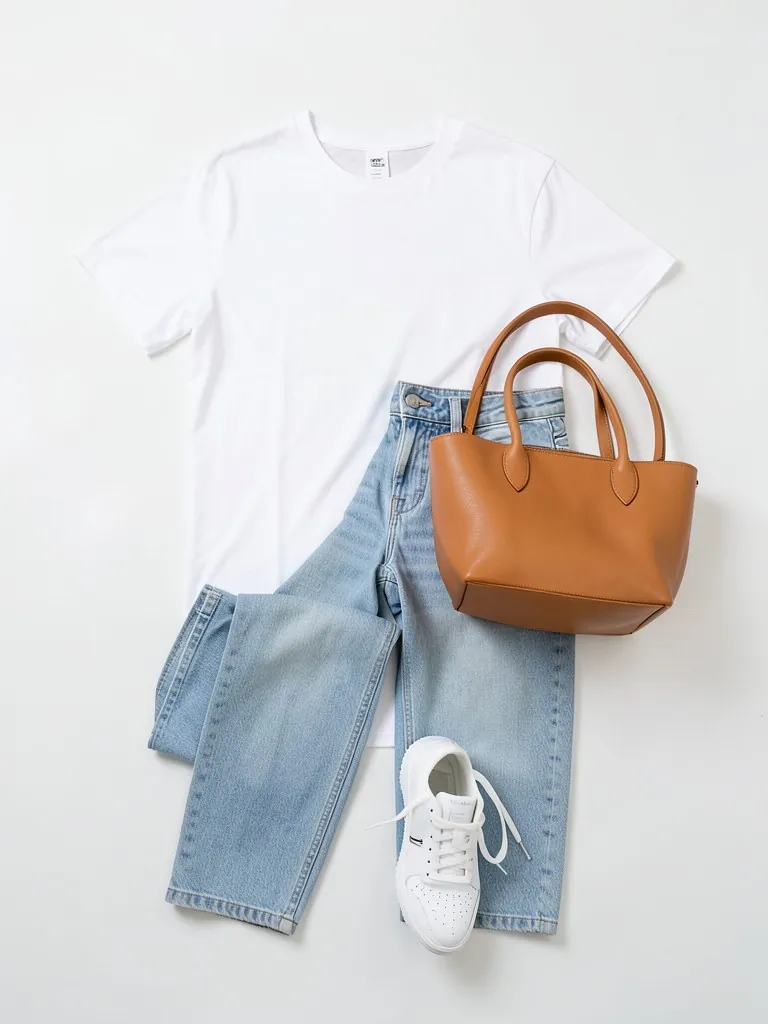
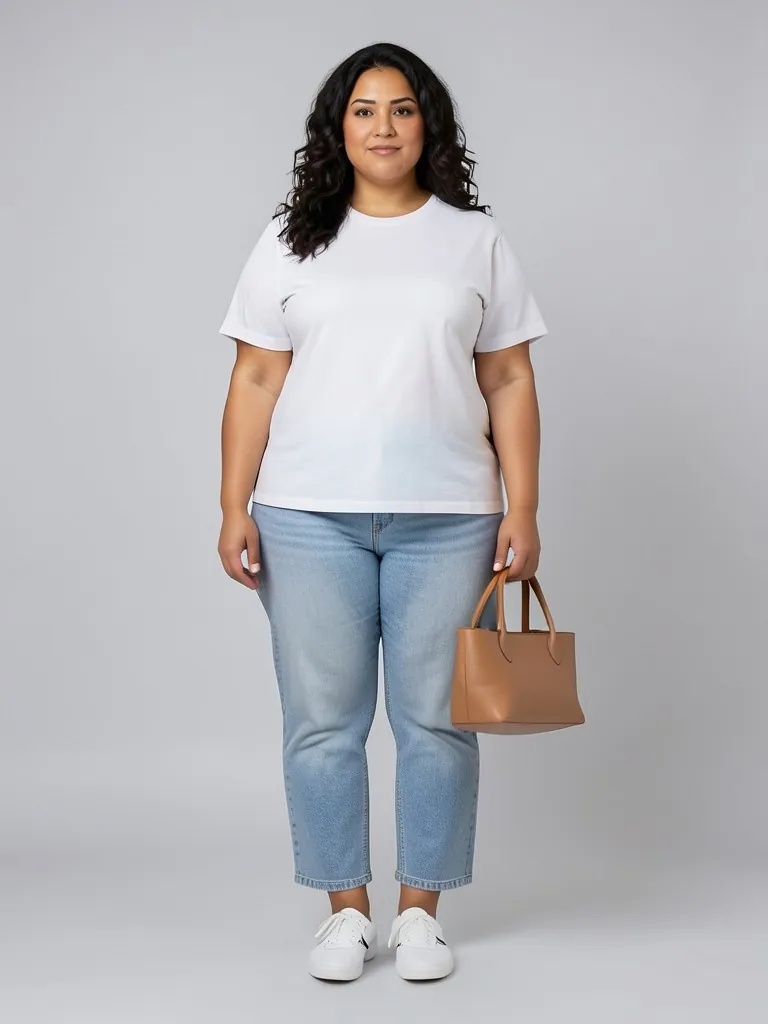
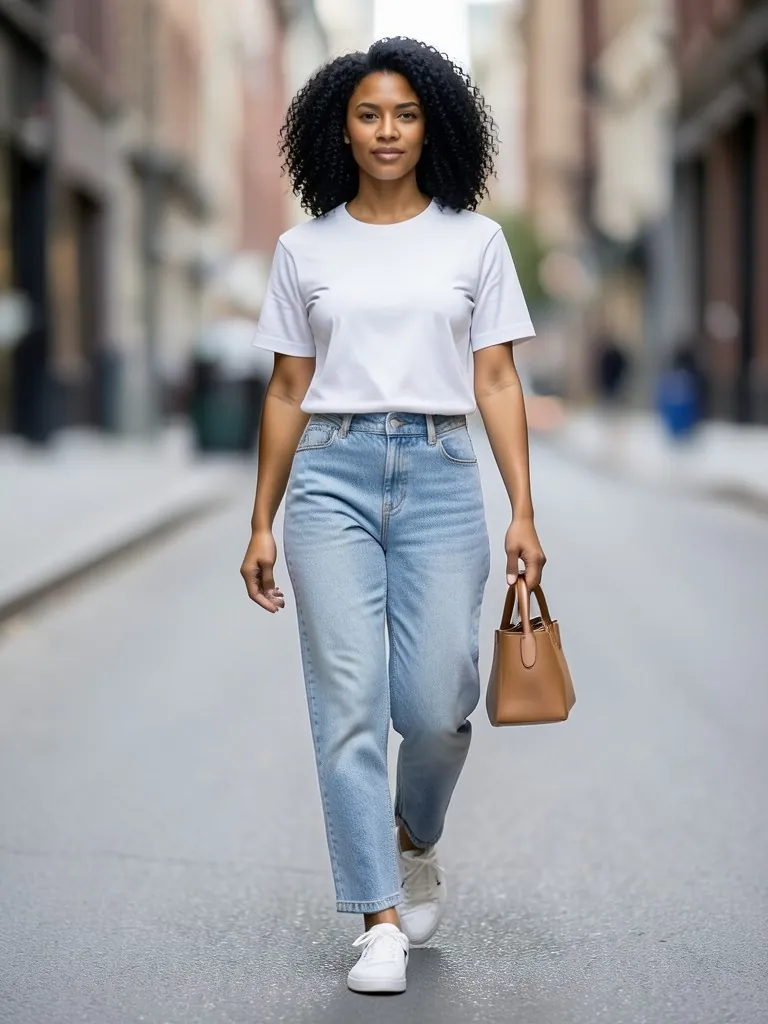
Features
Whole looks, not single items
Up to five pieces worn together, each in its natural place.
Your pieces kept
Color, print, logo and length are kept for each item in the flat lay.
Women and men
Nine adult models across builds, ages and skin tones, including plus-size.
Street-style settings
Studio for the shop, street, cafe and park for social posts and lookbooks.
How It Works
Lay out the outfit
Put every piece on a plain surface the way it is worn: jacket over the top, bottoms below, shoes at the bottom, bag to the side.
Photograph it from above
One photo with every item fully visible and in focus. Upload it.
Say what is in it and pick a model
Top and bottoms, with a jacket, a dress with shoes and bag, or a suit; then the model, pose and background.
Generate and check each item
Compare every piece with the real one, then download the outfit photo.
Use Cases
Shop the look and bundles
Show the top, trousers and shoes you sell as one outfit and link every item from the same photo.
Key Benefits:
- •Higher order value
- •One photo per bundle
- •No stylist needed
Capsule and seasonal drops
Turn a flat-lay capsule into a set of worn outfits for the launch page.
Key Benefits:
- •Lookbook in an afternoon
- •Same model across looks
- •Street and studio versions
Resellers and vintage shops
Style second-hand pieces into full outfits so buyers see how to wear them.
Key Benefits:
- •Works from phone flat lays
- •Women's and men's looks
- •Lifestyle backgrounds
Frequently Asked Questions
On this page it turns clothes you already have into a worn outfit: you upload one photo of the pieces laid out together, and an AI model wears all of them. It does not invent clothes you do not sell.
Up to about five: a top, bottoms, a jacket, shoes and a bag, or a dress with shoes and a bag. Fewer, larger items come out most accurately.
On a plain floor or bed sheet, every piece fully visible, not overlapping too much, arranged the way it is worn. Shoot from straight above in even light.
No. Every model is generated by AI and is an adult. No real person's face or body is used, so you do not need model releases.
The AI is told to keep every item's color, print and details. Small logos and fine text are the hardest. Compare each piece with the real one before you publish.
Yes, a free account. Upload a garment and press the button, then sign up free to see your first photo. After that, more photos use credits from your free account or a plan; see the pricing page.
Put your clothes on an AI model
Turn a hanger, flat lay or mannequin photo into an on-model photo, a lookbook shot or a new pose.
- Put Clothes on an AI Model
- Mannequin to Model
- Flat Lay to Model
- AI Garment Photoshoot
- AI Lookbook Generator
- AI Pose Generator
- AI Pose Changer