AI Tools (5318)
Description Generator (19)
FREE- AI Description Generator
- Product Description Generator
- Outfit Description Generator
- Product Description Writer
- AI Business Description Generator
Name Generator (50)
FREE- Product Name Generator
- Restaurant Name Generator
- Project Name Generator
- Cafe Name Generator
- Coffee Shop Name Generator
Upload a Photo of the Model
Pick the pose you want. The face, hair and clothes stay the same.
Full body shows the whole pose; waist-up suits tops and portraits.
The options below are optional and already filled in.
Preview
Preview
Your image will appear here
Upload an image and click Generate to see your AI-enhanced preview
AI Pose Changer: Change the Pose in Any Photo
Upload a photo of a person and pick a new pose. You get the same person in the same outfit, now posed the way you want.
Overview
A pose changer takes a photo you already have and redraws the person in a different pose, while the face, hair, body and clothes stay the same. It is how clothing sellers turn one model shot into a front, walking and sitting photo without a second shoot, and how anyone can fix a stiff, awkward pose in a good photo. Upload one clear photo, pick the new pose from the list, choose full body, knee-up or waist-up, and press Change Pose. The AI keeps the outfit's color, print and fit, keeps the background and light, and makes the clothes fold naturally for the new pose.
- •One photo in, a new pose out: no reshoot
- •Keeps the same face, hair, body and outfit
- •10 ready poses: walking, hand on hip, sitting, back view and more
- •Clothes fold and drape naturally for the new pose
- •Full body, knee-up or waist-up framing
Example Results
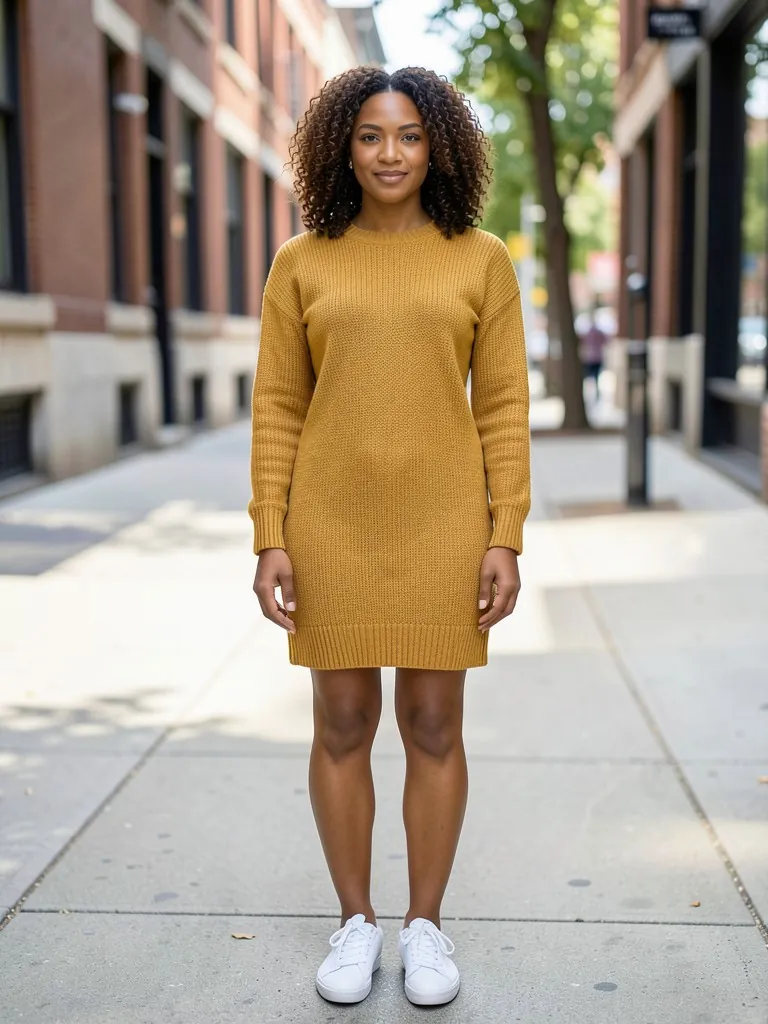
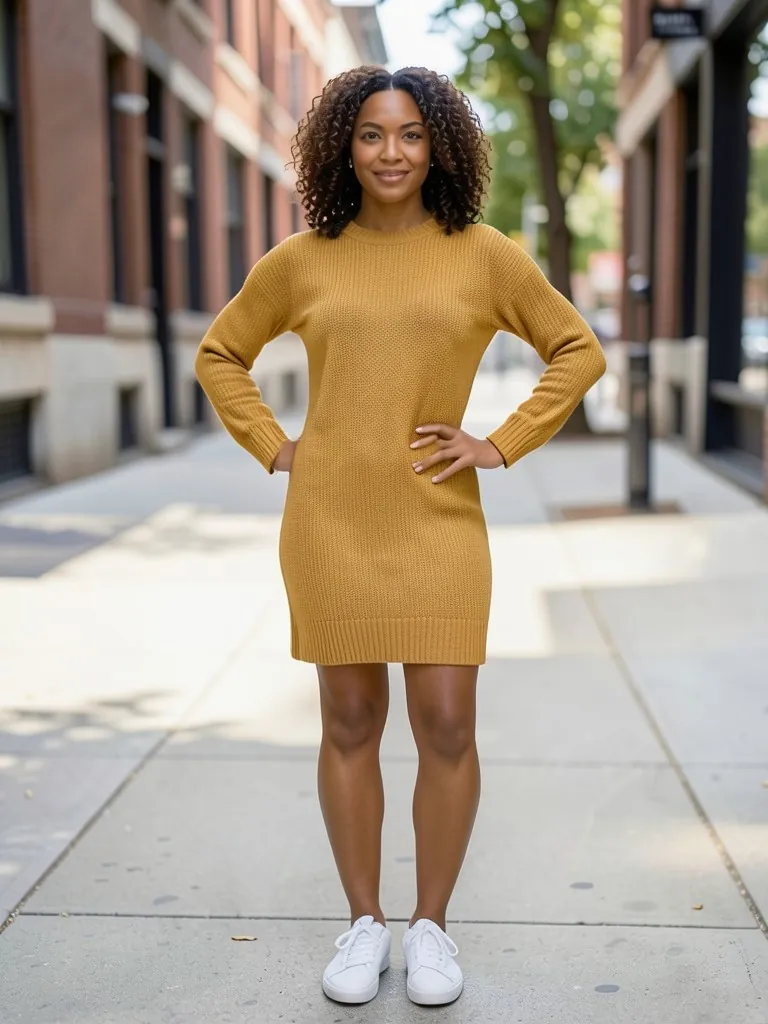
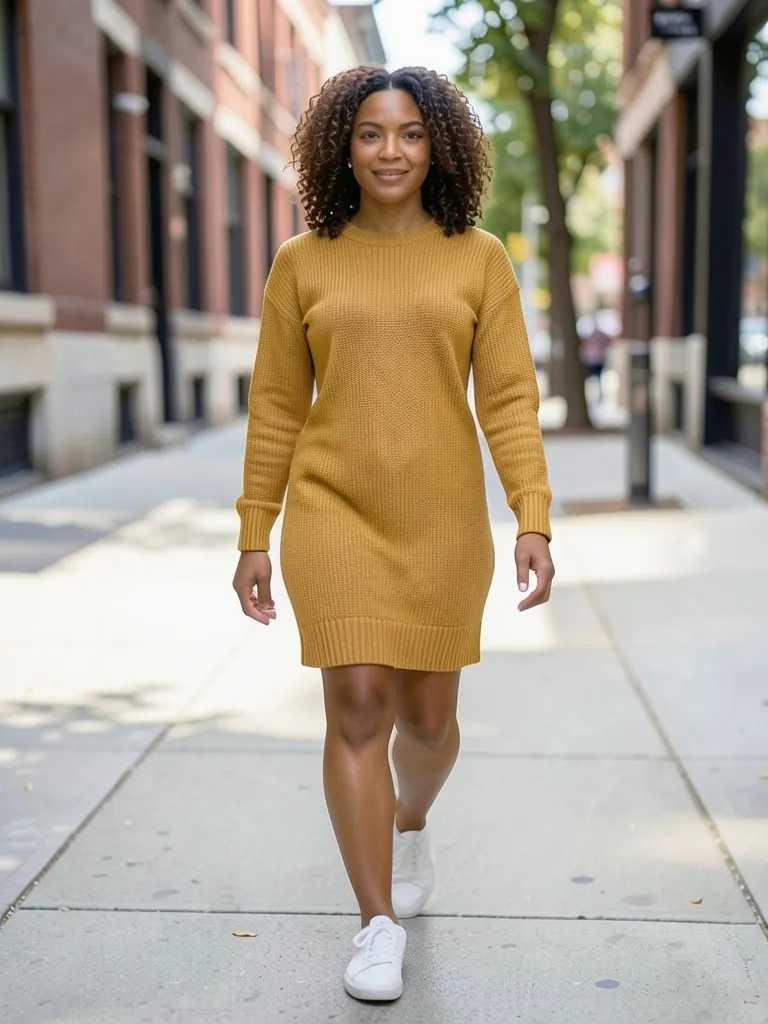
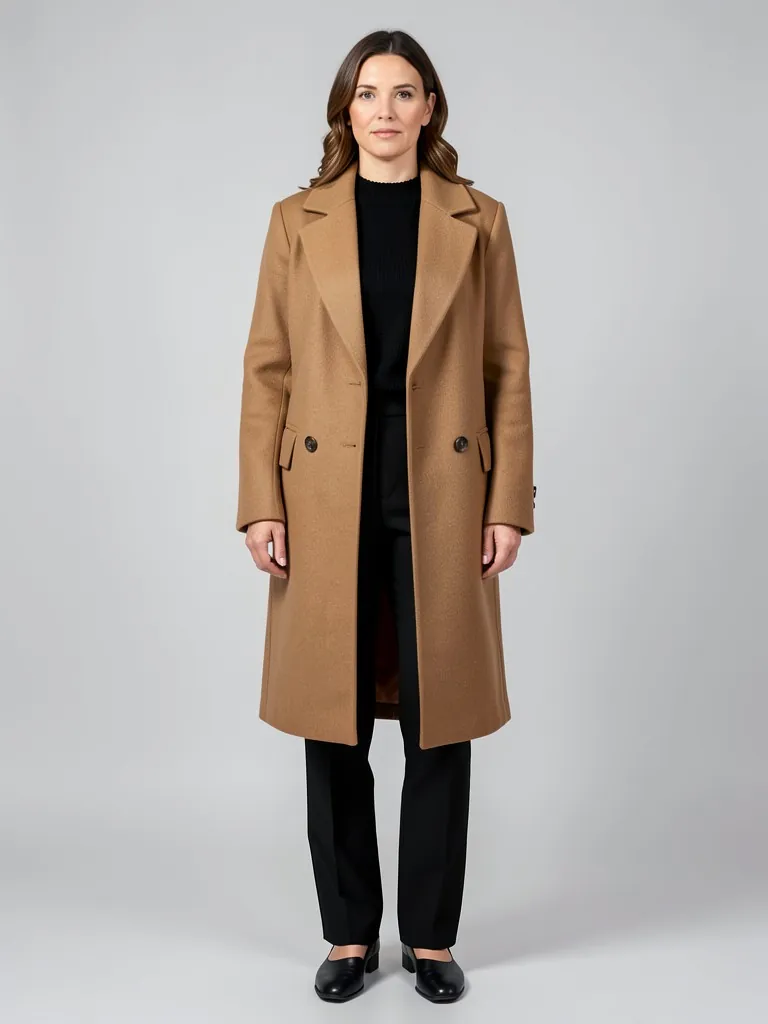
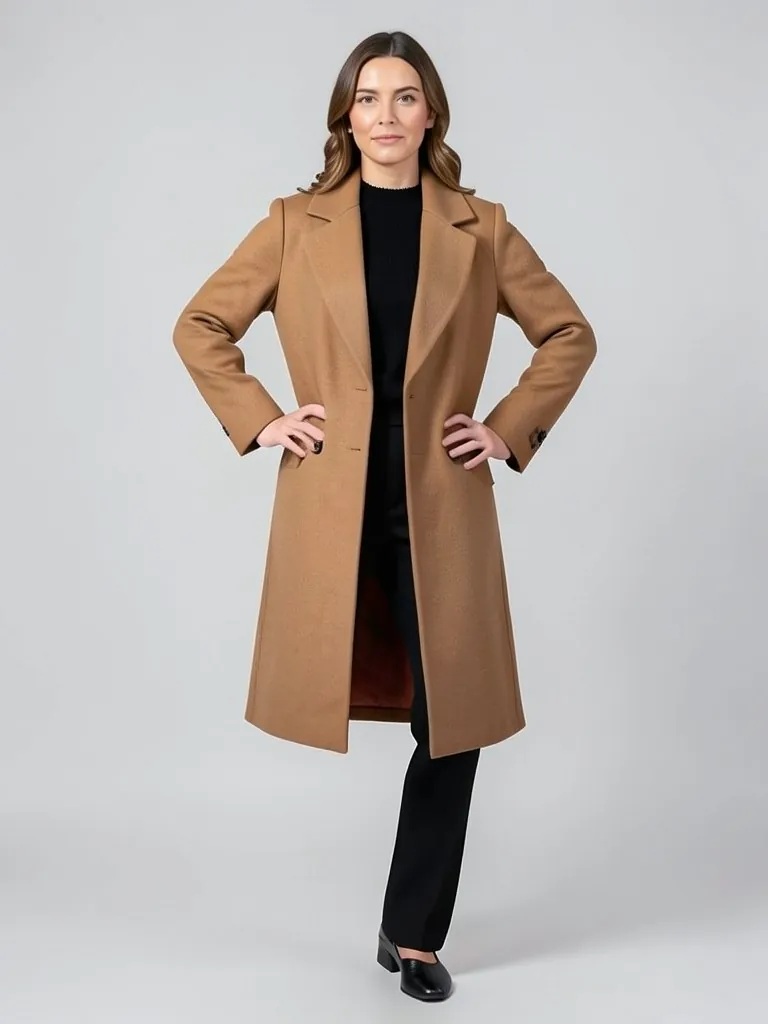
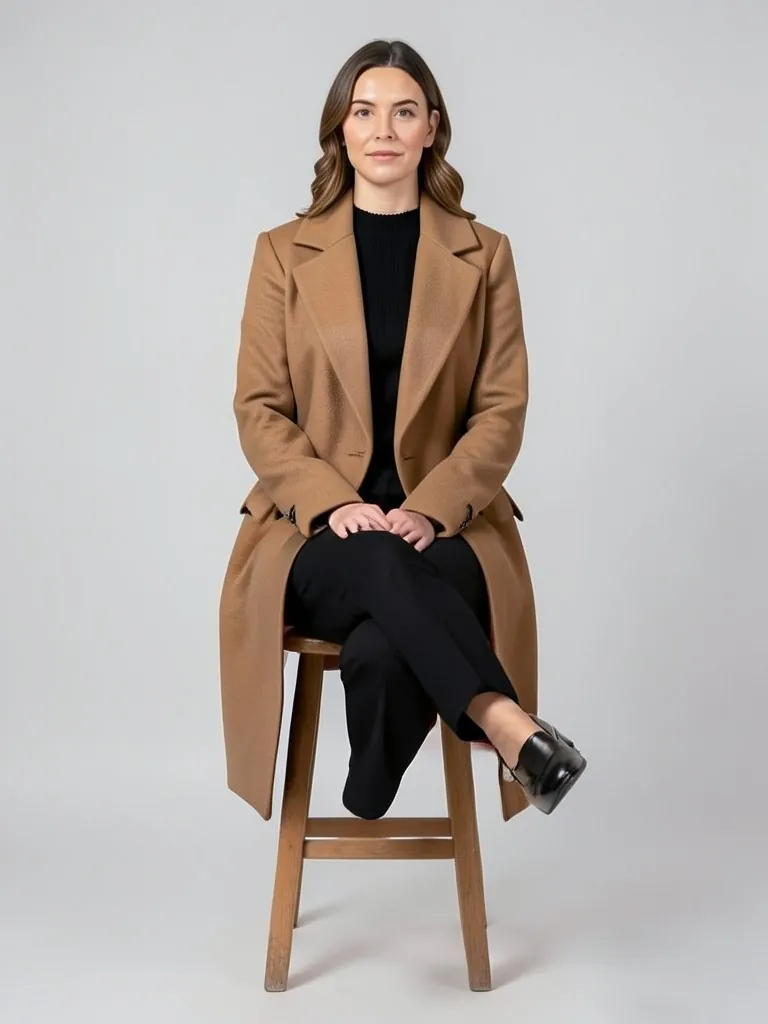
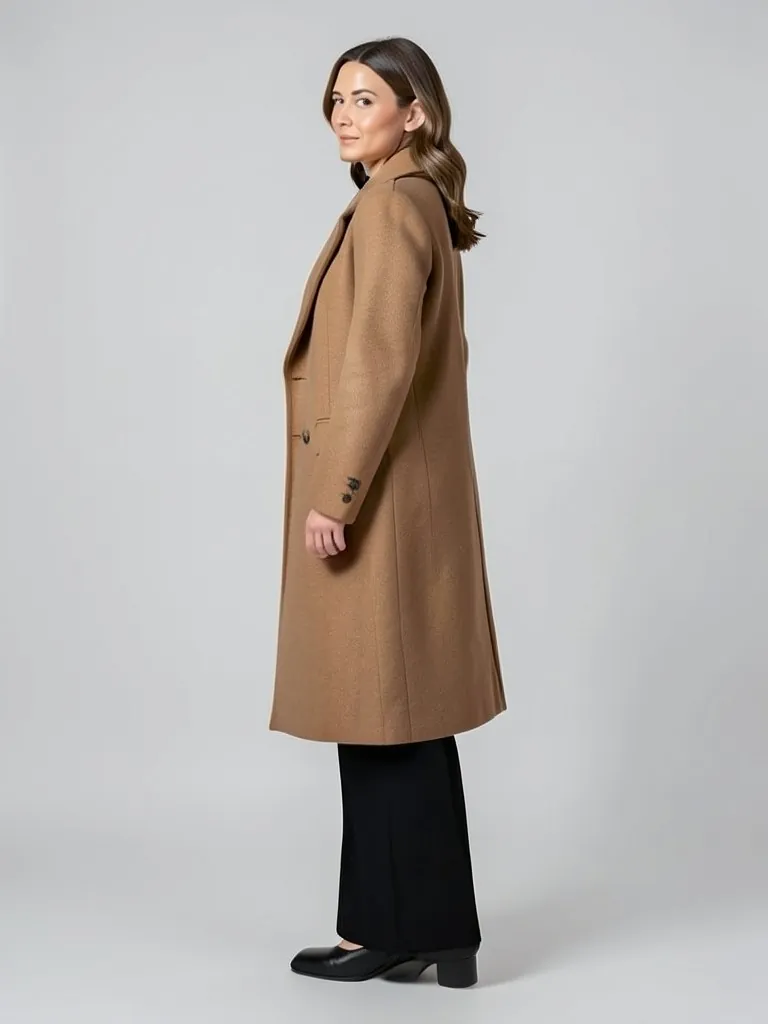
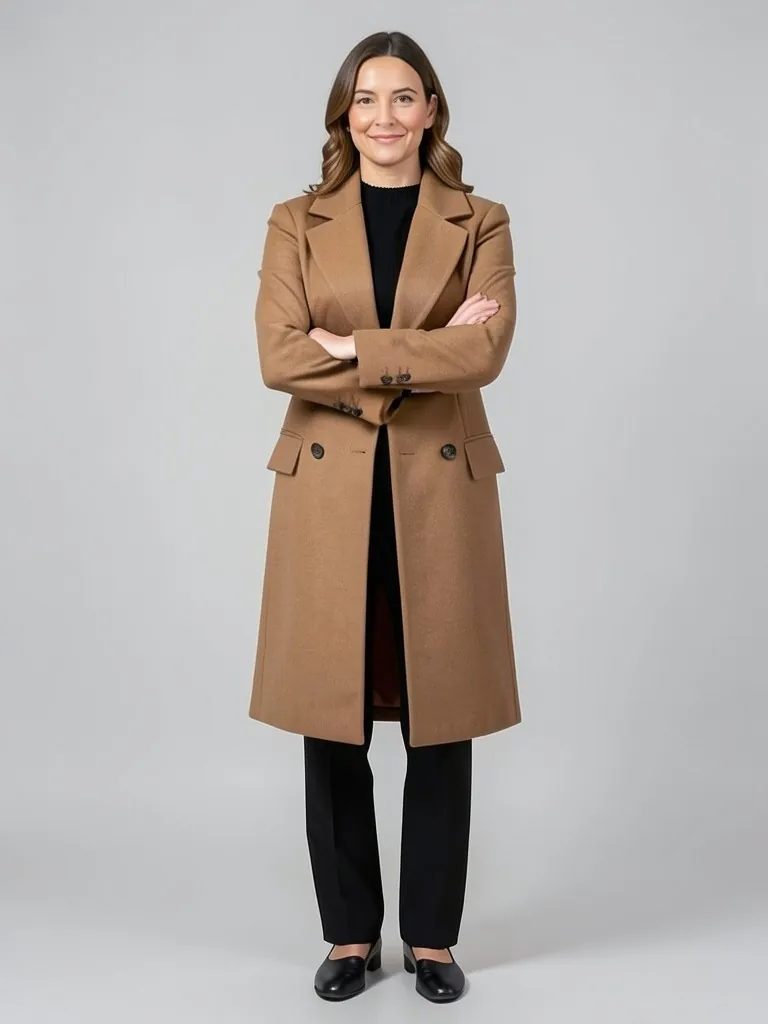
Features
Same person, new pose
The AI is told to keep the face, hair, skin tone and body shape, so the new photo still looks like the same model.
Outfit stays exact
Color, print, logo, fabric and fit are kept, which matters when the photo sells the clothes.
Natural folds and hands
Fabric creases follow the new pose and hands are drawn with five fingers, not pasted on.
Fast and free to try
Your first photo is free, with no account and nothing to install.
How It Works
Upload a photo
A sharp photo of one person, best full body and well lit, with nothing covering the outfit.
Pick the new pose
Walking, hand on hip, over the shoulder, back view, sitting, leaning on a wall, hands in pockets, arms crossed or side profile.
Choose the framing
Full body to show the whole pose and outfit, knee-up or waist-up for tops.
Change the pose and compare
Check the face and the outfit against your original, then download it or try another pose.
Use Cases
Clothing stores and marketplaces
Turn one on-model product photo into several poses for a full listing gallery.
Key Benefits:
- •Front, walking and back view from one shoot
- •Same model across every image
- •Shows how the garment moves
Fixing a stiff photo
Keep a photo where the light and outfit are right but the pose is not.
Key Benefits:
- •Relax stiff arms and shoulders
- •Turn a straight pose into a three-quarter one
- •No new photoshoot
Social posts and lookbooks
Make a set of varied poses for a carousel, a lookbook page or an ad test.
Key Benefits:
- •Varied poses, same look
- •Quick content for new drops
- •Consistent style across a set
Frequently Asked Questions
It redraws the person in your photo in a new pose. You choose the pose; the AI keeps the same face, hair, body and clothes, and the same background and light, so it looks like another shot from the same shoot.
The AI is told to keep them exactly, and clear, front-lit photos come out closest. Big changes, such as a back view from a front photo, mean the AI has to imagine the parts it cannot see, like the back of a jacket. Always compare the result with the real garment before you use it in a listing.
One adult person, full body, sharp and evenly lit, on a simple background, with hands and the outfit not hidden. Group photos, heavy blur and very dark photos give weaker results.
Yes. Your first photo is free with a free account: upload it, pick a pose and press Change Pose, then sign up free to see it. More photos use credits from your free account or a plan; see the pricing page.
Only use photos of yourself, of adult models who agreed to it, or photos you have the rights to. Do not upload photos of children or use the tool to make misleading images of real people.
Ten: walking, hand on hip, over the shoulder, back view, sitting on a stool, leaning on a wall, hands in pockets, arms crossed, side profile and straight. The coat photos on this page show the original and four of them, all from one input photo.
Yes. The AI pose generator on this site is made for clothing sellers who want several catalog poses of one model, such as front, walking and three-quarter, for one product page.
Put your clothes on an AI model
Turn a hanger, flat lay or mannequin photo into an on-model photo, a lookbook shot or a new pose.
- Put Clothes on an AI Model
- Mannequin to Model
- Flat Lay to Model
- AI Garment Photoshoot
- AI Lookbook Generator
- AI Outfit Generator
- AI Pose Generator