AI Tools (5318)
Description Generator (19)
FREE- AI Description Generator
- Product Description Generator
- Outfit Description Generator
- Product Description Writer
- AI Business Description Generator
Name Generator (50)
FREE- Product Name Generator
- Restaurant Name Generator
- Project Name Generator
- Cafe Name Generator
- Coffee Shop Name Generator
Upload a Photo of the Model
Generate one pose at a time and build a full gallery for your product page.
Full body for dresses, trousers and outfits; waist-up for tops and jackets.
White for the main listing image; lifestyle scenes work well as extra photos.
The options below are optional and already filled in.
Preview
Preview
Your image will appear here
Upload an image and click Generate to see your AI-enhanced preview
AI Pose Generator for Fashion Models
Upload one photo of a model wearing your clothes and generate new catalog poses: three-quarter, runway walk, back view, editorial and more.
Overview
A product page sells better with several photos of the same garment: front, three-quarter, back and one with movement. Shooting every pose costs studio time. This AI pose generator starts from one photo of a model, real or AI, wearing your item, and generates the same model in the same outfit in a new pose on a clean studio or lifestyle background. Pick a pose, the framing and the background, generate, and repeat for each pose you need. It is built for clothing photos, so the prompt keeps the garment's color, print and fit and keeps the whole outfit in view.
- •8 fashion poses: catalog front, three-quarter, runway walk, back view, editorial, lifestyle, seated, movement
- •Same model and outfit in every pose
- •Studio or lifestyle background, consistent across the set
- •Back view shows the back of the outfit
- •Works with real photos and AI model photos
Example Results
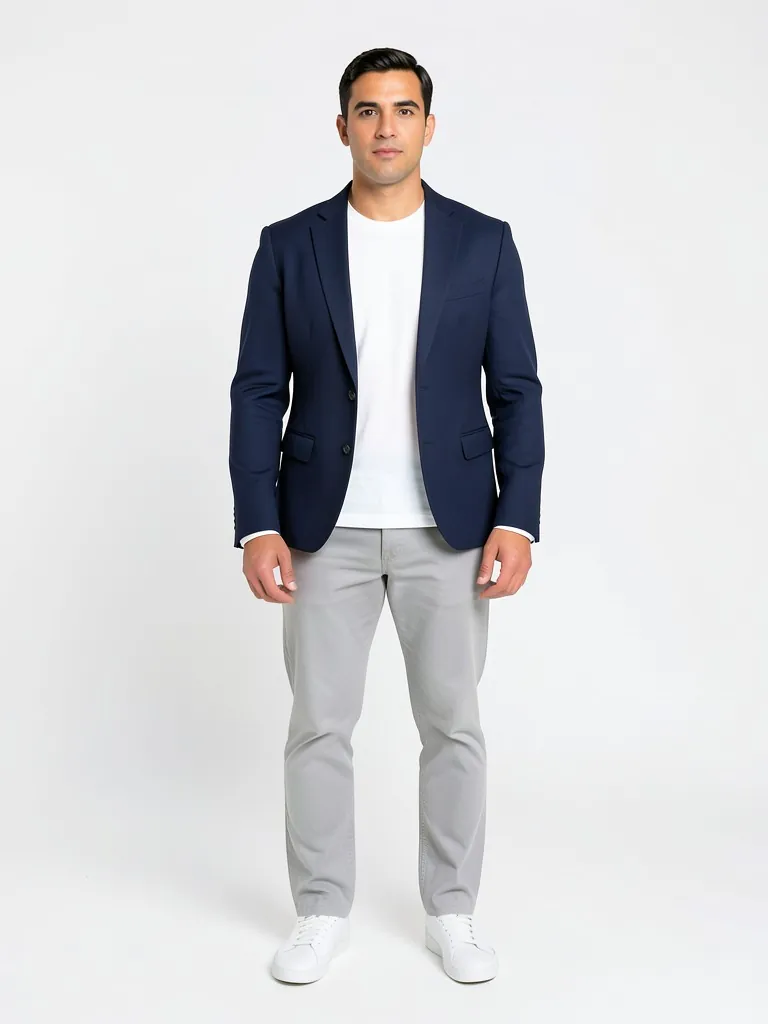
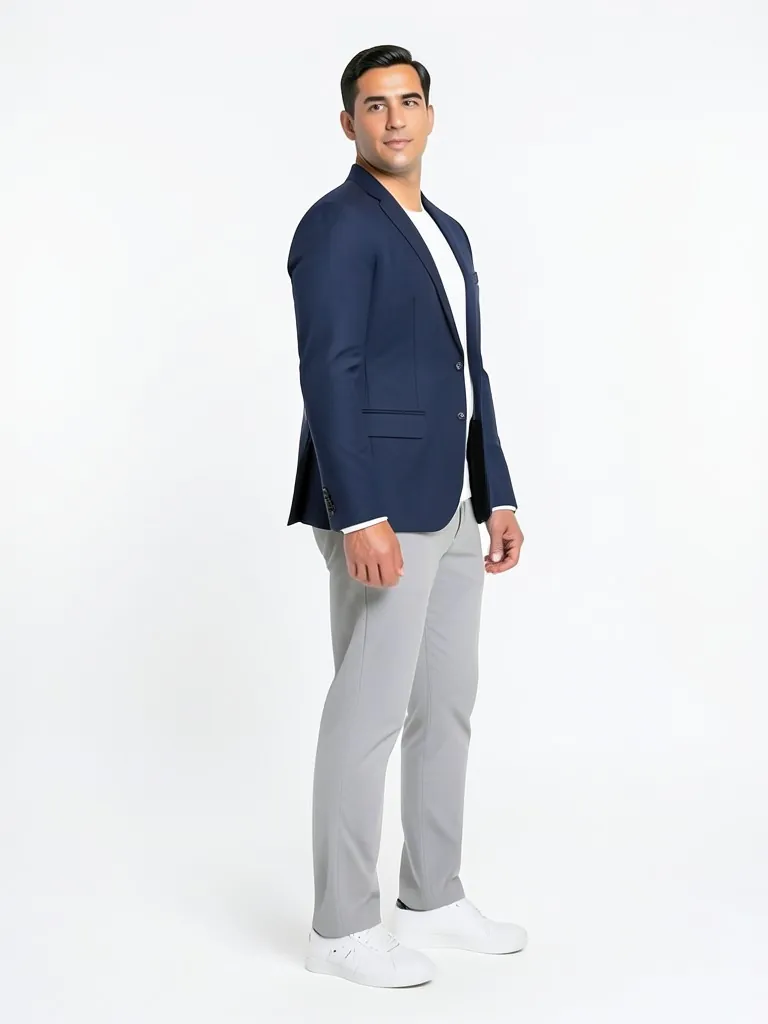
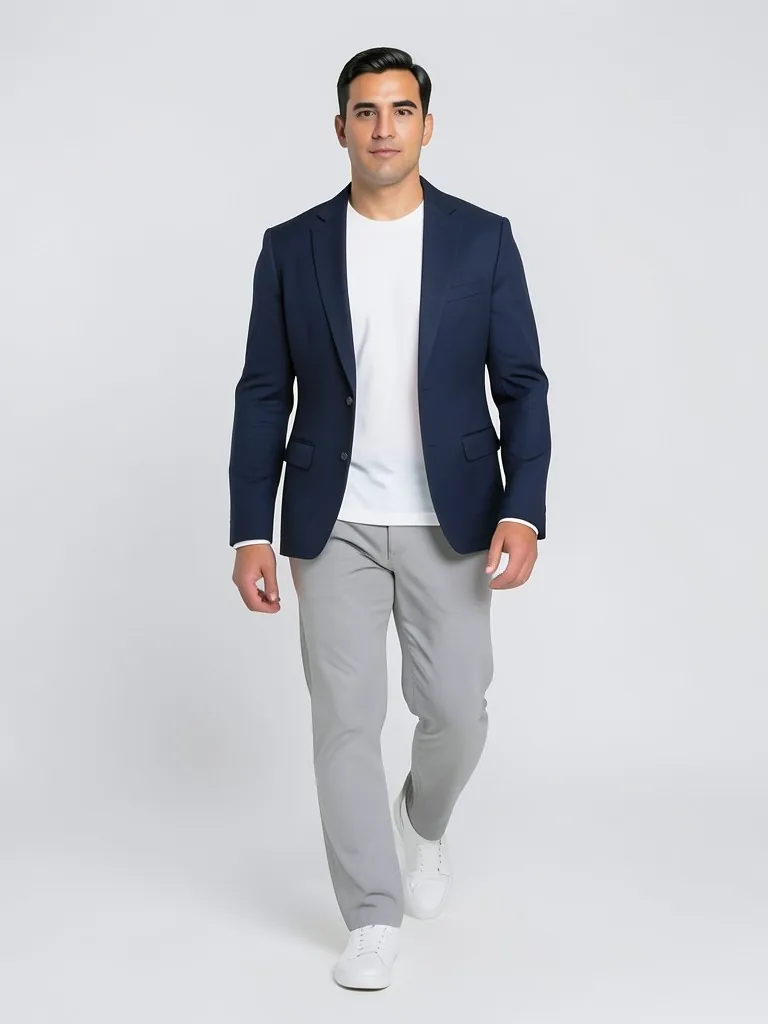
Features
Made for clothing
Poses are the ones catalog and runway shoots use, chosen to show how a garment fits and moves.
Consistent model
Face, hair and body are kept, so the whole gallery shows one model.
Outfit kept intact
Color, print, logo and length are kept, and the outfit stays fully in frame.
Quick gallery
A full set of poses in minutes instead of a reshoot.
How It Works
Upload one model photo
A clear, well-lit photo of one adult model wearing your item, full body if you sell dresses, trousers or outfits.
Pick a pose
Start with three-quarter and back view: they are the two shots shoppers miss most.
Choose framing and background
Keep the same background for every pose so the gallery looks like one shoot.
Generate the set
Generate one pose at a time, check each against the real garment and download the best.
Use Cases
Product pages
Give each product the 4-6 image gallery shoppers expect, from one photo.
Key Benefits:
- •Front, three-quarter and back
- •Same model in every image
- •No extra studio day
AI model photos
Made a model photo with another tool on this site? Generate more poses of the same model.
Key Benefits:
- •Pairs with the AI fashion model tools
- •Keeps your chosen model
- •Fills the gallery fast
Ads and social
Runway walk and movement poses make scroll-stopping ads and reels covers.
Key Benefits:
- •Dynamic poses
- •Fabric in motion
- •Test several looks at once
Frequently Asked Questions
It is a tool that creates a new photo of a person in a different pose. This one is built for fashion: you upload one model photo and it generates the same model and outfit in catalog, runway, back view or editorial poses for your product pages.
The pose changer keeps your original background and changes only the pose, for any photo. The pose generator restages the model on a studio or lifestyle background, with poses chosen for selling clothes, so you can build a consistent product gallery.
Yes. Upload a photo of an adult model wearing the item: a real photo you have the rights to, or an AI model photo. Sharp, evenly lit, full-body photos work best.
From a front photo the AI cannot see the back of the garment, so it imagines it from the front: plain garments come out well, but back prints, zips or cut-outs may differ. Check it against the real item, and upload a back photo if the back matters.
The model in the result is the person in the photo you upload. Only use photos of yourself, of adult models who agreed, or AI model photos, and never photos of children.
Yes, a free account. Upload a garment and press the button, then sign up free to see your first photo. After that, more photos use credits from your free account or a plan; see the pricing page.
Put your clothes on an AI model
Turn a hanger, flat lay or mannequin photo into an on-model photo, a lookbook shot or a new pose.
- Put Clothes on an AI Model
- Mannequin to Model
- Flat Lay to Model
- AI Garment Photoshoot
- AI Lookbook Generator
- AI Outfit Generator
- AI Pose Changer