AI Tools (5318)
Description Generator (19)
FREE- AI Description Generator
- Product Description Generator
- Outfit Description Generator
- Product Description Writer
- AI Business Description Generator
Name Generator (50)
FREE- Product Name Generator
- Restaurant Name Generator
- Project Name Generator
- Cafe Name Generator
- Coffee Shop Name Generator
Upload Your Clothing Photo
Tell the AI where the garment goes, so it styles the rest of the outfit plainly.
Who should wear your product. Showing more than one model helps shoppers picture the fit.
Use white for the main listing image; lifestyle scenes work well as extra photos.
Full body for dresses, trousers and outfits; waist-up for tops and jackets.
The options below are optional and already filled in.
Preview
Preview
Your image will appear here
Upload an image and click Generate to see your AI-enhanced preview
AI Models for Clothing Brands
Turn a phone photo of each piece into lookbook, campaign and product page shots on realistic adult AI models.
Overview
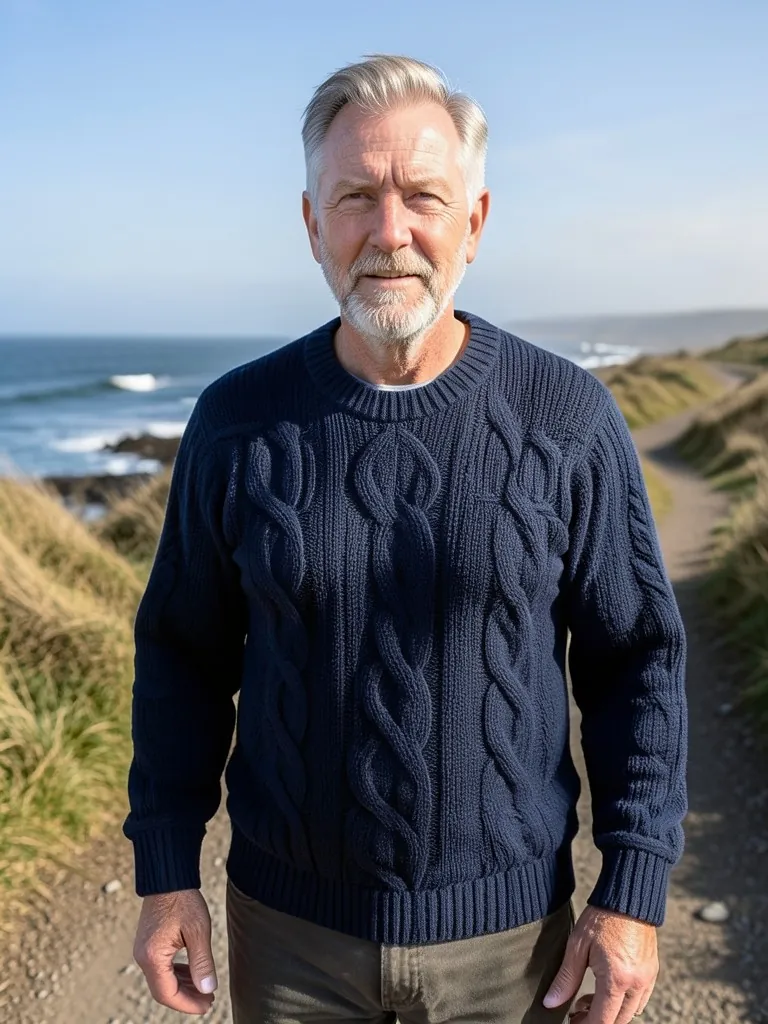
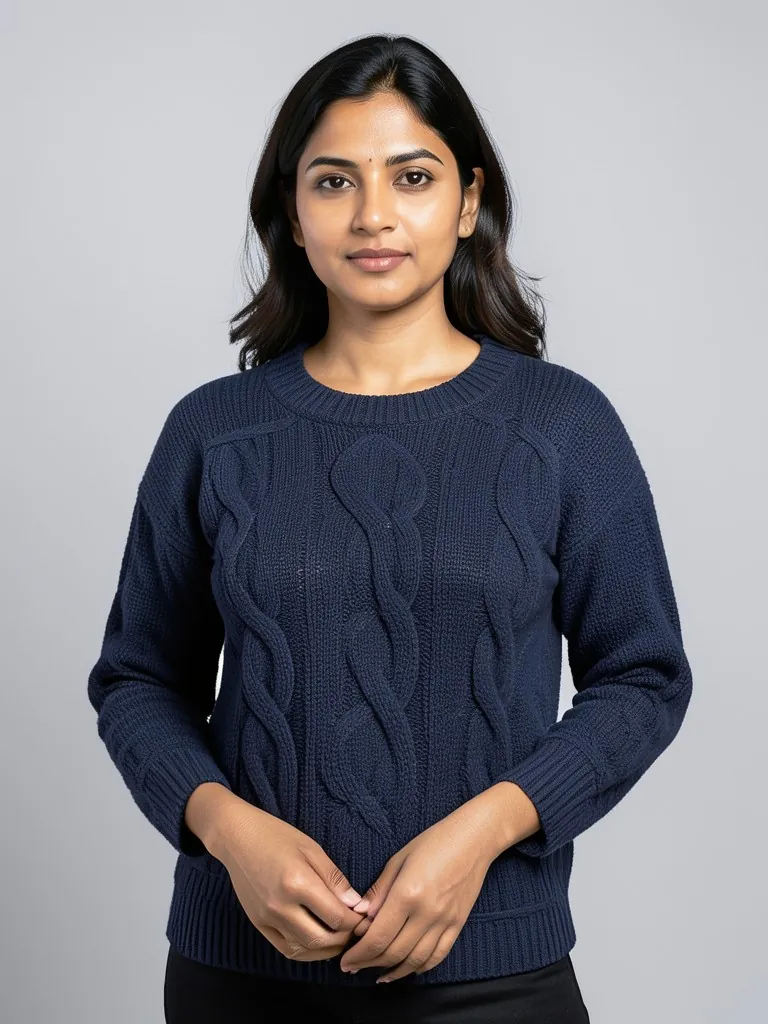
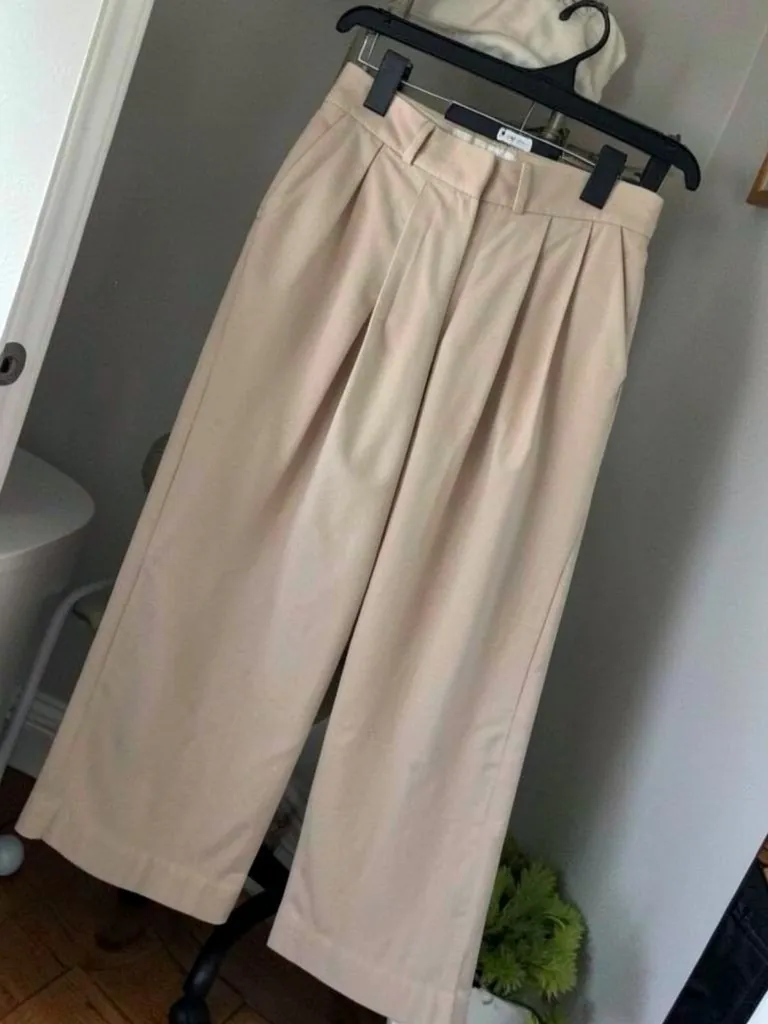
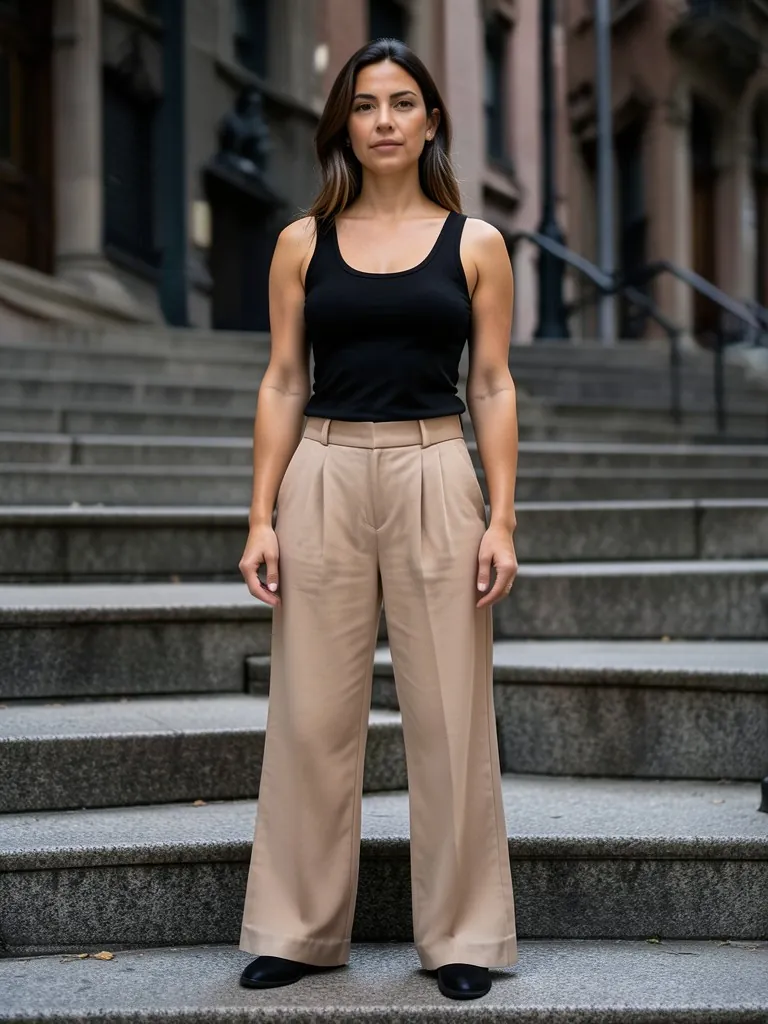
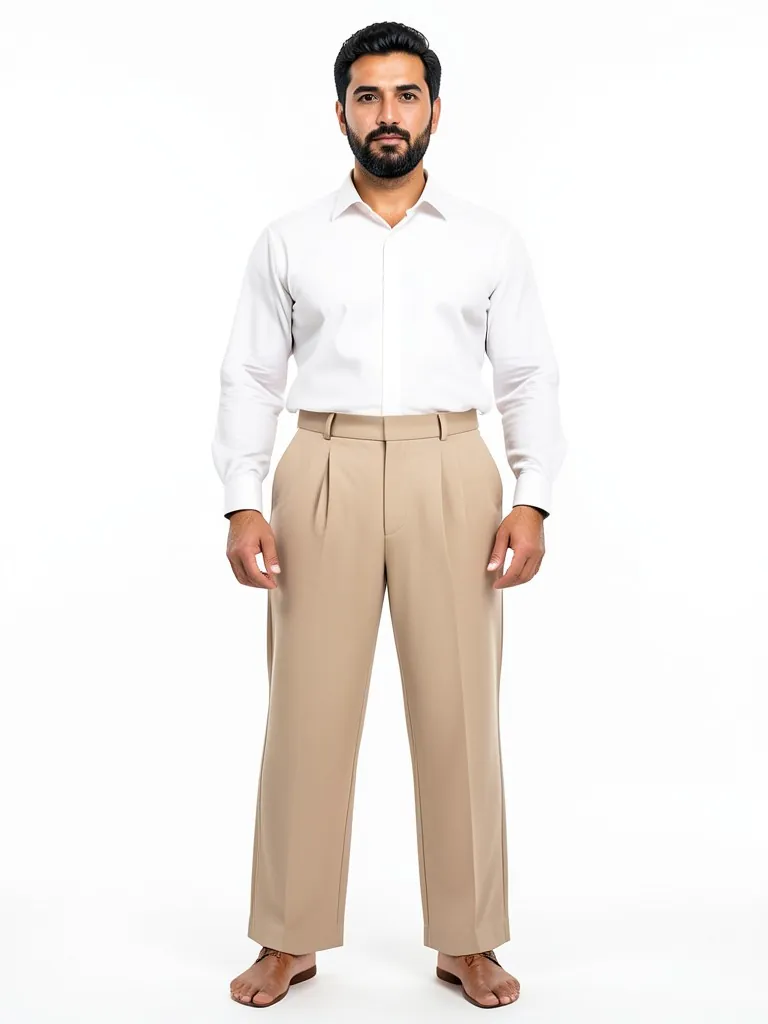
A new collection needs three kinds of photos: product page shots on a plain background, a lookbook that shows how pieces style together, and campaign images for ads and social. Booking models, a studio and a photographer for every drop is the slowest and most expensive part of a launch. Here you upload one photo of each garment, on a rail, a hanger or folded on a shelf, and choose an adult model, a pose and a background. The AI dresses the model in that exact piece: same color, fabric, pattern and fit. You can show the same overshirt on a man and a woman, or the same sweater on models of different ages, so the whole range is shown on the customers you sell to.
- •First photo free with a free account
- •Product page, lookbook and campaign shots from one garment photo
- •Adult AI models of many ages, sizes and ethnicities
- •Your garment kept: color, fabric, pattern and fit
- •No model fees or releases
Example Results
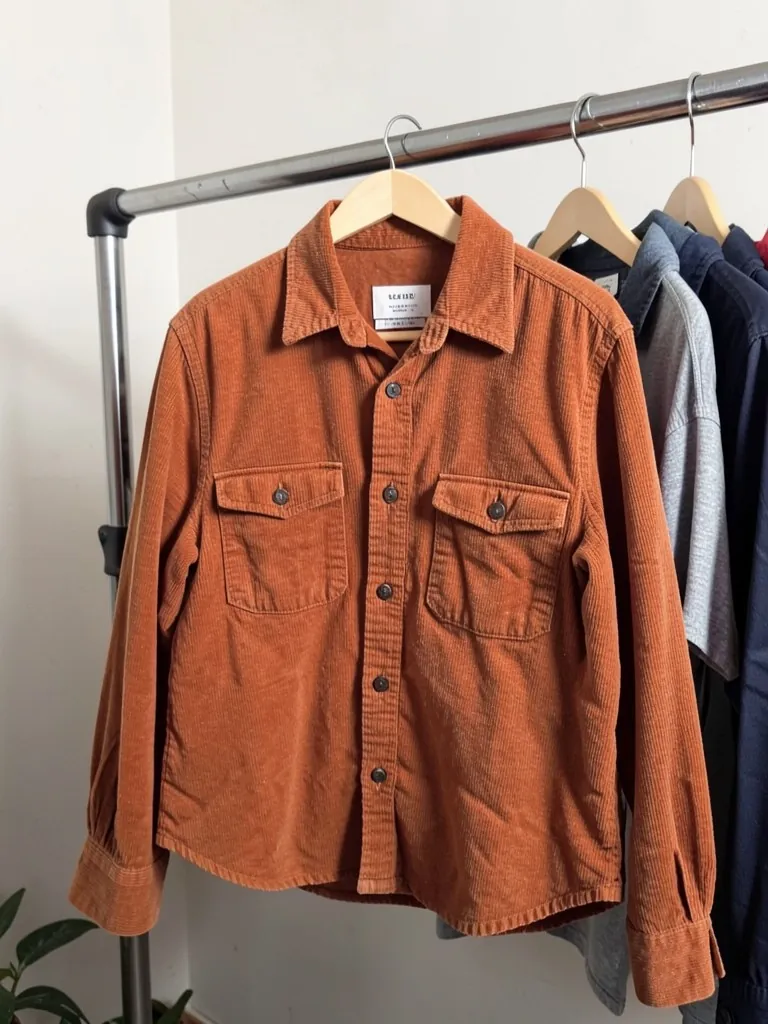
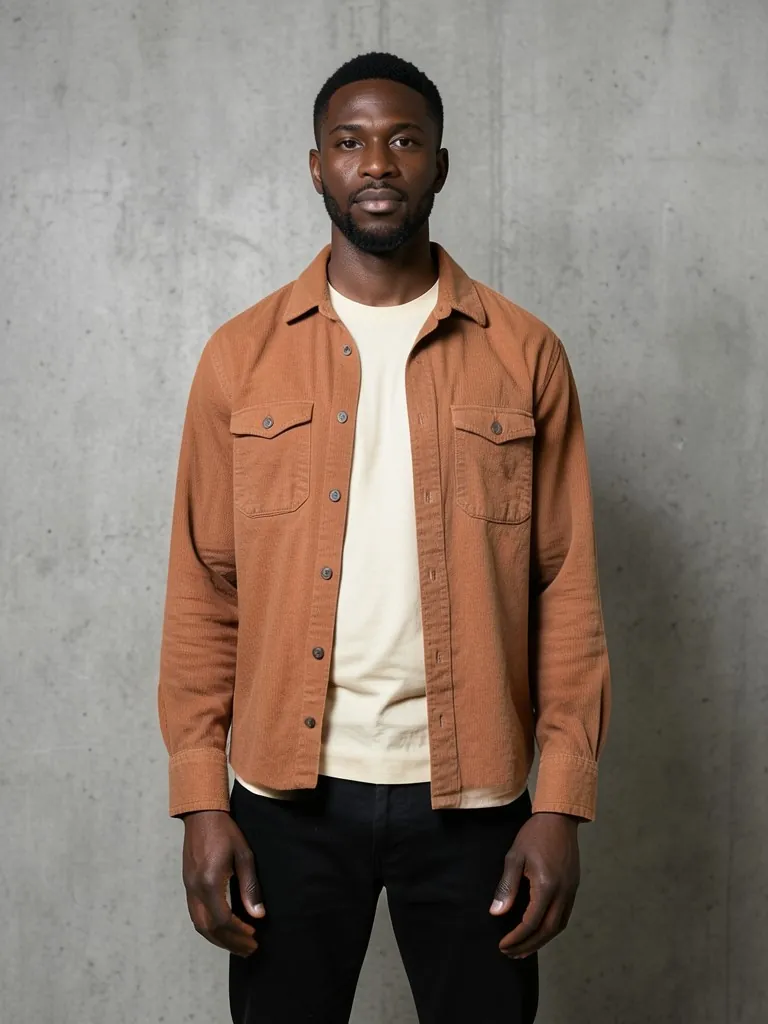
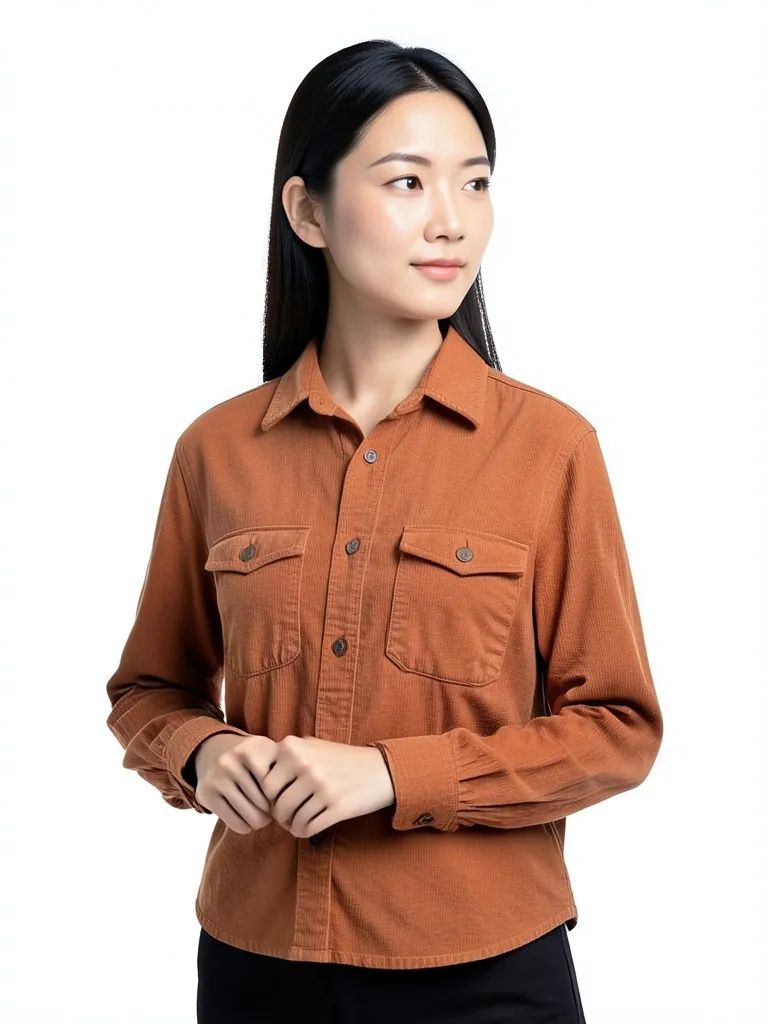
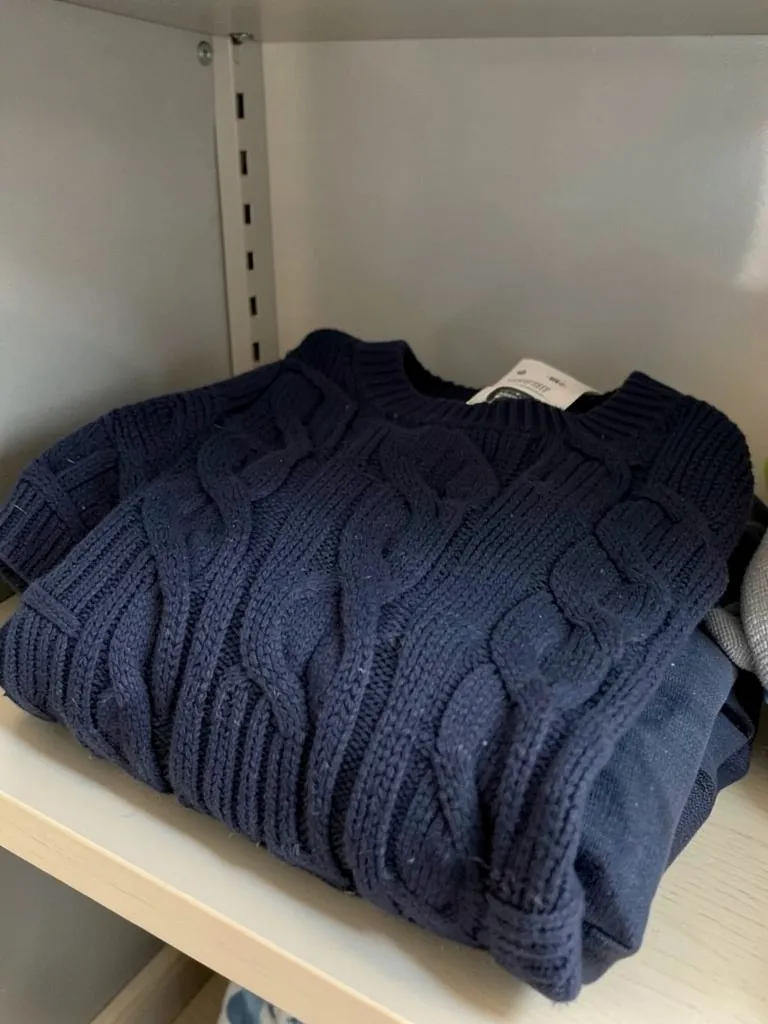
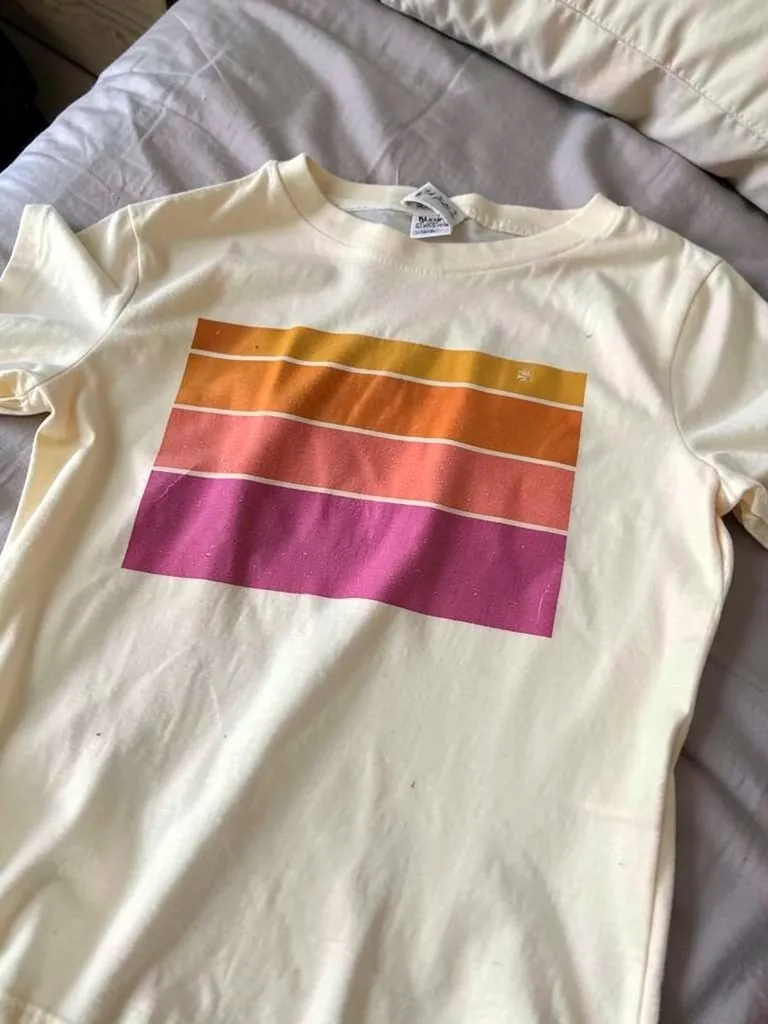
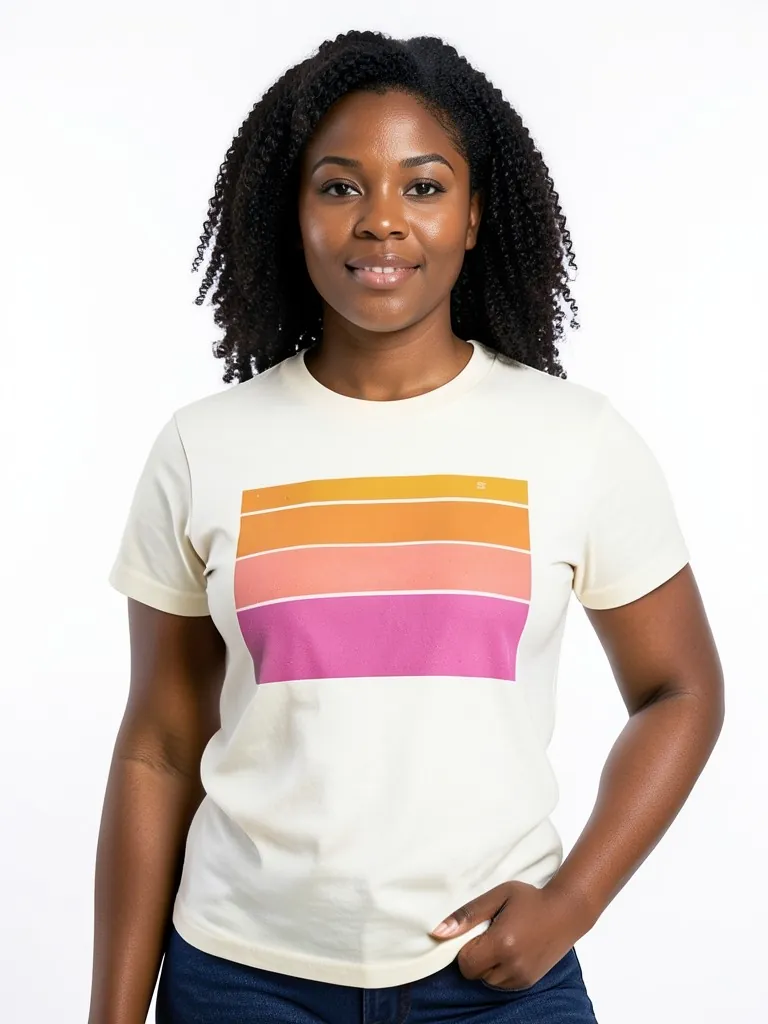
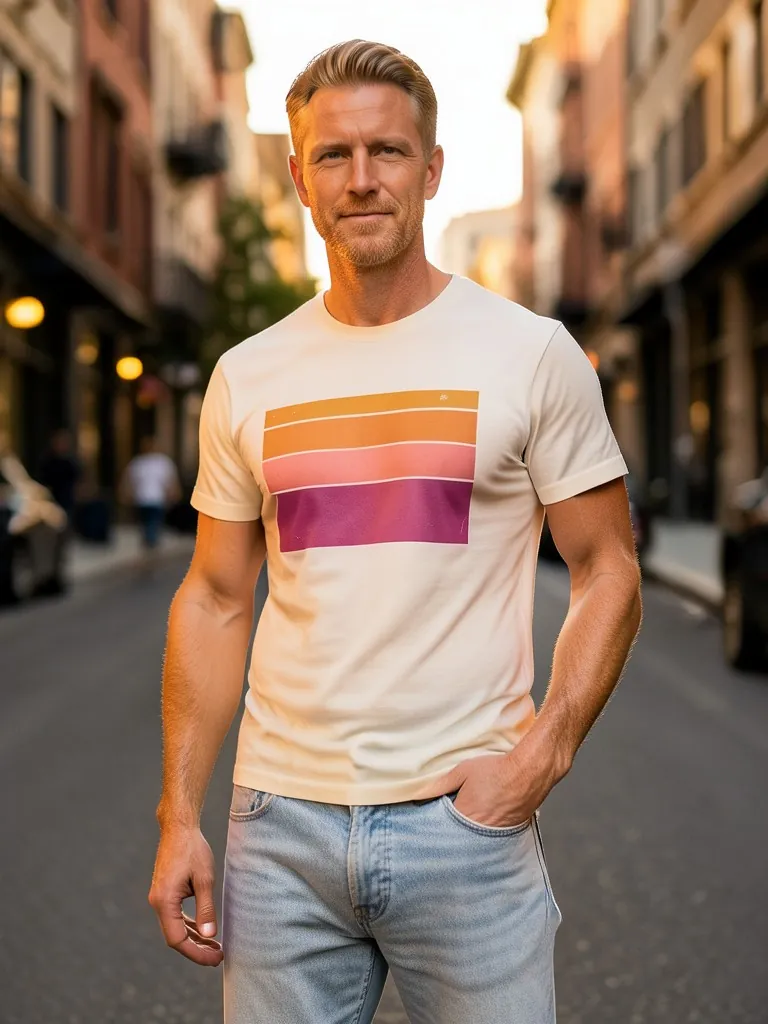
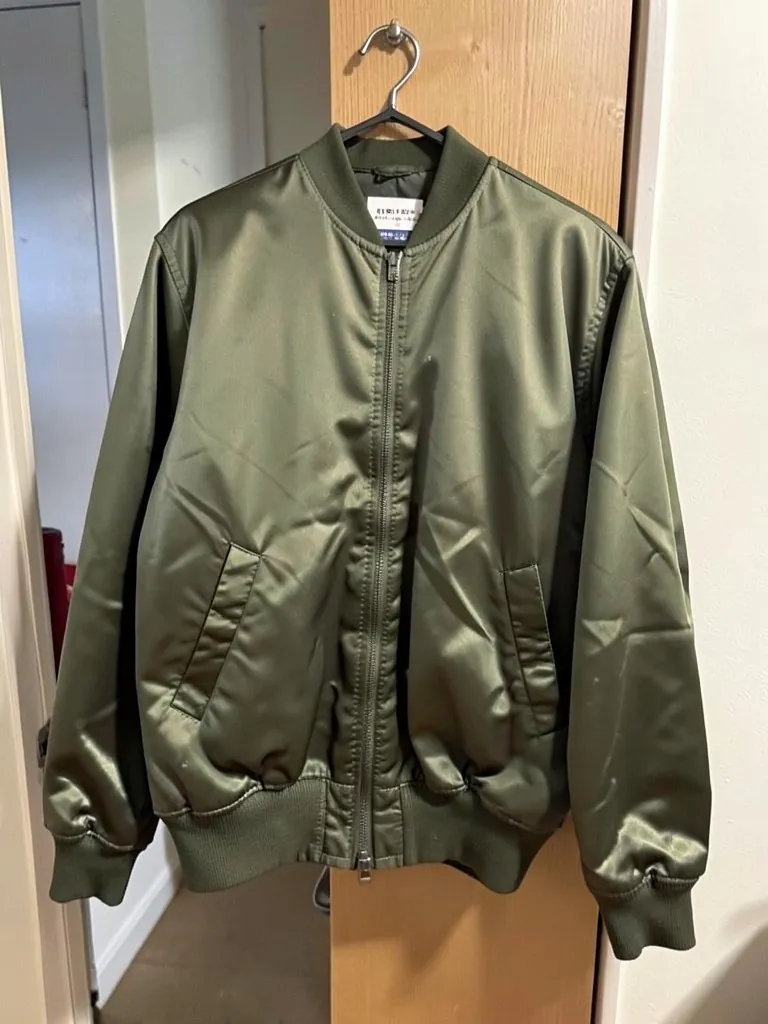
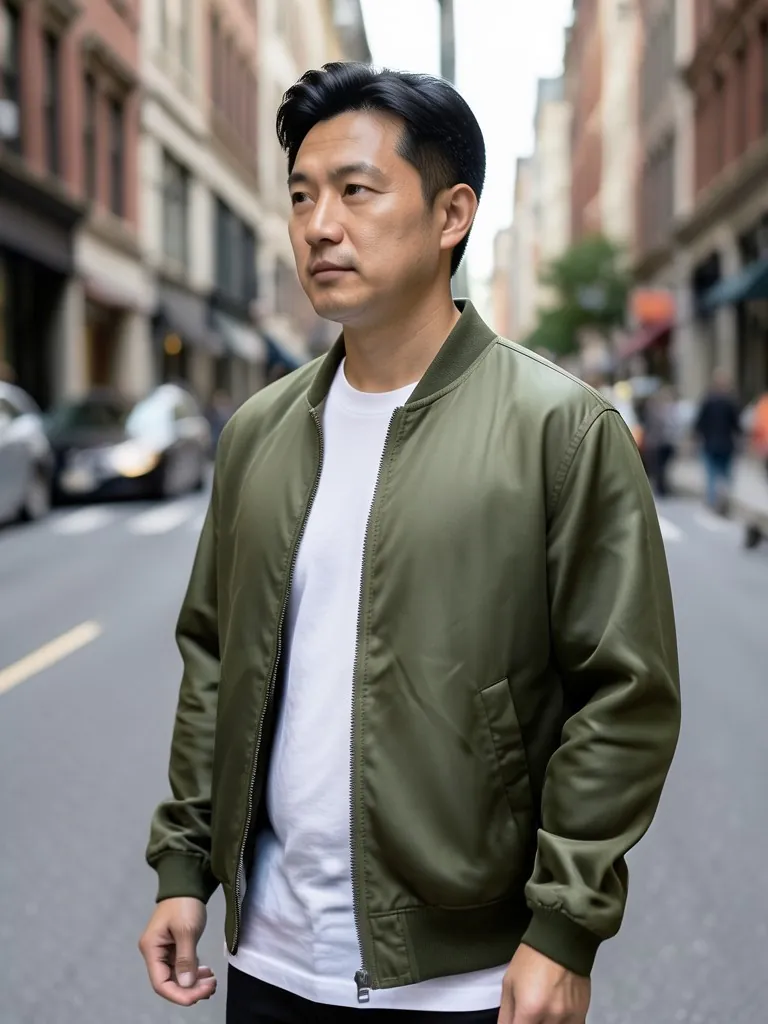
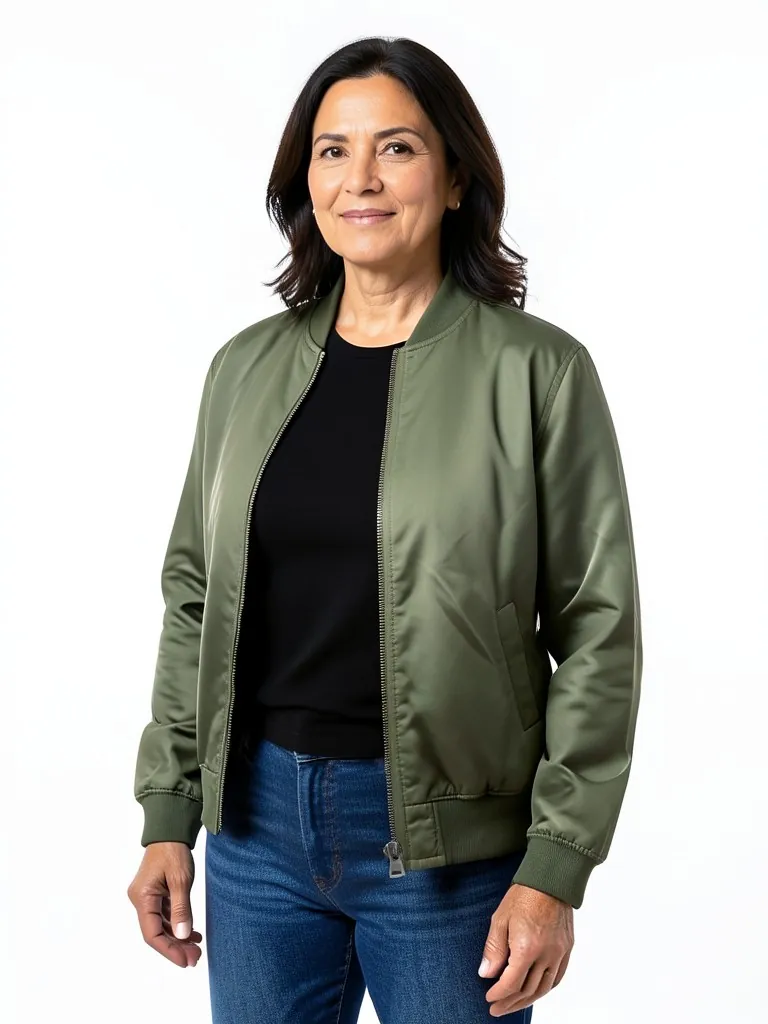
How It Works
Photograph each piece
On a rail, a hanger or folded flat. One clear phone photo per garment is enough.
Say what it is and pick the model
Top, bottom, dress or outerwear, then the adult model, age and size.
Pick the shot
White or grey studio for the product page, street or outdoor scenes for the lookbook and campaign.
Check and publish
Compare color and details with the real garment, then download.
Frequently Asked Questions
For product page, lookbook and social images, yes. Many brands use AI model photos for new drops and keep real shoots for hero campaigns. The examples on this page started as plain phone photos of each garment.
The AI is told to keep the color, fabric, pattern, logo and length. Small details can change, so check every image against the real piece before you publish.
Before you publish, compare each shot with the real piece: color under daylight, buttons and pockets, stitching, logo and hem length.
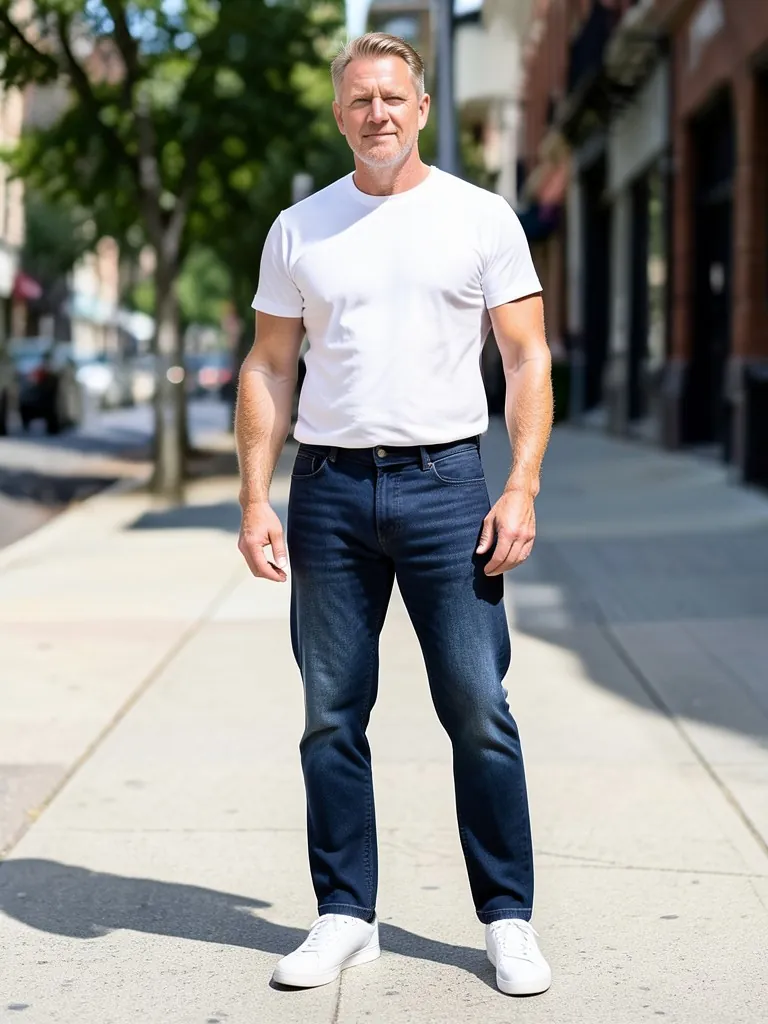
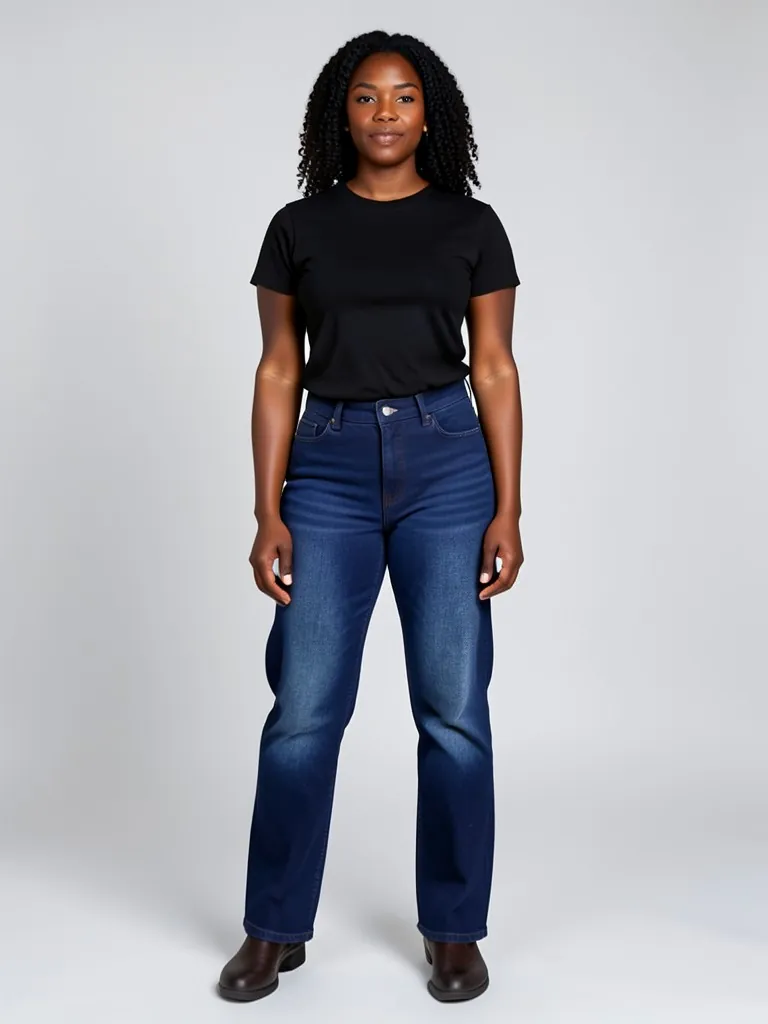
Yes. Generate the same garment again with another model, age or size. The examples show each piece on two different adult models.
No. Every model is generated by AI and is an adult. No real person is used, so you do not need model releases.
Yes, for your store, marketplaces, social posts and ads.
Your first photo is free with a free account: upload a garment, pick the model and press the button, then sign up free to see it. More photos use credits; see the pricing page.
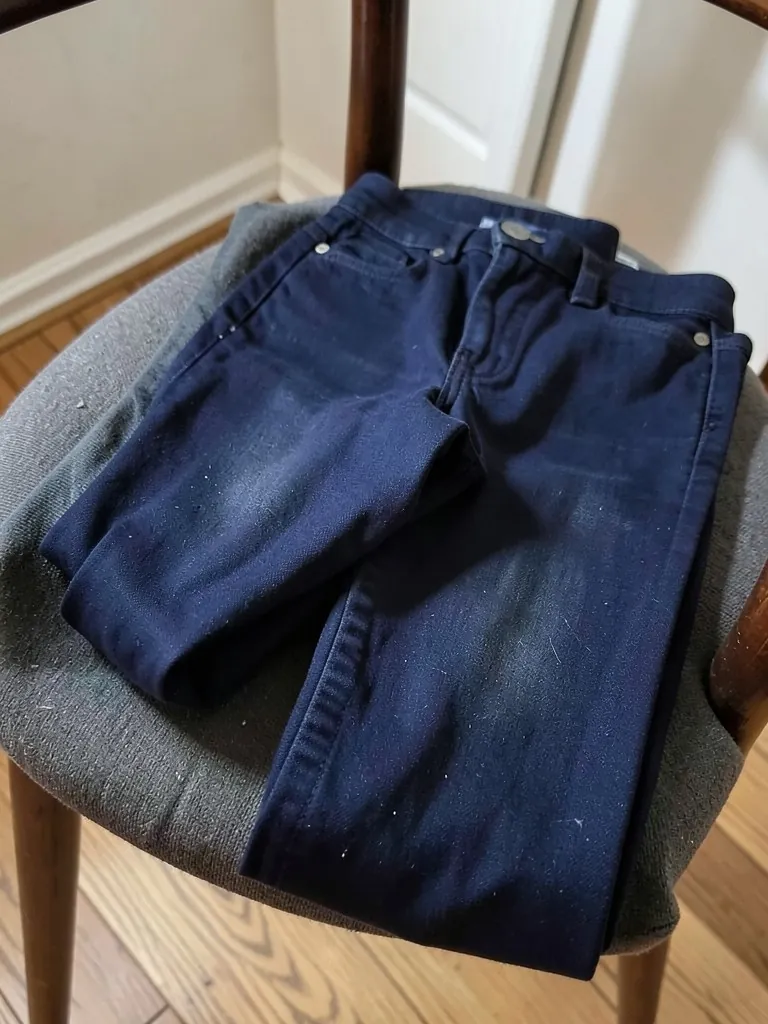
Yes. The jeans, T-shirt and jacket examples on this page started as phone photos: jeans folded on a chair, a T-shirt laid flat on a bed and a jacket on a hanger on a door.
All tools: Put your clothes on an AI model
Turn a hanger, flat lay or mannequin photo into an on-model photo, a lookbook shot or a new pose.
- Put Clothes on an AI Model
- Mannequin to Model
- Flat Lay to Model
- AI Garment Photoshoot
- AI Lookbook Generator
- AI Outfit Generator
- AI Pose Generator
- AI Pose Changer