AI Tools (5318)
Description Generator (19)
FREE- AI Description Generator
- Product Description Generator
- Outfit Description Generator
- Product Description Writer
- AI Business Description Generator
Name Generator (50)
FREE- Product Name Generator
- Restaurant Name Generator
- Project Name Generator
- Cafe Name Generator
- Coffee Shop Name Generator
Upload Your Clothing Photo
Tell the AI where the garment goes, so it styles the rest of the outfit plainly.
Show your piece on more than one woman so shoppers can picture the fit on their own body.
White for the main listing image; lifestyle scenes work well as extra photos.
Full body for dresses, trousers and outfits; waist-up for tops and jackets.
The options below are optional and already filled in.
Preview
Preview
Your image will appear here
Upload an image and click Generate to see your AI-enhanced preview
AI Female Model Generator: Dress a Realistic Woman Model in Your Clothes
Upload your garment, pick a woman model, and get a realistic on-model photo for your store.
Overview
Most women's clothing is bought by people trying to picture it on themselves, so the model matters as much as the garment. This tool dresses a realistic adult woman in your piece from the product photo you already have. You choose her age range, build and skin tone, from a slim model in her twenties to a curvy plus-size model, a petite model or a woman in her fifties, then the pose, framing and background. The garment keeps its color, print and details, so the picture shows your real product and not a lookalike.
- •First photo free with a free account
- •Adult women only: 20s to 50s, slim, athletic, curvy, plus-size and petite
- •Skin tones and hair from many backgrounds
- •Works from flat lay, hanger, mannequin or packshot photos
- •Studio or lifestyle backgrounds, five poses, three framings
Example Results
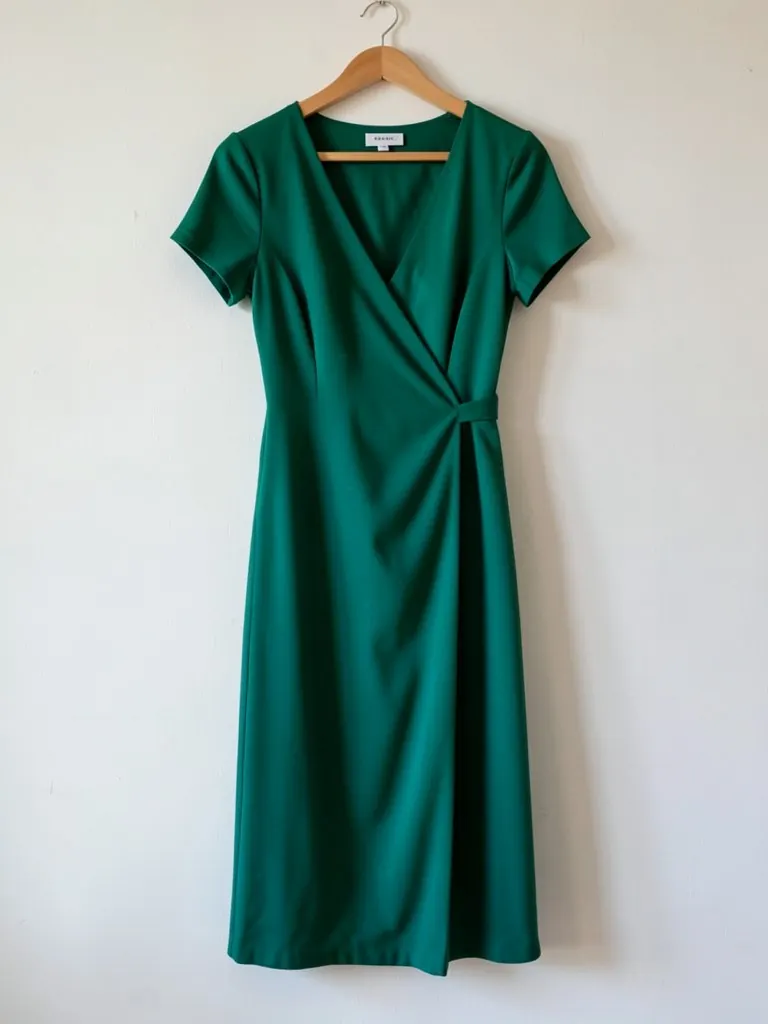
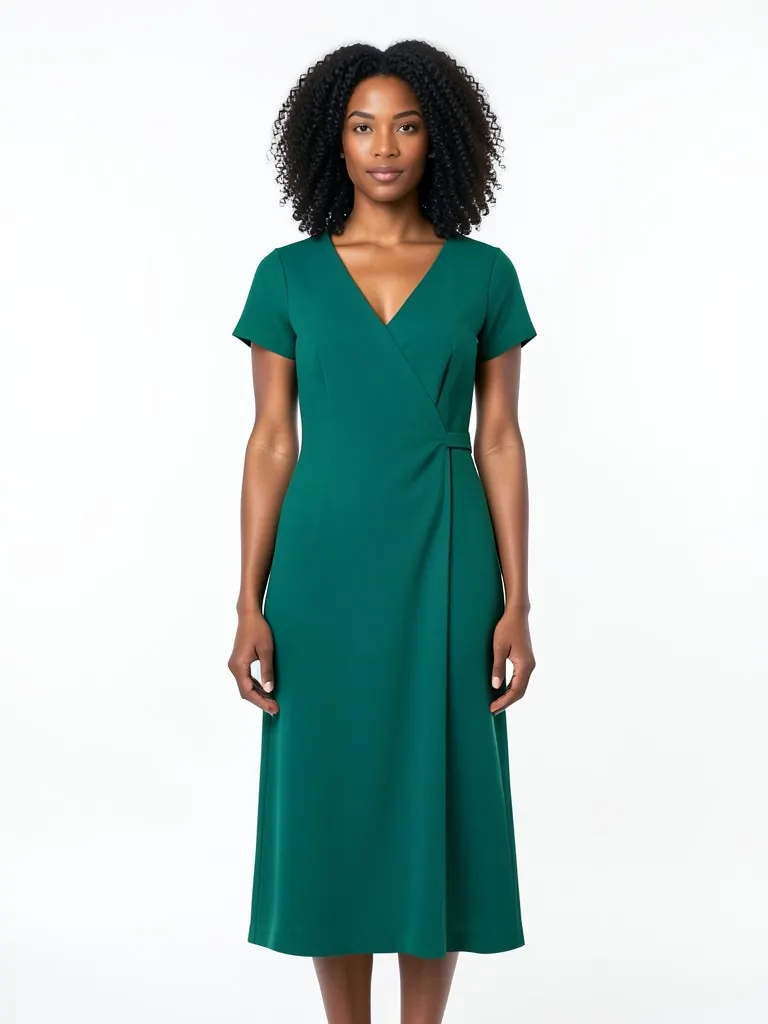
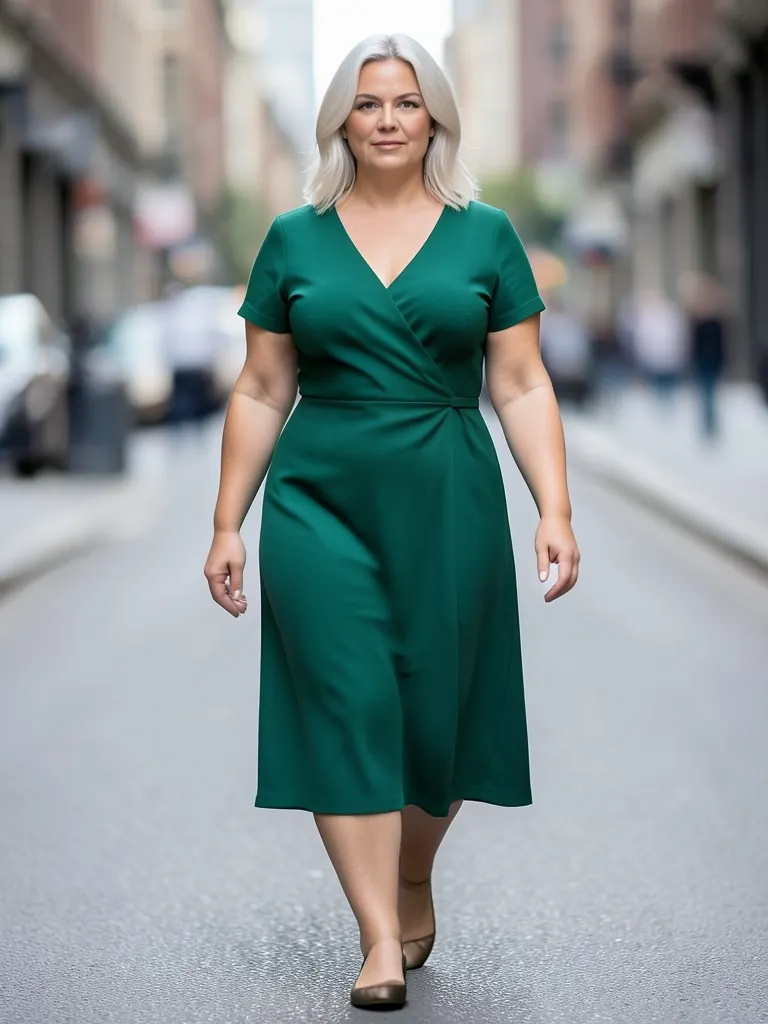
Features
Real body diversity
Slim, athletic, curvy, plus-size and petite women, so the photo answers 'how will it look on me?'.
Your garment, not a lookalike
Color, print, pattern, neckline, sleeve and hem length are kept from your photo.
Studio or lifestyle
Clean white for marketplace main images, home, street and outdoor scenes for social and ads.
Adults only
Every model is an adult woman. The tool does not make pictures of children.
How It Works
Upload your clothing photo
Flat lay, hanger, mannequin or packshot. Make sure the whole garment is visible and in focus.
Choose the woman model
Pick an age range, build and look. Run the same garment on two or three models to show the fit on different bodies.
Set pose, framing and background
Full body for dresses and trousers, waist-up for tops. White for the main image, lifestyle for extra photos.
Generate and compare
Check the result against the real garment, then download it for your product page or ad.
Use Cases
Women's fashion stores
Show each dress, top or set on several women, so the product page works for more shoppers.
Key Benefits:
- •Size-inclusive product photos
- •No model booking per drop
- •Consistent white main images
Marketplace and resale listings
Turn a quick photo of a dress on a hanger into an on-model photo for Etsy, eBay, Poshmark or Depop.
Key Benefits:
- •Stands out in search results
- •Shows fit and length
- •Made in minutes
Social posts and ads
Lifestyle shots of your pieces on different women for Instagram, Pinterest and paid ads.
Key Benefits:
- •Fresh creative for every post
- •Match the audience of each ad
- •Street, home and outdoor scenes
Frequently Asked Questions
It is a tool that creates a realistic photo of a woman model wearing your own garment. You upload a photo of the clothing, choose the model, pose and background, and the AI renders the on-model picture. It replaces a studio shoot for product and listing photos.
No. Each model is generated by AI and is not a photo of a real person, so you do not need model releases. Do not present the photos as a real named person.
Yes. Choose a plus-size, curvy or petite model in the Woman model menu. Showing the same piece on two body types is one of the best ways to reduce returns from fit surprises.
Dresses, tops, shirts, knitwear, jackets, trousers and matching sets all work. Lingerie and swimwear are not supported.
The AI is told to keep color, print, logo and stitching. Simple garments come out closest; fine text, tiny logos and sheer fabrics are the hardest. Compare the result with the real item before you publish.
Yes, a free account. Upload a garment and press the button, then sign up free to see your first photo. After that, more photos use credits from your free account or a plan; see the pricing page.
AI fashion models by type
Pick the model that fits your customer: men, women, plus size, petite, over 50, Asian, and models for saree, abaya or evening wear.
- AI Male Model
- AI Men's Fashion Photography
- AI Asian Model
- AI Asian Male Model
- Plus Size AI Model
- AI Petite Model
- AI Models Over 50
- AI T-Shirt Model
- AI Evening Gown Model
- AI Saree Model
- AI Kurti Model
- AI Lehenga Model
- AI Abaya Model
- AI Hijab Model
- AI Hair Accessories Model