AI Tools (5318)
Description Generator (19)
FREE- AI Description Generator
- Product Description Generator
- Outfit Description Generator
- Product Description Writer
- AI Business Description Generator
Name Generator (50)
FREE- Product Name Generator
- Restaurant Name Generator
- Project Name Generator
- Cafe Name Generator
- Coffee Shop Name Generator
Upload Your Gown Photo
The options below are optional and already filled in.
Preview
Preview
Your image will appear here
Upload an image and click Generate to see your AI-enhanced preview
AI Evening Gown Model: See Your Gown Worn at an Event
Upload a gown on a hanger or dress form and see it worn full length, train and beading included.
Overview
An evening gown on a hanger hides everything that sells it: how the satin falls, how far the train sweeps, how the beading catches the light. Shooting every gown on a model for a formalwear or bridesmaid range is expensive, and rentals and resale listings rarely get a shoot at all. This tool dresses a realistic adult woman in your gown from the photo you already have and shows it full length, front, side, back or walking, in a studio or an event setting like a ballroom or a garden at dusk. The gown keeps its color, fabric, neckline, slit and train.
- •First photo free with a free account
- •Always full length, so the hem and train show
- •Satin, chiffon, velvet, sequins and beading
- •Studio, ballroom, staircase and garden settings
- •Adult models in their 20s to 50s, including plus-size
Example Results
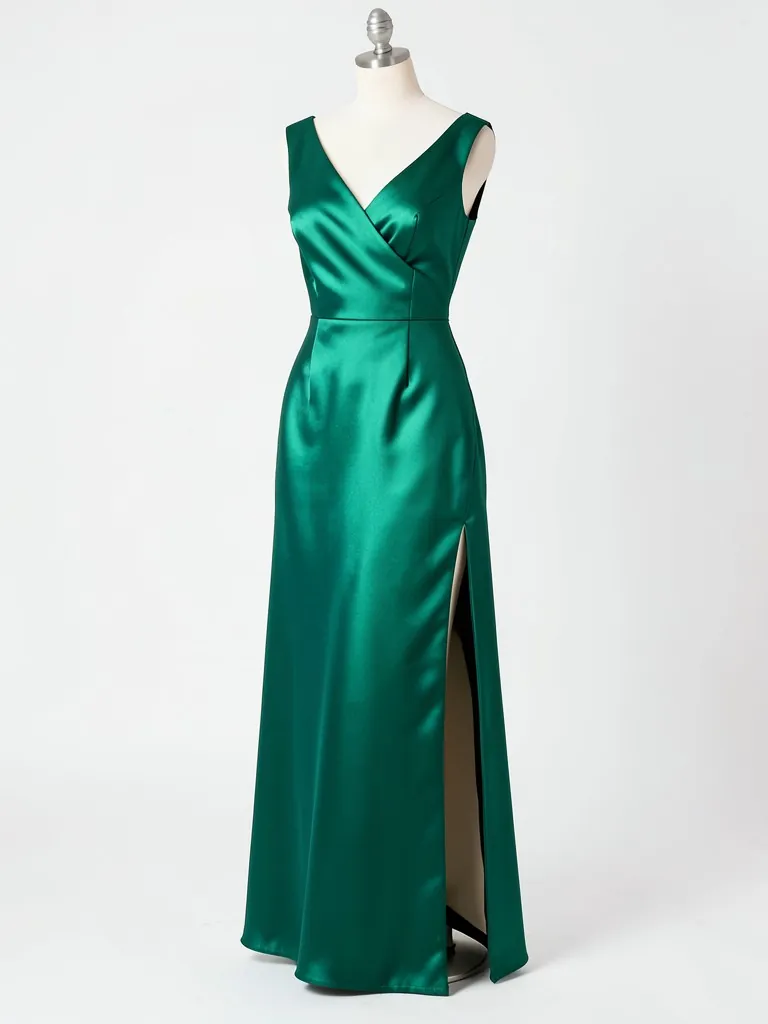
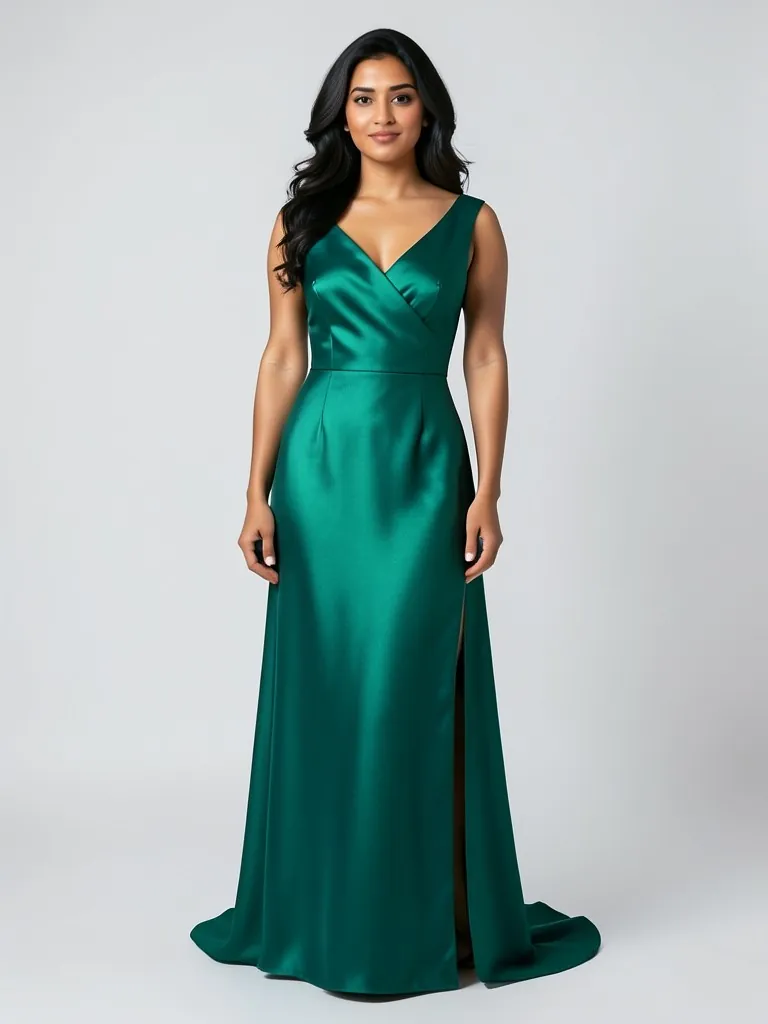
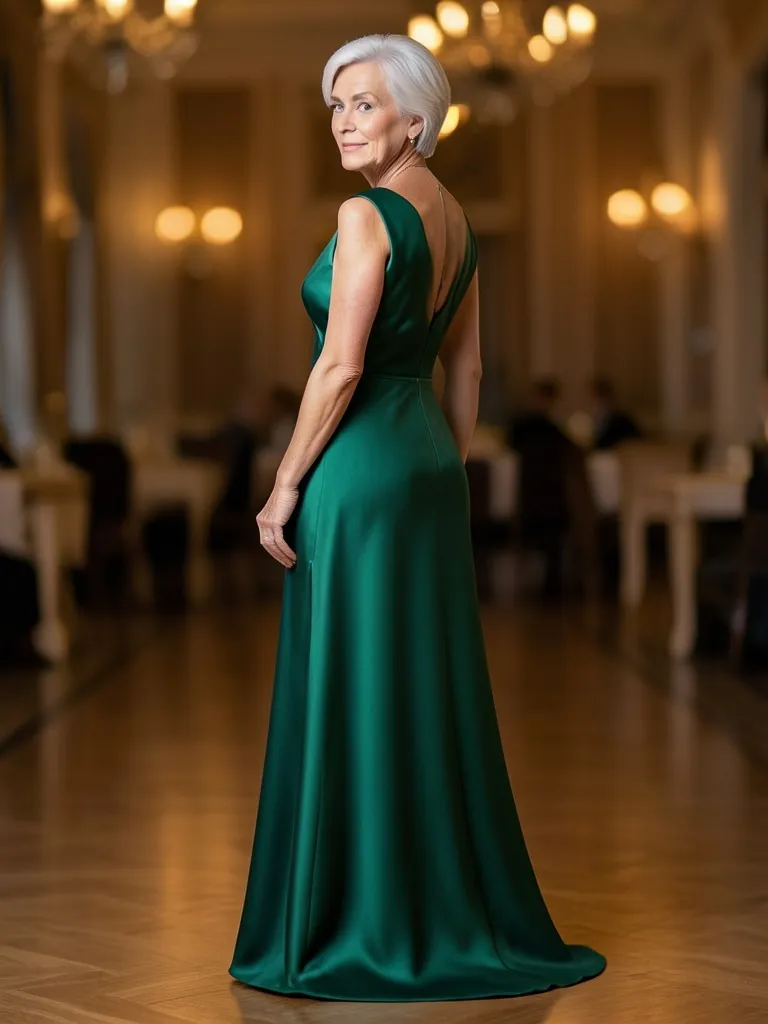
Features
Full length every time
Head-to-toe framing so the hem, slit and train are always in the picture.
Fabric that moves
Satin sheen, chiffon flow and sequin sparkle kept from your photo.
Event settings
Ballroom, marble staircase and garden at dusk, besides plain studios.
Your gown kept
Color, neckline, sleeves, waistline and embellishment are kept from your photo.
How It Works
Photograph the gown
On a hanger, dress form or laid flat, full length and in focus, with the train spread out if it has one.
Pick the model
Age, build, skin tone and hairstyle; elegant updos and chignons are included.
Choose pose and setting
Back view for open backs, walking for flowing skirts; studio for the listing, ballroom or garden for social.
Generate and check the details
Compare the neckline, beading and length with the real gown, then download.
Use Cases
Formalwear and bridesmaid shops
Show each gown in your range on a model, with the same lighting across the collection.
Key Benefits:
- •On-model shot for every style
- •Back views for open backs
- •No studio booking
Gown rental and resale
Turn a hanger photo into a worn photo so renters see the fit and drape before they book.
Key Benefits:
- •More bookings per listing
- •Works from phone photos
- •Event-style backdrops
Wedding guest and gala campaigns
Event-season emails and ads with gowns shown where they are worn.
Key Benefits:
- •Ballroom and garden scenes
- •Several models
- •Fresh images per send
Frequently Asked Questions
The gown on its own, on a hanger, dress form or laid flat, full length and in focus. Spread the train if it has one. Do not upload a photo of a person wearing it.
Floor-length evening, formal, mother-of-the-bride and bridesmaid gowns in satin, crepe, chiffon, velvet or sequins. Heavy lace and very fine beading are the hardest to copy exactly.
No. Every model is generated by AI and is an adult. No real person's face or body is used, so you do not need model releases.
Yes. Choose the back view pose; it works best when your upload shows the back too.
The AI is told to keep color, fabric, neckline, slit and train. Compare the result with the real gown before you publish.
Yes, a free account. Upload a garment and press the button, then sign up free to see your first photo. After that, more photos use credits from your free account or a plan; see the pricing page.
AI fashion models by type
Pick the model that fits your customer: men, women, plus size, petite, over 50, Asian, and models for saree, abaya or evening wear.
- AI Male Model
- AI Men's Fashion Photography
- AI Female Model Generator
- AI Asian Model
- AI Asian Male Model
- Plus Size AI Model
- AI Petite Model
- AI Models Over 50
- AI T-Shirt Model
- AI Saree Model
- AI Kurti Model
- AI Lehenga Model
- AI Abaya Model
- AI Hijab Model
- AI Hair Accessories Model