Depop Description Generator
Type what you are selling and get a Depop-ready description: a first line buyers notice, the fit, the condition with any flaws, your measurements and up to five hashtags that actually describe the item.
Item type, colour, material, fit, style, and anything a buyer would ask about.
Only the brand on the label. The tool never adds other brand names.
Honest flaws mean fewer returns and better reviews.
Measured flat. They are copied exactly as you type them.
Words like vintage or deadstock are only used if you type them here.
10 free uses, no signup. Log in for 10 free uses every day.
Example Depop description
What the seller typed
What the tool wrote
What makes a good Depop description
Depop buyers scroll fast on their phones, so the first line has to tell them what the item is, who made it and what size it is. After that, a short note on the fit and one way to wear it does more than a long paragraph.
The listing that sells is usually the honest one: the real condition, every flaw, and measurements so the buyer can compare it to clothes they already own. That also saves you from returns and bad reviews.
- First line: brand, item, one standout detail and size.
- Two to four short sentences on fit, feel and styling.
- Condition and flaws, written plainly.
- Measurements taken flat, in cm or inches.
- Up to 5 hashtags about the item itself: type, colour, style, era.
Hashtags on Depop: fewer and relevant
Depop lets you add up to five hashtags. Seller guides agree that tagging brands you are not selling, or adding vintage or deadstock to items that are not, can get a listing removed. This tool only writes hashtags about your item and only uses era words you typed yourself.
How to use the generator
- Describe the item in your own words. Rough notes are fine.
- Add the brand and size exactly as they appear on the label.
- Pick the condition and list any flaws, even small ones.
- Paste your flat measurements if you have them.
- Press the button, read the result, edit anything that is off, and copy it into Depop.
What to photograph for a Depop listing
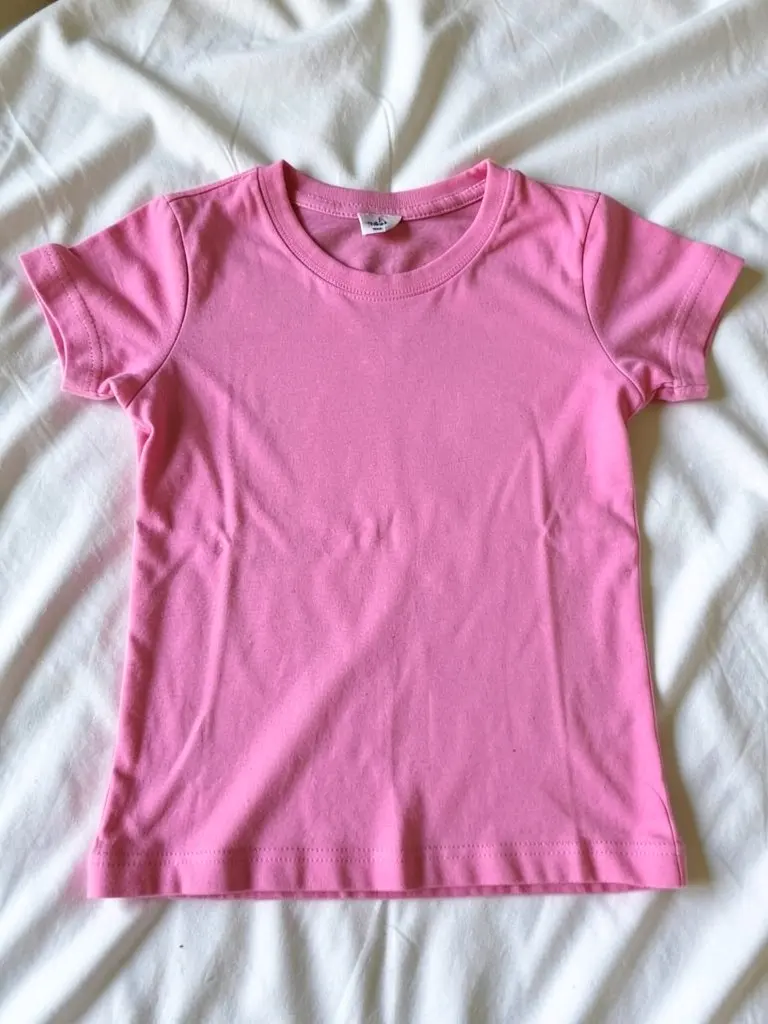
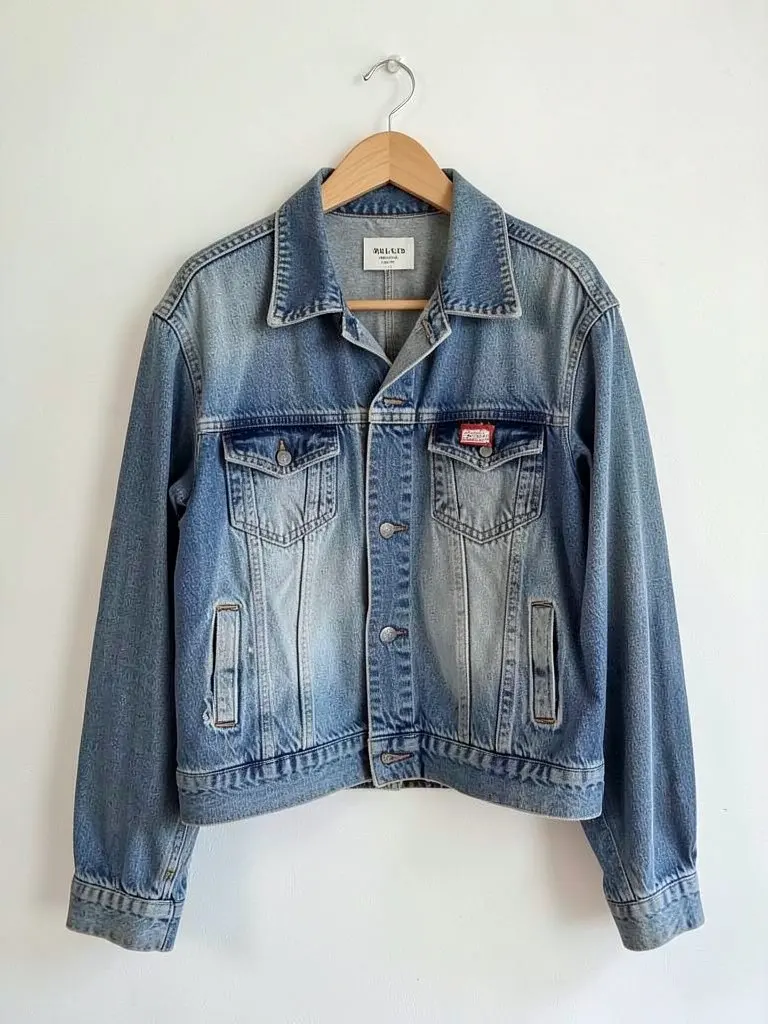
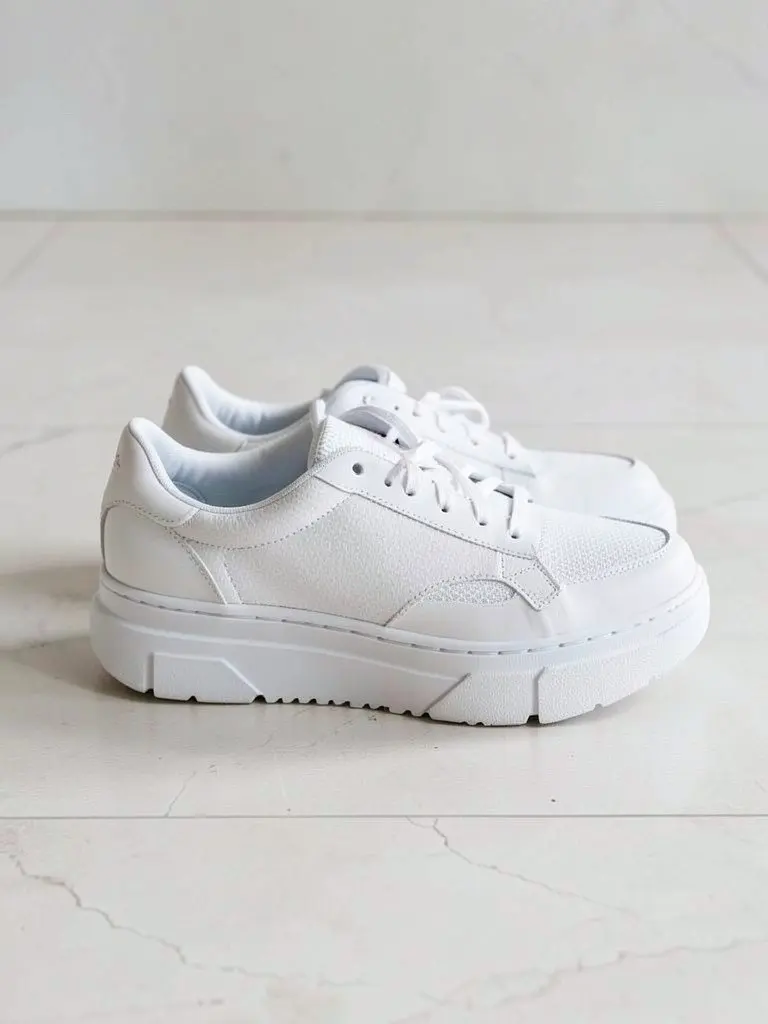
Depop buyers scroll fast, so the first photo has to show the item clearly. A flat lay on a plain sheet, a jacket on a hanger against a wall and a clean shot of shoes from the side are quick to take, and each gives the description something to point at.
These example photos are AI-generated with our own model. They show a baby tee, a vintage denim jacket and a pair of platform sneakers.
FAQ
Is the Depop description generator free?
Yes. You get 10 free descriptions without an account, and 10 free every day after you log in. No card needed.
Does Depop have a title field?
No. Depop shows the start of your description in search and on the listing, so the tool writes a short title-style first line with the brand, item and size.
How many hashtags can I use on Depop?
Up to five. The tool writes at most five, and only ones that describe the item, so you stay within Depop's rules on misleading tags.
Will it make up measurements or materials?
No. It only uses what you type. If you leave measurements empty, it leaves that part out instead of guessing.
Is this made by Depop?
No. This is an independent free tool from AI Fashion Models. It is not affiliated with or endorsed by Depop.
What photos should go with my Depop description?
Take a clear front photo first, then the back, the label, any flaw and one detail shot. Write the description about what the photos show, such as the fit, the fabric and the condition, so the two match.
More free tools for clothing sellers
Sell clothes online: listings and fees
Write listings for Depop, Vinted, Poshmark, eBay and Mercari, and work out the fees before you price.
Clothing Description Generator
- Vinted Description Generator
- Poshmark Description Generator
- eBay Clothing Description Generator
- Mercari Description Generator
- Clothing Caption Generator
- Reseller Fee Comparison Calculator
- Depop Fee Calculator
- Depop Shipping Calculator
- Vinted Fee Calculator
- Poshmark Fee Calculator
- Mercari Fee Calculator
- Etsy Fee Calculator
- TikTok Shop Fee Calculator
- eBay Fee Calculator
- Whatnot Fee Calculator
- Grailed Fee Calculator
- How Does Depop Work
- Vinted Reselling Guide
- HMRC and Vinted Sales